DVR Settings
Changing Display Options
Flashback3 & Flashback HD User’s Guide
L3 Mobile-Vision 6.23.2017 Page 119
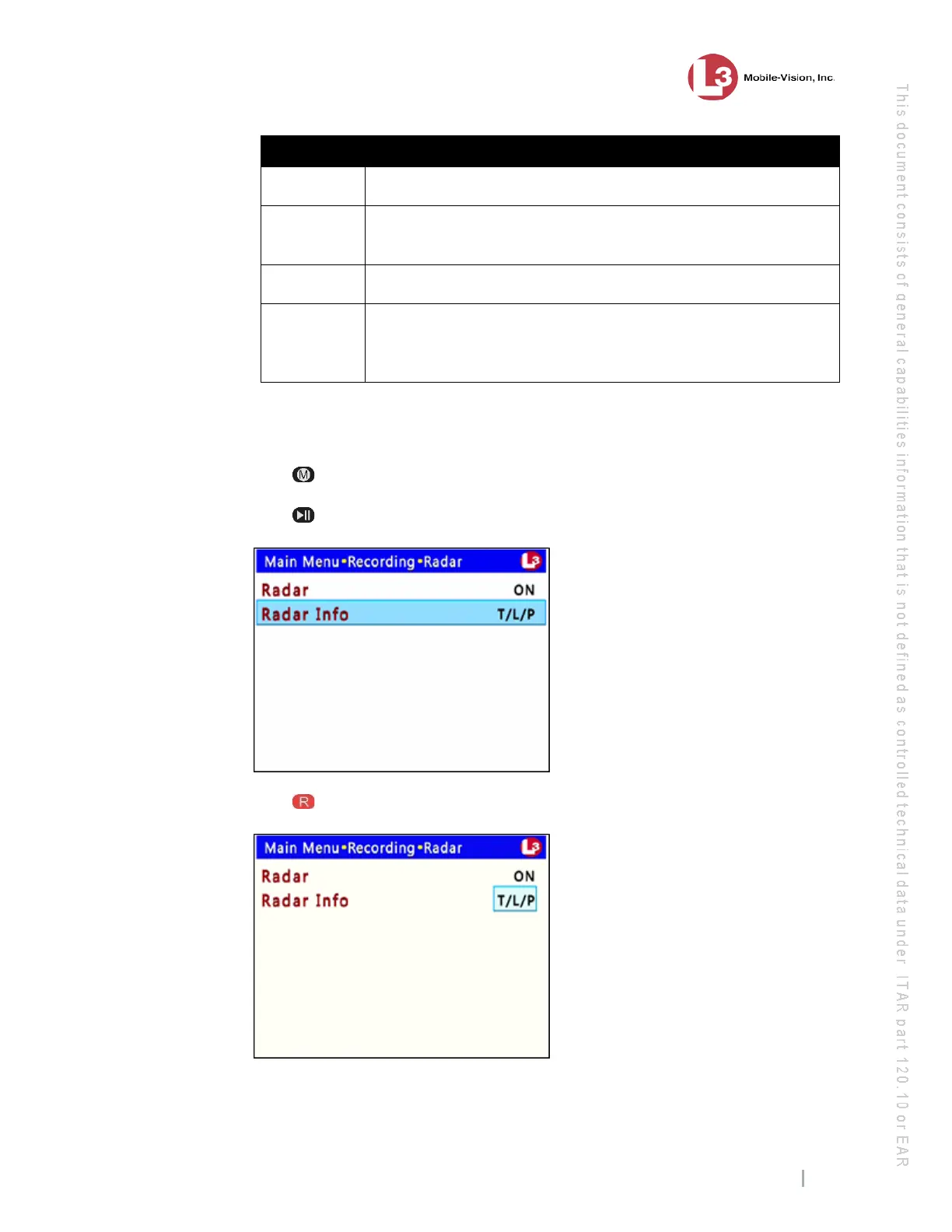
Available Radar Displays
T
Target Speed. The MPH or KPH reading of a speeding vehicle.
L
Lock Speed. The minimum MPH or KPH reading that you’re
looking for when you aim your radar device at a speeding vehicle.
T/L
The target and lock speeds, as described above.
T/L/P
(system
default)
The target, lock, and patrol speeds. The patrol speed is the MPH
or KPH reading of your patrol car at the time a radar reading is
obtained.
⇒ To keep t
he current setting, skip to step 14.
⇒ To change the current setting, proceed to the next step.
10 P
ress .
11 P
ress to advance to the Radar Info field.
12 P
ress to select the Radar Info field.



 To Next Page