DVR Settings
Copying the DVR Configuration File to/from DVR
Flashback3 & Flashback HD User’s Guide
L3 Mobile-Vision 6.23.2017 Page 219
Copying the config.xml File from Your DVR to a USB Drive
This section describes how to copy a DVR’s configuration file—config.xml—to a
USB memory stick. This file contains all of a DVR’s current settings. After you copy
this file to USB stick, you can either upload the file to another DVR or upload it to
the Flashback application. For more information on how you might use this file with
the Flashback application, see “Fleet Management” in chapter 5 of the DEP
Administrator’s Guide.
1 In
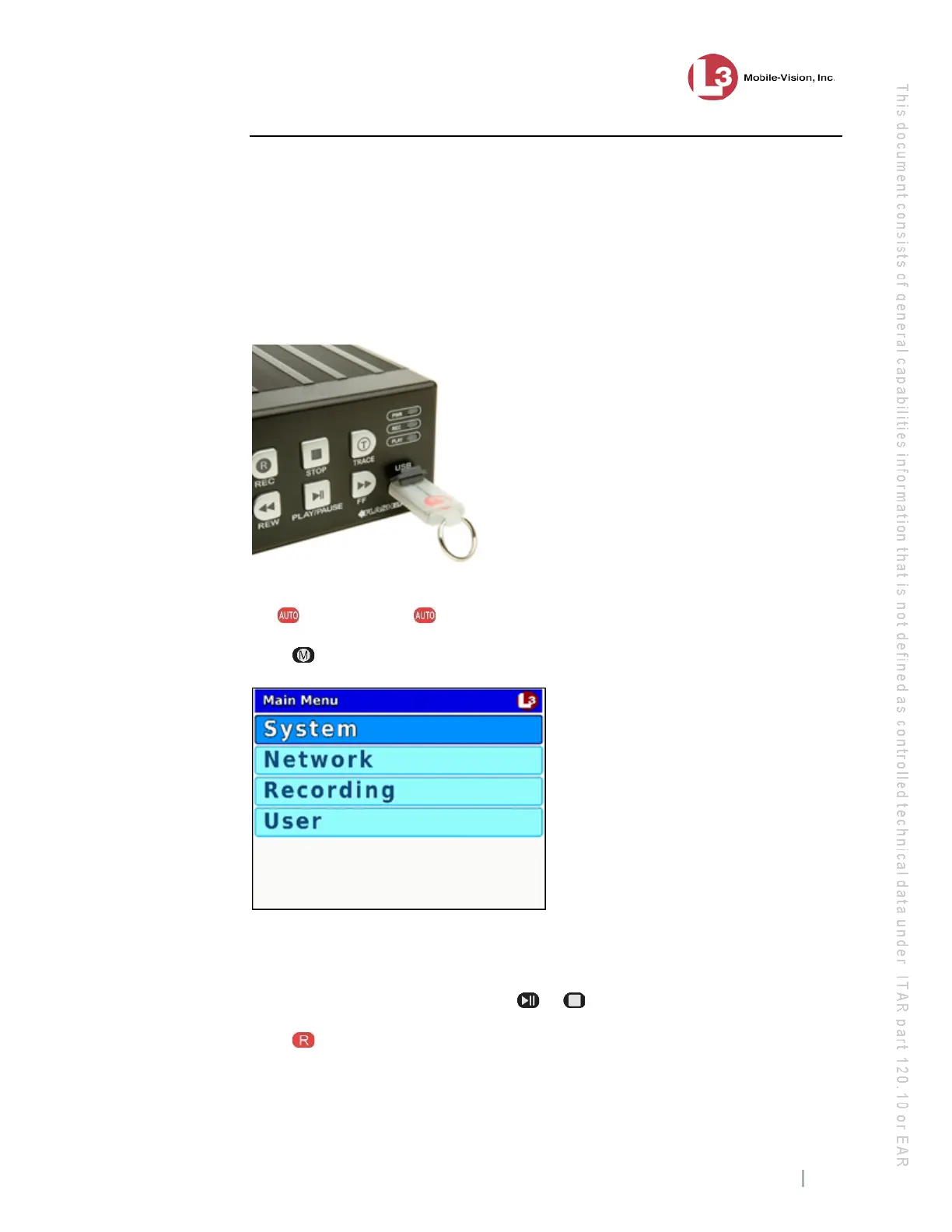
sert a USB memory stick in the Flashback’s USB port.
2 Ma
ke sure the door to your DVR is open and Auto mode is off. (If necessary, press
the button until the light turns off.)
3 Pr
ess . The Main Menu displays.
4 If
System is highlighted, proceed to the next step.
– OR –
If System is not highlighted, press the or button to advance to that option.
5 Pr
ess to select the System option. The System menu displays.



 To Next Page