DVR Settings
Changing Display Options
Flashback3 & Flashback HD User’s Guide
L3 Mobile-Vision 6.23.2017 Page 143
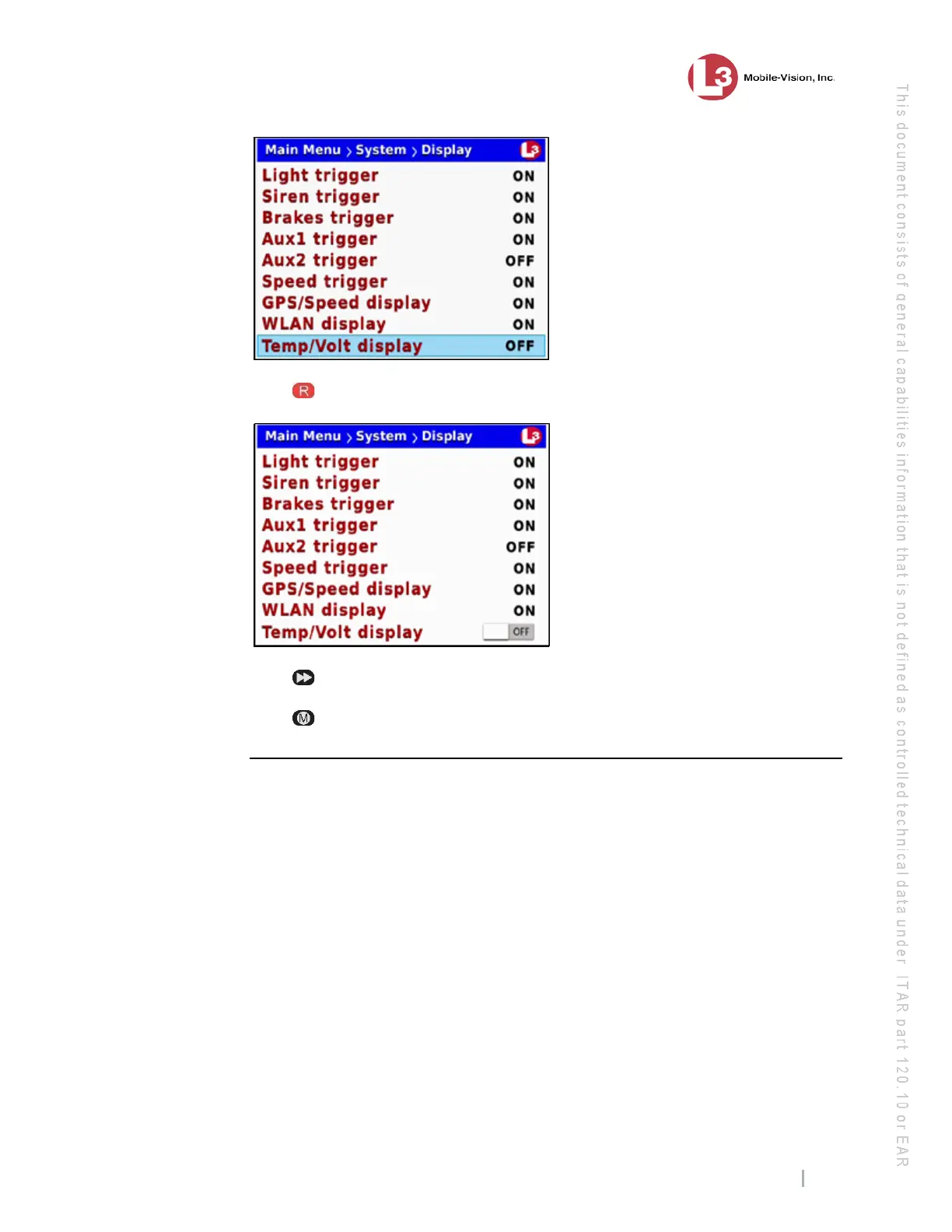
8 Pr
ess to select the Temp/Volt display field.
9 Pr
ess to toggle the field value to ON or OFF.
10 Pr
ess four times to save your changes and exit this option.
Turning the ‘WLAN’ Display On/Off
This section describes how to turn the wireless LAN connection indicator On/Off.
When the bars are green, it indicates that the DVR is currently connected to your
LAN. When the bars are white, it indicates that the DVR is not currently connected to
your LAN.
By
default, this indicator is on.



 To Next Page