DVR Settings
Entering/Changing the Wireless Security Settings
Flashback3 & Flashback HD User’s Guide
L3 Mobile-Vision 6.23.2017 Page 185
Entering the Wireless Encryption Key (WEP-PSK mode only)
This section describes how to enter your wireless encryption password for wireless
mode WEP-PSK. If you selected any other security mode, this field is not required.
Y
our encryption key must be either 10 digits long (for 64 bits/ascii) or 26 digits long
(for 128 bits/hex).
S
ystem default is 64.
1 M
ake sure the door to your DVR is open and Auto mode is off. (If necessary, press
the button until the light turns off.)
2 P
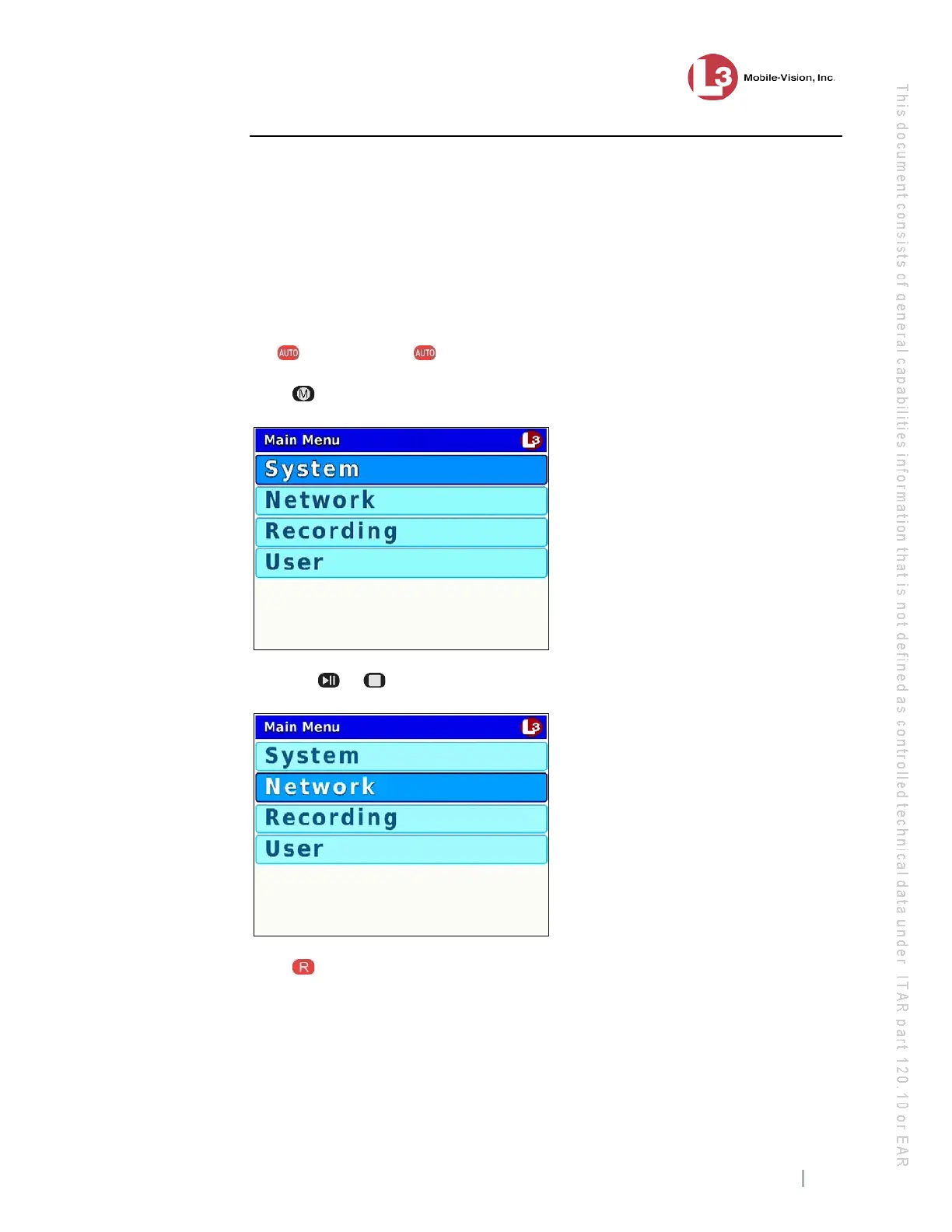
ress . The Main Menu displays.
3 P
ress the or button until Network is highlighted.
4 P
ress to select the Network option. The Network menu displays.



 To Next Page