DVR Settings
Entering the DVR Unit Name
Flashback3 & Flashback HD User’s Guide
Page 210 L3 Mobile-Vision 6.23.2017
8 Using the following navigation buttons, highlight the first letter of the officer name
you wish to enter.
....... Up
....... Down
....... Right
....... Left
9 Press . The selected character displays at the top of the screen.
10 Repeat steps 8 and 9 until the officer name is spelled out at the top of your screen.
I
f you need to add or delete a character, use the following buttons:
............Move forward one character
............Move back one character
............Delete previous character
T
o insert a space, use the icon.
11 O
nce the correct name displays, press three times to save your changes and exit
this option.
Entering the DVR Unit Name
This section describes how to assign a name and/or number to your DVR. Many
agencies give their DVRs the same name as the vehicle in which they are installed,
such as “Unit 146.”
1 M
ake sure the door to your DVR is open and Auto mode is off. (If necessary, press
the button until the light turns off.)
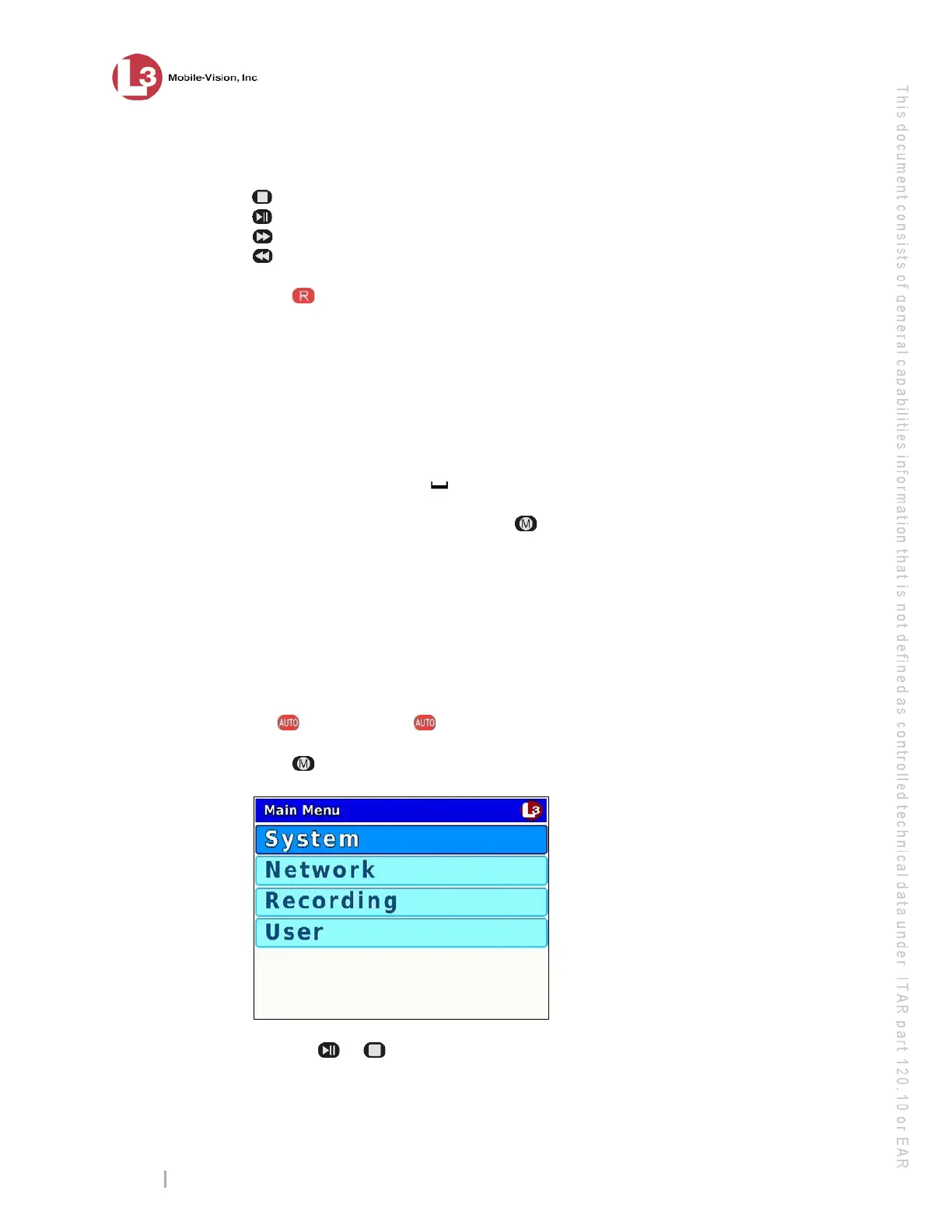
2 Press . The Main Menu displays.
3 P
ress the or button until User is highlighted.



 To Next Page