DVR Settings
Viewing Media Access Control Addresses
Flashback3 & Flashback HD User’s Guide
L3 Mobile-Vision 6.23.2017 Page 233
T
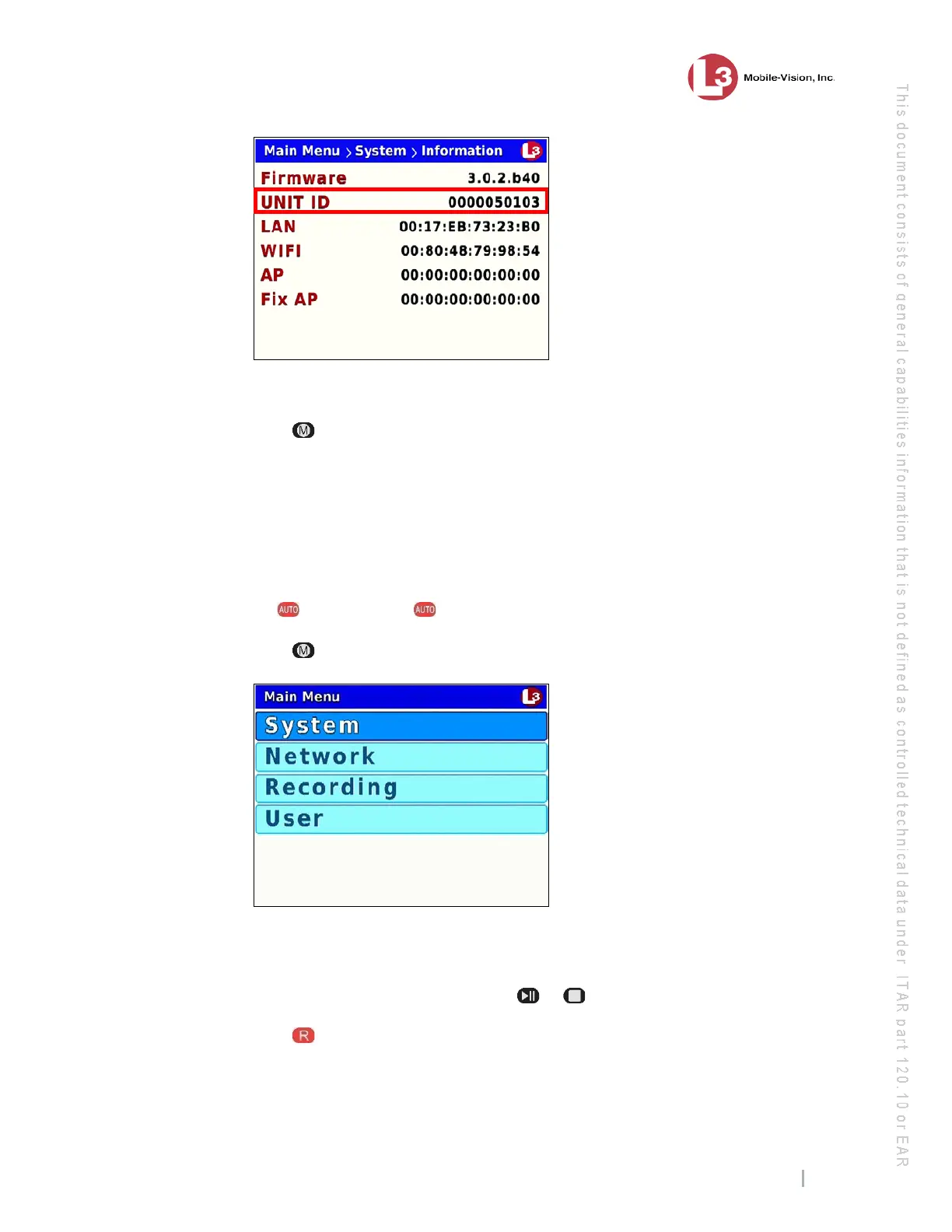
he Flashback ID displays in the UNIT ID field.
7 P
ress three times to exit this option.
Viewing Media Access Control Addresses
This section describes how to view the DVR’s Media Access Control (MAC)
Addresses for your LAN, WiFi, and AP (Access Point) connections. These are view-
only fields used for reporting purposes only.
1 M
ake sure the door to your DVR is open and Auto mode is off. (If necessary, press
the button until the light turns off.)
2 Press . The Main Menu displays.
3 If
System is highlighted, proceed to the next step.
– OR –
If System is not highlighted, press the or button to advance to that option.
4 Press to select the System option. The System menu displays.



 To Next Page