Viewing the Monitor Version Number & Product ID
Flashback3 & Flashback HD User’s Guide
L3 Mobile-Vision 6.23.2017 Page 241
Viewing the Monitor Version Number & Product ID
This section describes how to view the Flashback monitor’s version number and
product ID. Your L3 Mobile-Vision Technical Support Representative may request
this number when troubleshooting monitor problems.
B
efore you change this setting, it’s recommended that you turn the GPS monitor
display off, as it will make it difficult for you to see the version and product numbers.
For instructions, see “Turning the ‘GPS’ Display On/Off” on page 138.
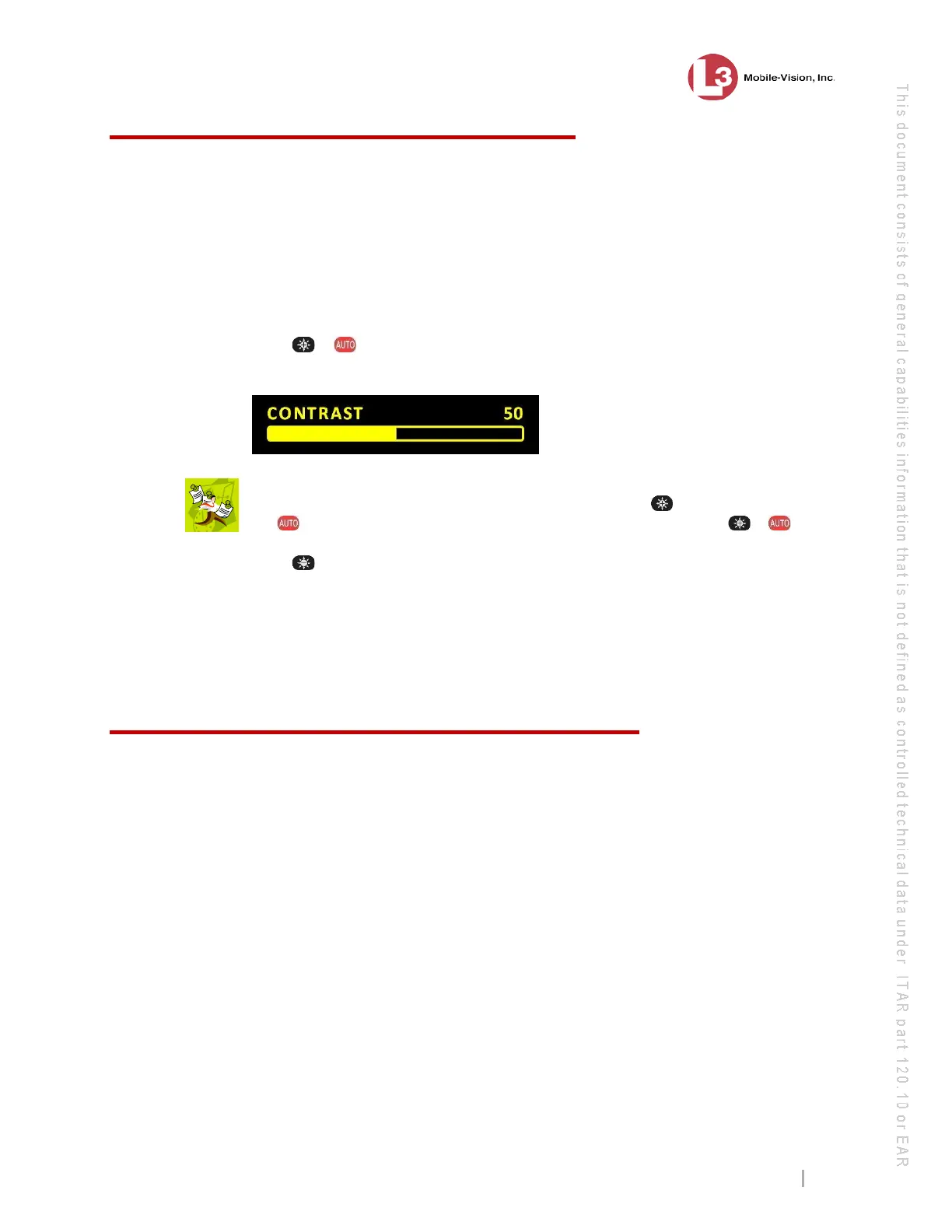
1 Press + simultaneously to enter Monitor Setup Mode. The yellow Contrast
bar displays at the bottom of your monitor.
N
OTE: If the red DIMMER display appears rather than the CONTRAST display
pictured above, it means that you accidentally pressed the button slightly ahead of
the
button. Wait until the display disappears, then trying pressing + again.
2 Press six times to advance to the version and product numbers.
VERSION: v81114b
PRODUCT: BMG3540
Quickly jot the displayed numbers down. After several seconds of inactivity, the
system will automatically exit Monitor Setup Mode. If the numbers disappear before
you’ve had a chance to write them down, repeat steps 1 and 2.
Upgrading from Flashback2 to Flashback3 or FlashbackHD
The Flashback3 and FlashbackHD were designed to be fully backward compatible
with the Flashback2. To switch out a Flashback2 for a Flashback3 or FlashbackHD,
perform the following procedure.
If y
our agency’s wireless LAN is not configured for DHCP, you will need the Can
Reset DVR permission to perform this task. For instructions, see “Assigning Permis-
sions to a User” in chapter 8 of the DEP Administrator’s Guide.
1 If
the Flashback2 is installed in an Interview Room, proceed to the next step.
– OR –
If the Flashback2 is installed in a vehicle, power on that vehicle.



 To Next Page