DVR Settings
Logging Out
Flashback3 & Flashback HD User’s Guide
Page 32 L3 Mobile-Vision 6.23.2017
Logging Out
Before you power down your vehicle, you must log out of the DVR. This is the exact
same procedure used to login.
1 Press
. The Logout screen displays.
2 Press
.
3 Press
.
Powering Down
The Flashback is designed to power off automatically after a programmed ignition
timer delay of X number of minutes, where X = 1, 15, 30, 45, or 60. Do not use the
red On/Off button to power down the device unless instructed to do so by an L3
Mobile-Vision Support Specialist.
Please note that the system will not power down automatically if the DVR is
recording or transmission is in progress. As long as neither of these processes is
in effect, however, the ignition shutdown timer will begin immediately after the
vehicle’s ignition is turned off. The default setting for the shutdown timer is 15
minutes. To change this setting, see “Programming the Ignition Timer” on page 197.
DVR Settings
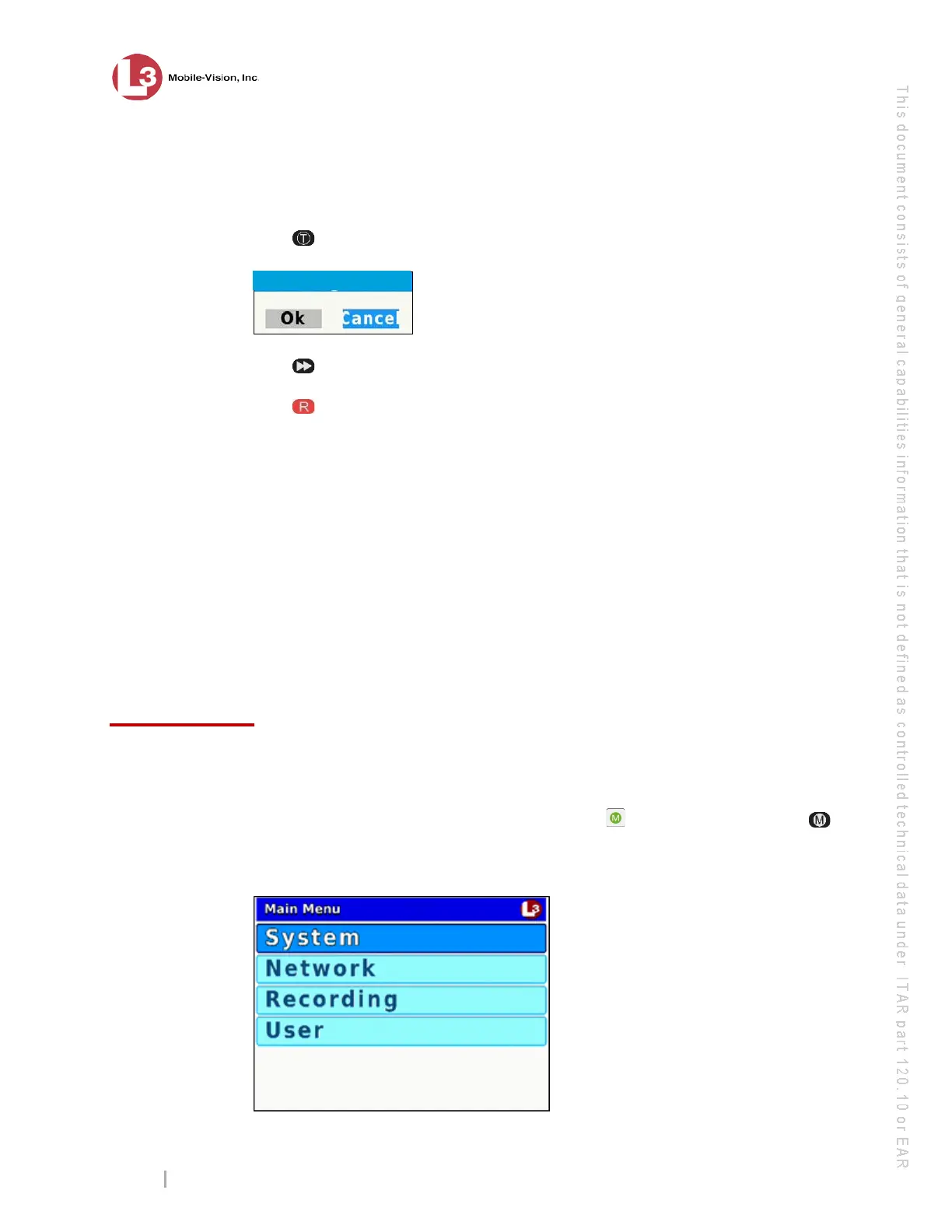
This section describes how to change the various DVR settings via the Flashback
Main Menu. To access this menu, first open the door on your DVR door using the
key provided by L3 Mobile-Vision. Next, press the button on the DVR or the
button on the Flashback monitor. Remember—the DVR door must be open in order
for you to access the Main Menu!
Your DVR powers
up/down
automatically



 To Next Page