DVR Settings
Entering/Changing the Ethernet Options
Flashback3 & Flashback HD User’s Guide
L3 Mobile-Vision 6.23.2017 Page 171
8 Pr
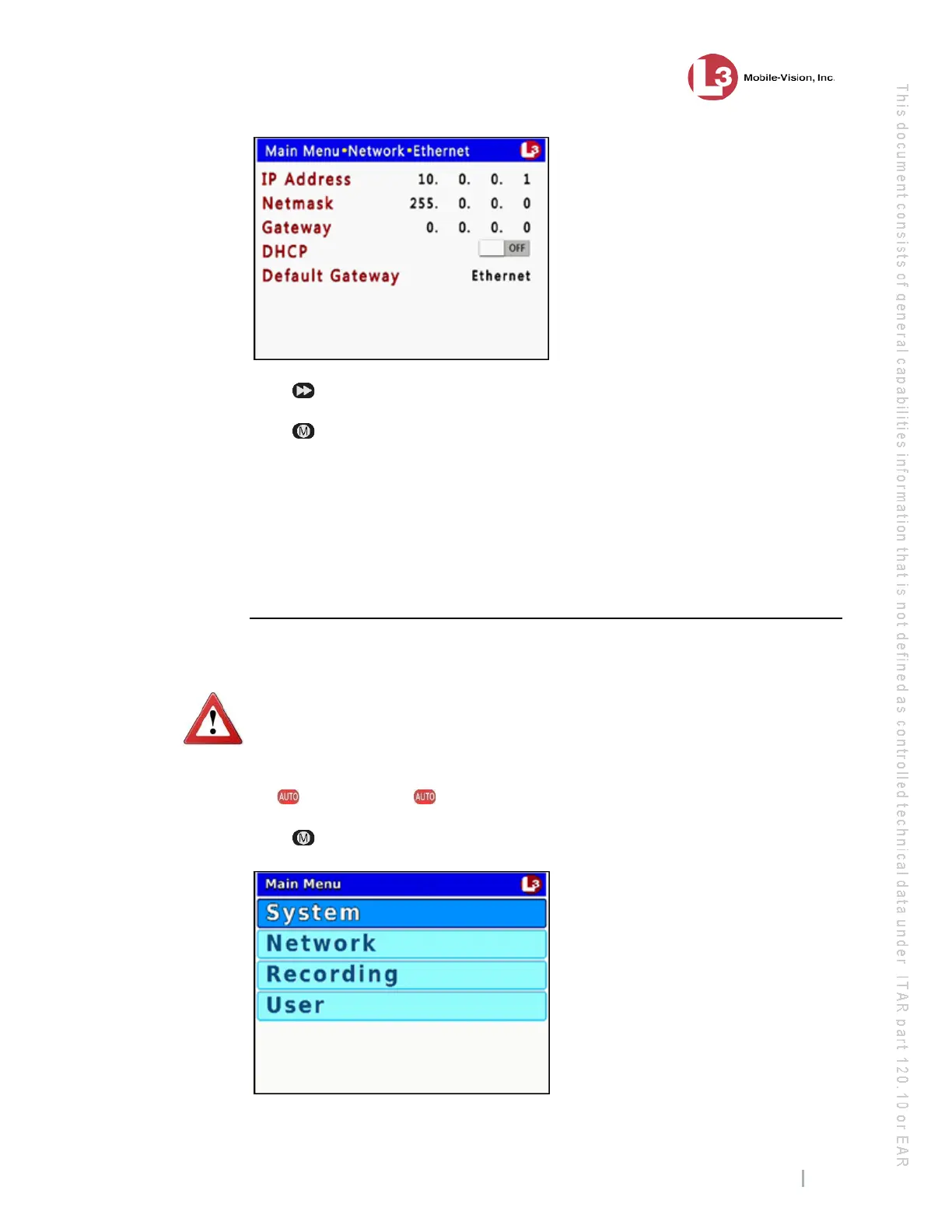
ess to toggle the field value to ON or OFF.
9 Pr
ess four times to save your changes and exit this option.
If
you changed the value of the DHCP field from ON to OFF, you will have to
manually enter the IP Address, Netmask, and Gateway fields. For specific
instructions, see:
Entering/Changing the Ethernet IP, page 159
Entering/Changing the Ethernet IP Mask, page 161
Entering/Changing the Ethernet Gateway IP, page 164
Configuring the Flashback to Act as a DHCP Server
This section describes how to configure the Flashback to act as a DHCP server.
WA
RNING: Do not attempt the following procedure without the assistance of your
agency’s network specialist OR an L3 Mobile-Vision Technical Support Engineer.
Entering incorrect data could cause wireless transmission to fail.
1 Ma
ke sure the door to your DVR is open and Auto mode is off. (If necessary, press
the button until the light turns off.)
2 Pr
ess . The Main Menu displays.



 To Next Page