DVR Settings
Entering/Changing the Wireless Security Settings
Flashback3 & Flashback HD User’s Guide
L3 Mobile-Vision 6.23.2017 Page 177
Entering/Changing the Wireless Security Settings
This section describes how to enter and/or change the wireless security settings.
W
ARNING: In order for the automatic transmission process to work properly, these
settings must match those on the Wireless Access Points. Do not change any of these
settings unless instructed to do so by your agency’s Network Administrator or an L3
Mobile-Vision Support technician.
F
or specific instructions, see:
Changing the Wireless Security Mode, below
Changing the Wireless Authentication Type, page 179
Changing the Wireless Encryption Type, page 182
Entering the Wireless Encryption Key, page 185
Entering Your Wireless SSID, page 188
Entering a Wireless Password, page 191
Turning the Wireless SSL Indicator On/Off, page 194.
Changing the Wireless Security Mode
This section describes how to change the wireless security mode. By default, this
option is set to WEP-PSK.
1 M
ake sure the door to your DVR is open and Auto mode is off. (If necessary, press
the button until the light turns off.)
2 P
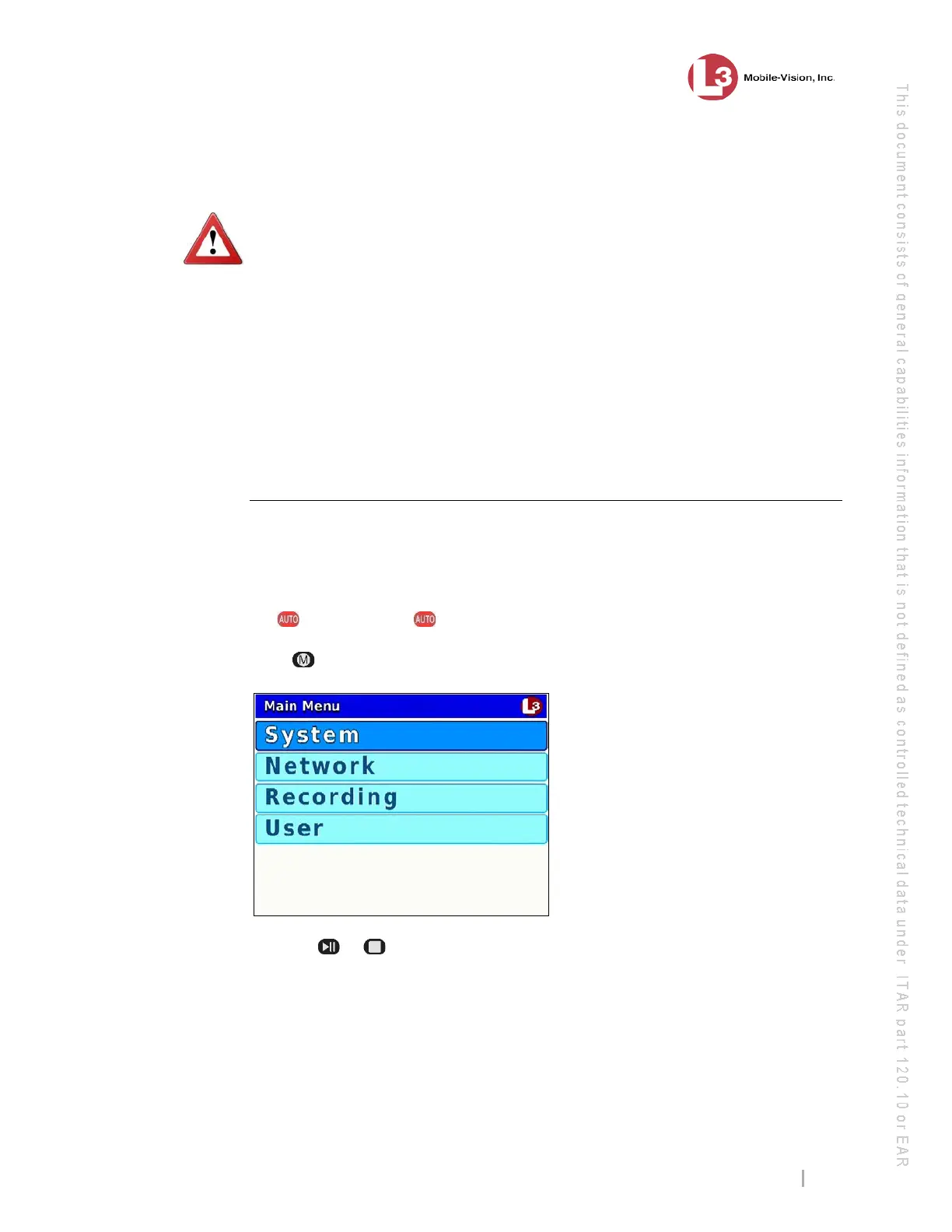
ress . The Main Menu displays.
3 P
ress the or button until Network is highlighted.



 To Next Page