Peripherals
DVR Monitor
Flashback3 & Flashback HD User’s Guide
Page 8 L3 Mobile-Vision 6.23.2017
Using DVR Buttons vs. Monitor Buttons
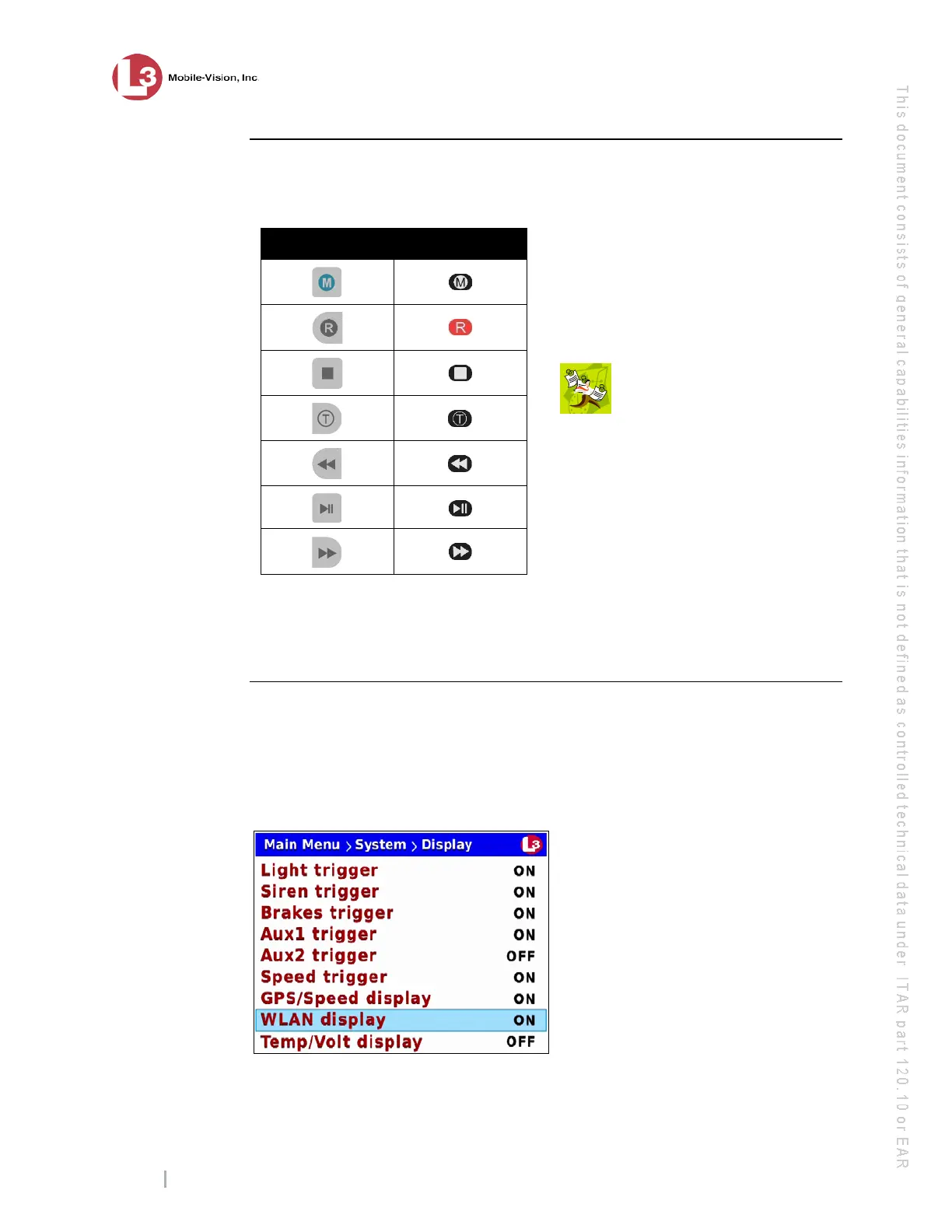
Because some of our customers mount their DVRs in the trunk of their vehicles,
all of the buttons on the Flashback DVR are repeated on the Flashback monitor.
DVR Monitor
There is no difference between pressing a button on the Flashback DVR and pressing
the equivalent button on the Flashback monitor. However, for brevity, all button
references in this manual will picture the monitor buttons.
Monitor Display
This section describes the meaning of the various symbols and indicators that display
on your Flashback monitor. Displays will vary based on what mode you’re in and
what display options you’ve selected. For example, the Wireless LAN connection
indicator in the lower right corner of the screen will not display unless the value of
the WLAN display field is set to ON.
For more information on this and other display options, see “Changing Display
Options” on page 116.
NOTE: If you purchased the
optional Vehicle Viewer or
Vehicle Viewer Live application,
also access these buttons from the
(Live) main menu.



 To Next Page