DVR Settings
Formatting an SD card
Flashback3 & Flashback HD User’s Guide
L3 Mobile-Vision 6.23.2017 Page 229
12 Insert the USB stick in a USB port on your PC.
13 S
end the flash2.log.backup file to your L3 Mobile-Vision Technical Support
Engineer as an email attachment.
Formatting an SD card
This section describes how to reformat an SD card. The SD card is used to tempo-
rarily store videos until they can be automatically or manually transferred to the
Flashback application. If the SD card you wish to reformat still contains video, either
wait until automatic transmission occurs, or perform a manual upload. For more
information on manual uploads, see “Manually Uploading New Videos” in chapter 2
of the DEP Administrator’s Guide.
1 M
ake sure the door to your DVR is open and Auto mode is off. (If necessary, press
the button until the light turns off.)
2 In
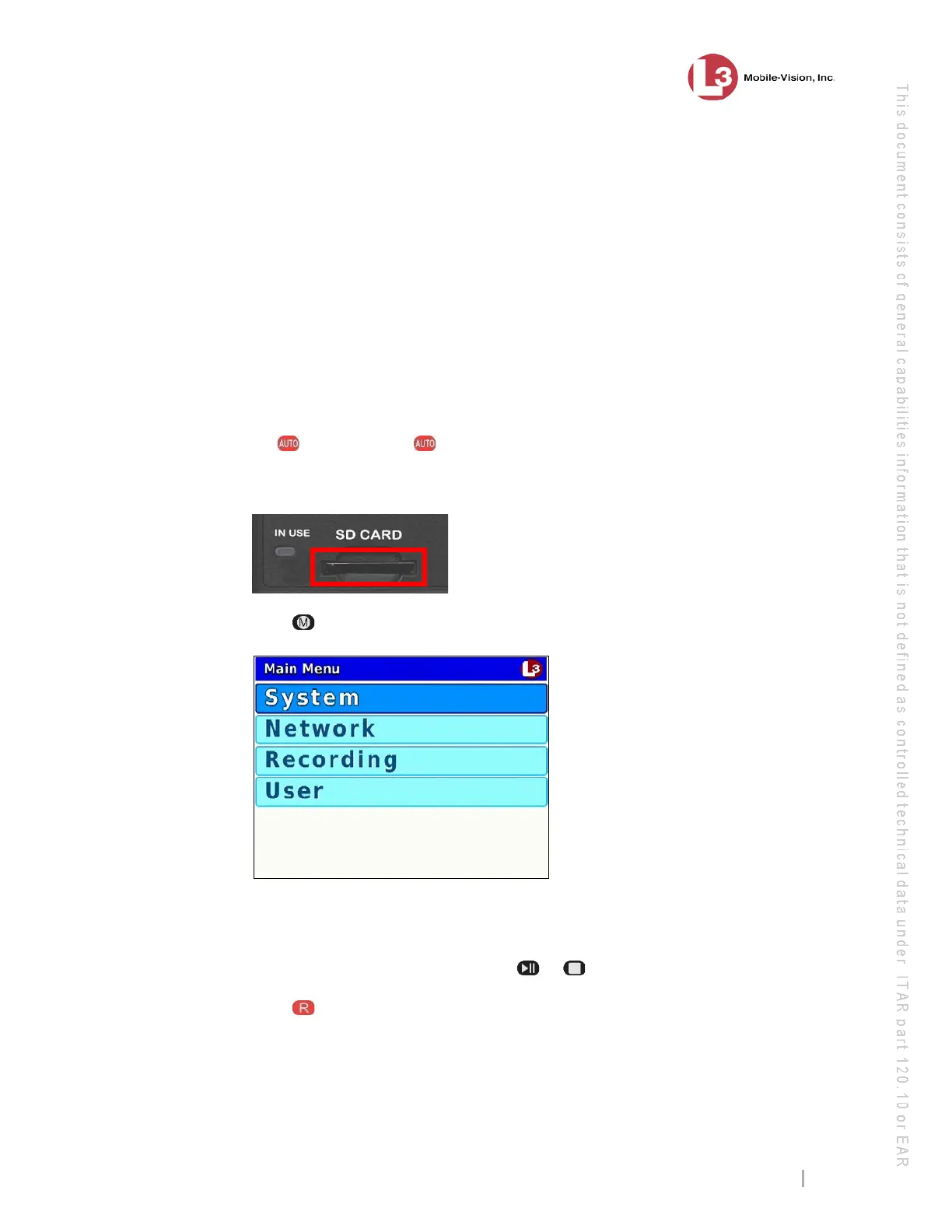
sert the SD card into your DVR’s SD CARD slot.
3 P
ress . The Main Menu displays.
4 If
System is highlighted, proceed to the next step.
– OR –
If System is not highlighted, press the or button to advance to that option.
5 P
ress to select the System option. The System menu displays.



 To Next Page