DVR Settings
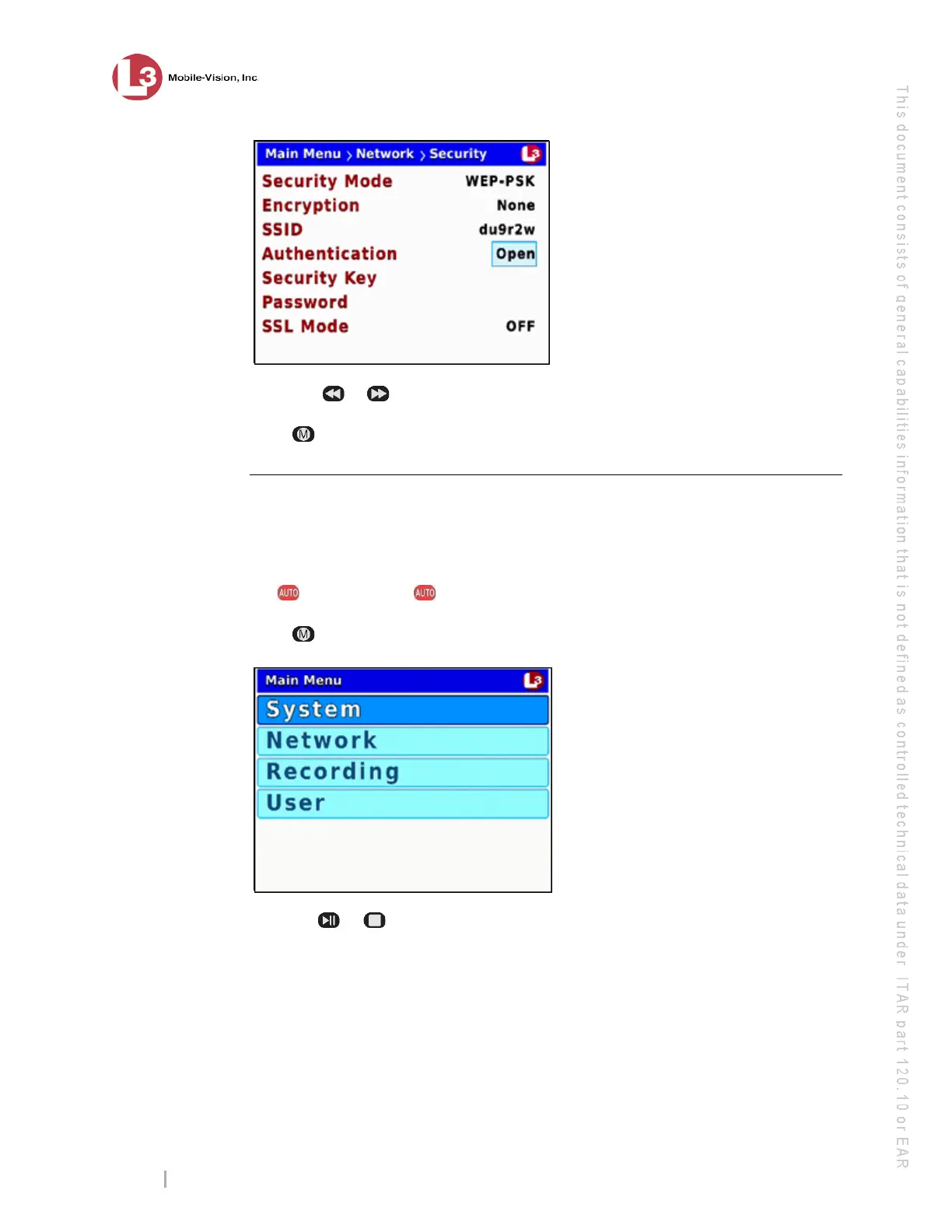
Entering/Changing the Wireless Security Settings
Flashback3 & Flashback HD User’s Guide
Page 182 L3 Mobile-Vision 6.23.2017
9 Us
ing the
or buttons, display the authentication type you wish to use.
10 Pr
ess four times to save your changes and exit this option.
Changing the Wireless Encryption Type (WPA-PSK & WPA Enterprise only)
This section describes how to change the encryption or security type for wireless
mode WPA-PSK or WPA Enterprise. By default, this option is set to AES.
1 Ma
ke sure the door to your DVR is open and Auto mode is off. (If necessary, press
the button until the light turns off.)
2 Pr
ess . The Main Menu displays.
3 Press the or button until Network is highlighted.



 To Next Page