DVR Settings
Entering/Changing the Ethernet Options
Flashback3 & Flashback HD User’s Guide
Page 158 L3 Mobile-Vision 6.23.2017
9 Pr
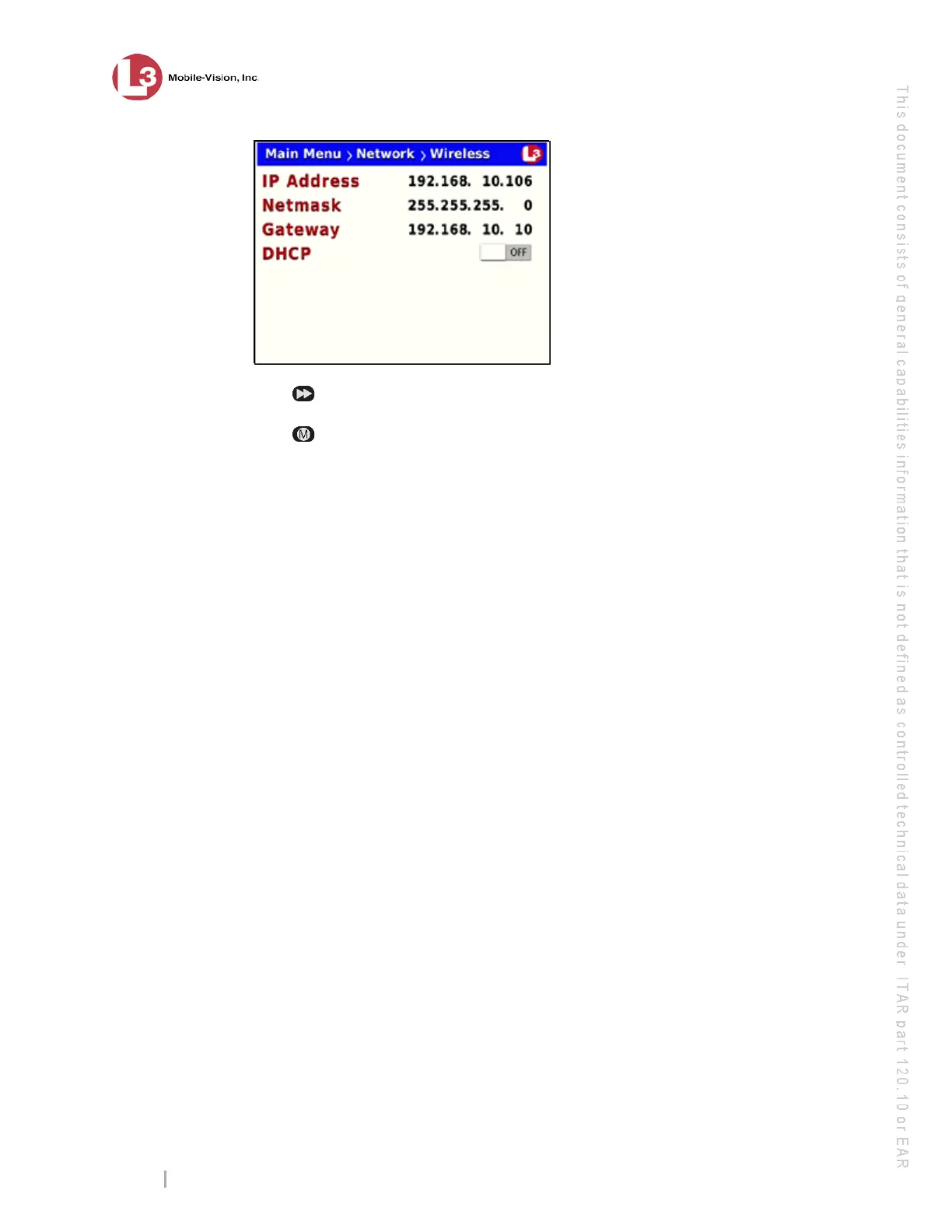
ess to toggle the field value to ON or OFF.
10 Press
four times to save your changes and exit this option.
If
you changed the value of the DHCP field from ON to OFF, you will have to
manually enter the IP Address, NetMask, and Gateway fields. For specific
instructions, see:
Entering/Changing the Wireless IP, page 147
Entering/Changing the Wireless IP Mask, page 149
Entering/Changing the Wireless Gateway IP, page 152.
Entering/Changing the Ethernet Options
This section describes how to enter or change the wireless options that enable your
DVR to communicate with your LAN. Typically, you only need to enter these
options if 1) your Flashback is installed in an interview room, or 2) your Flashback is
installed in a vehicle and you are using the Vehicle Viewer, Vehicle Viewer Live, or
UMD Editor application. If your Flashback is installed in a vehicle and you are not
using one of these applications, see “Entering/Changing the Wireless Options” on
page 146 instead.
The
se procedures should be performed under the guidance of your agency’s IT staff
or an L3 Mobile-Vision support professional.
For specific instructions, see:
Entering/Changing the Ethernet IP, next page
Entering/Changing the Ethernet IP Mask, page 161
Entering/Changing the Ethernet Gateway IP, page 164
Changing the Gateway Type, page 166
Turning the Ethernet DHCP Option On/Off, page 169
Configuring the Flashback to Act as a DHCP Server, page 171.



 To Next Page