DVR Settings
Entering/Changing the Wireless Security Settings
Flashback3 & Flashback HD User’s Guide
Page 194 L3 Mobile-Vision 6.23.2017
9 If there is an existing password displayed at the top of this screen, you have to delete
that password first before you can enter a new one. Proceed to the next step for
instructions.
– OR –
If there is no text displayed at the top of this screen, skip to step 12.
10 P
ress to highlight the icon.
11 P
ress several times until the existing password is deleted.
12 U
sing the following navigation buttons, highlight the first letter of the wireless password.
....... Up
....... Down
....... Right
....... Left
13 Press . The selected character displays at the top of the screen.
14 R
epeat steps 12 and 13 until the wireless password is spelled out at the top of your
screen.
15 Once the correct password displays, press four times to save your changes and
exit this option.
Turning the Wireless SSL Indicator On/Off
This section describes how to turn the wireless SSL indicator on or off. When this
option is on, it indicates that you are using the SSL (Secure Socket Layer) type
encryption to authenticate on your wireless network.
1 M
ake sure the door to your DVR is open and Auto mode is off. (If necessary, press
the button until the light turns off.)
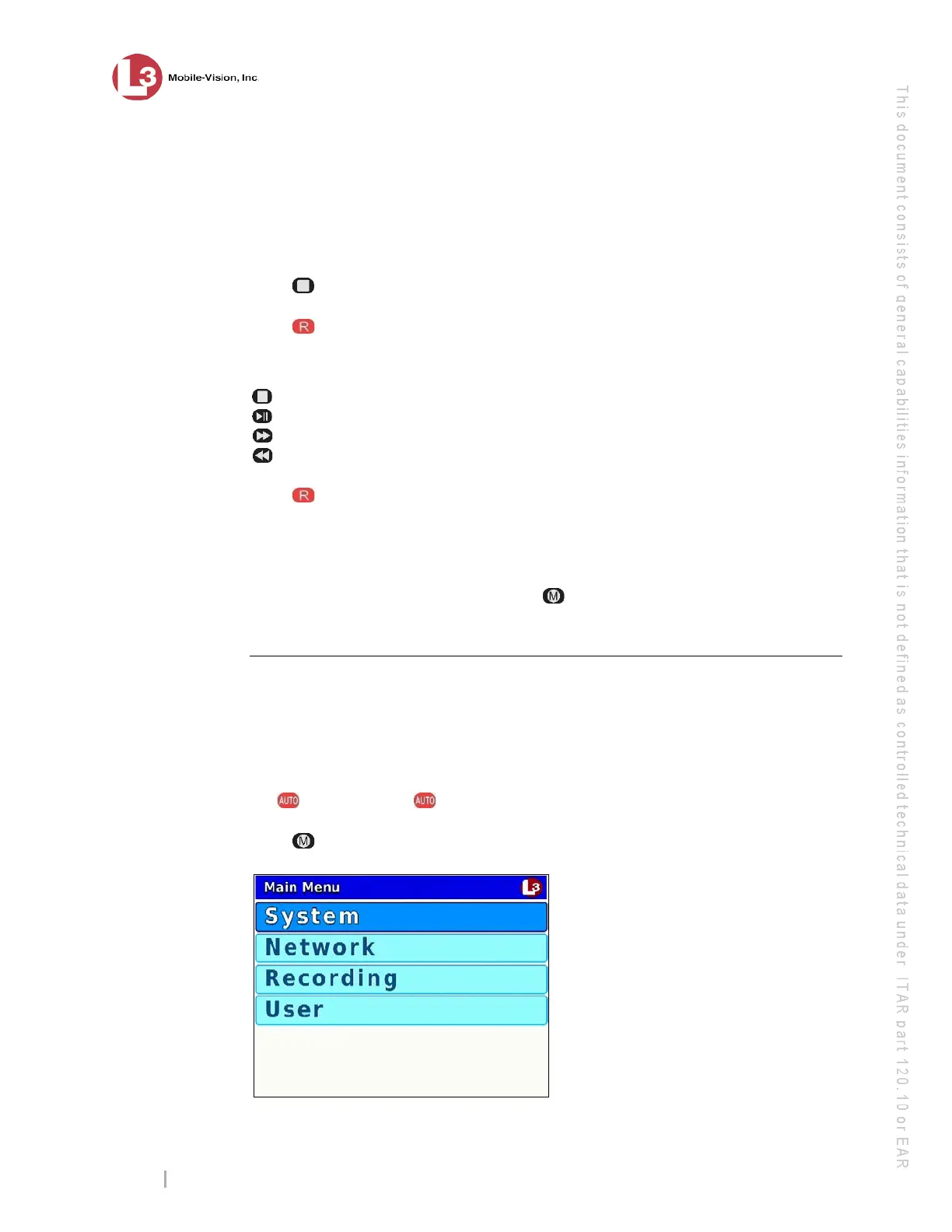
2 P
ress . The Main Menu displays.



 To Next Page