DVR Settings
Changing the Audio Settings
Flashback3 & Flashback HD User’s Guide
L3 Mobile-Vision 6.23.2017 Page 81
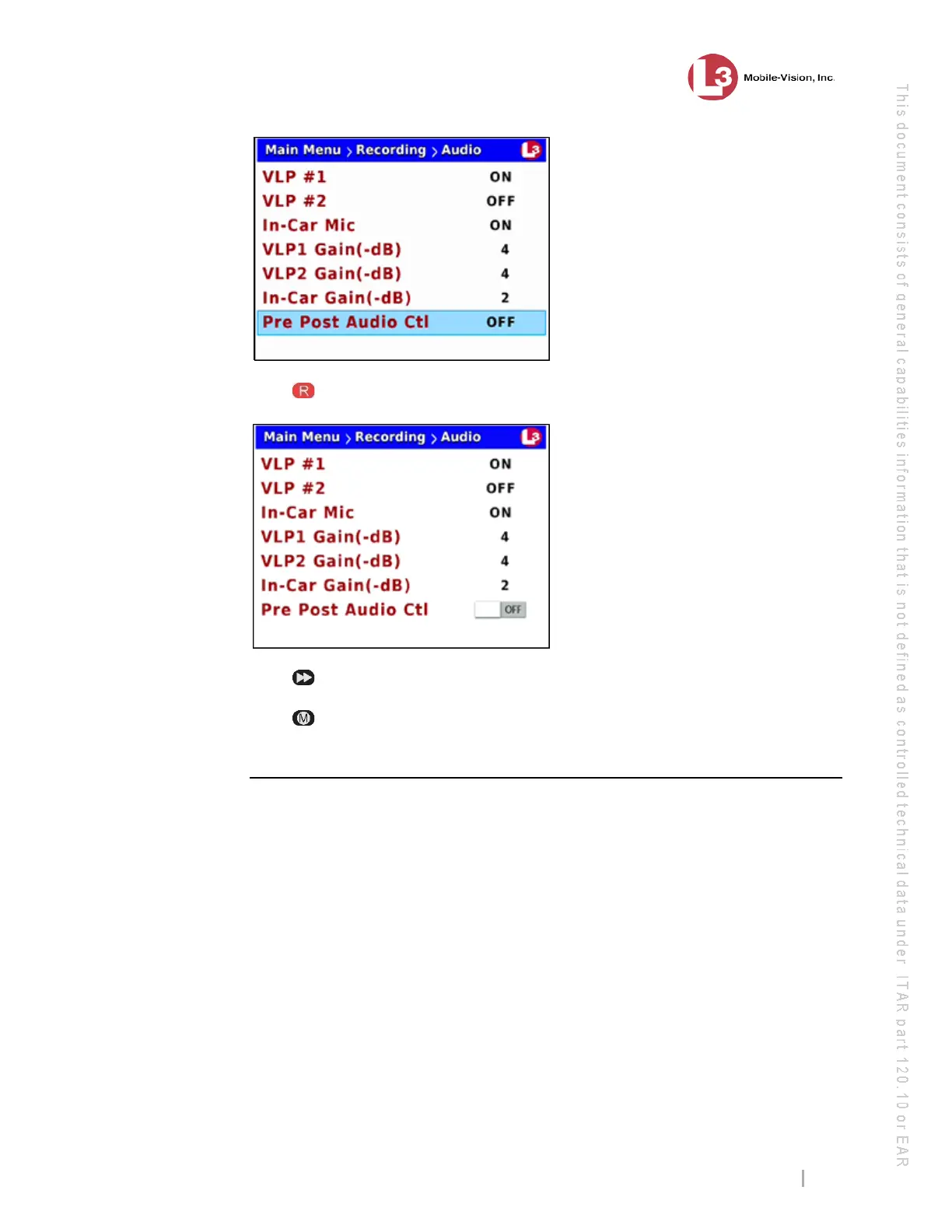
8 Pr
ess to select the Pre Post Audio Ctrl field.
9 Pr
ess to toggle the field value to ON or OFF.
10 Pr
ess twice to save your changes and exit the Audio screen. The system will
automatically reboot.
Changing the Gain Setting for the VLP1 Audio
This section describes how to adjust the strength of the audio line level signal into the
DVR for the VLP2 or VLX wireless microphone connected to input port VLP 1. This
signal has an effect on volume:
Increasing the numeric value of the VLP1 Gain(-dB) field will result in decreased
volume
Decreasing the numeric value of the VLP1 Gain(-dB) field will result in
increased volume.
It
’s recommended that you adjust this setting up or down in small increments until
you hear an improvement. If you notice increased distortion after changing this
setting, go back to the Audio screen and increase the numeric value of the VLP1
Gain(-dB) field.
Th
e system default is -4 decibels.



 To Next Page