DVR Settings
Changing the Date & Time Settings
Flashback3 & Flashback HD User’s Guide
L3 Mobile-Vision 6.23.2017 Page 35
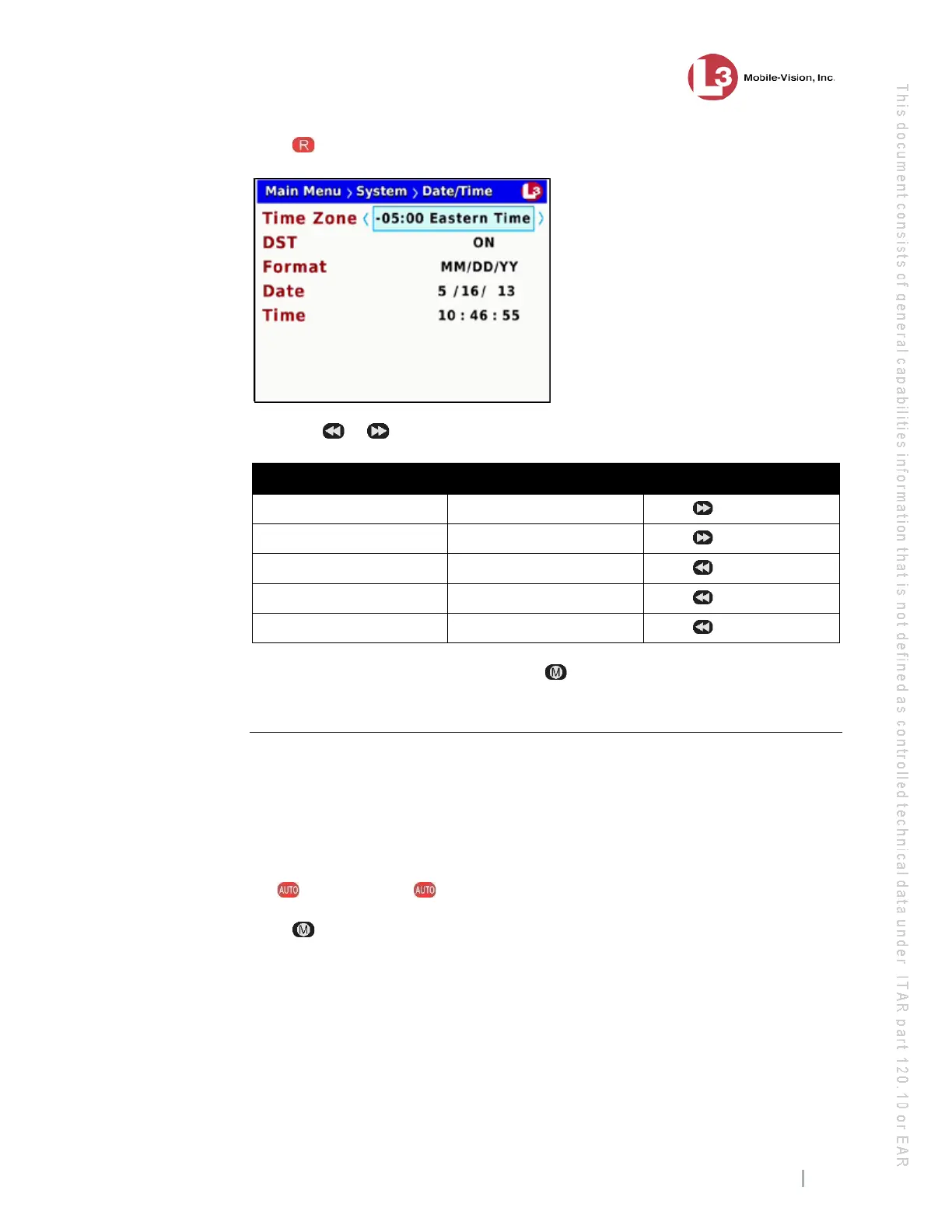
6 Press again to select the Time Zone field.
7 Using the
or buttons, display the time zone you wish to select. For example:
To change from… To… Action
Eastern Time Atlantic Time Press twice
Eastern Time Indiana Time Press once
Eastern Time Mountain Time Press twice
Eastern Time Arizona Time Press three times
Eastern Time Pacific Time Press four times
8 Once the correct time zone displays, press four times to save your changes and
exit this option.
Turning Daylight Savings Time On/Off
This section describes how to turn the daylight savings time option on or off. If you
are recording in a location that observes daylight savings time, this option should be
on, which is the system default. If you are recording in a location that does not
observe daylight savings time, this option should be off.
1 Make sure the door to your DVR is open and Auto mode is off. (If necessary, press
the button until the light turns off.)
2 Press . The Main Menu displays.



 To Next Page