DVR Settings
Changing the Record Settings
Flashback3 & Flashback HD User’s Guide
Page 58 L3 Mobile-Vision 6.23.2017
13 Use the button to select the desired frames-per-second (2 or 5).
14 Press twice to save your changes and exit the Misc screen. The system will
automatically reboot.
NOTE: By default, a Background Record indicator (pictured left) will display on the
Flashback screen whenever Background Record is on. If you want to hide this indi-
cator from view, you must change the Stealth setting to ON. For instructions, see the
next section.
Turning Stealth Mode On/Off
This section describes how to turn “Stealth” mode on or off, which determines
whether or not the Background Record indicator will display on the Flashback
screen when Background Record is on.
If
Stealth mode is on, the Background Record indicator will be hidden from view.
If Stealth mode is off (system default), the Background Record indicator will be
visible.
1 Make sure the door to your DVR is open and Auto mode is off. (If necessary, press
the button until the light turns off.)
2 P
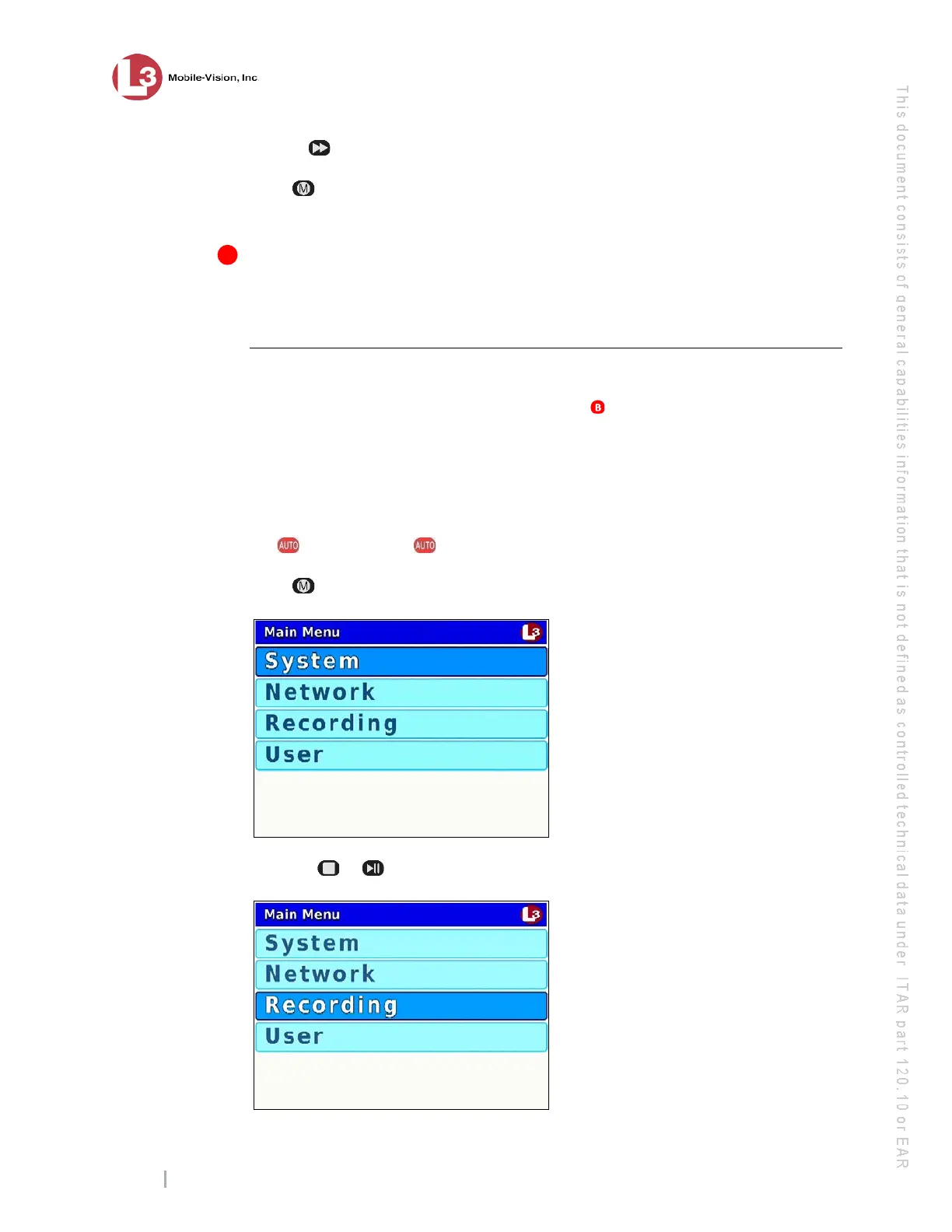
ress . The Main Menu displays.
3 P
ress the or
button until Recording is highlighted.



 To Next Page