DVR Settings
Changing the Record Settings
Flashback3 & Flashback HD User’s Guide
L3 Mobile-Vision 6.23.2017 Page 57
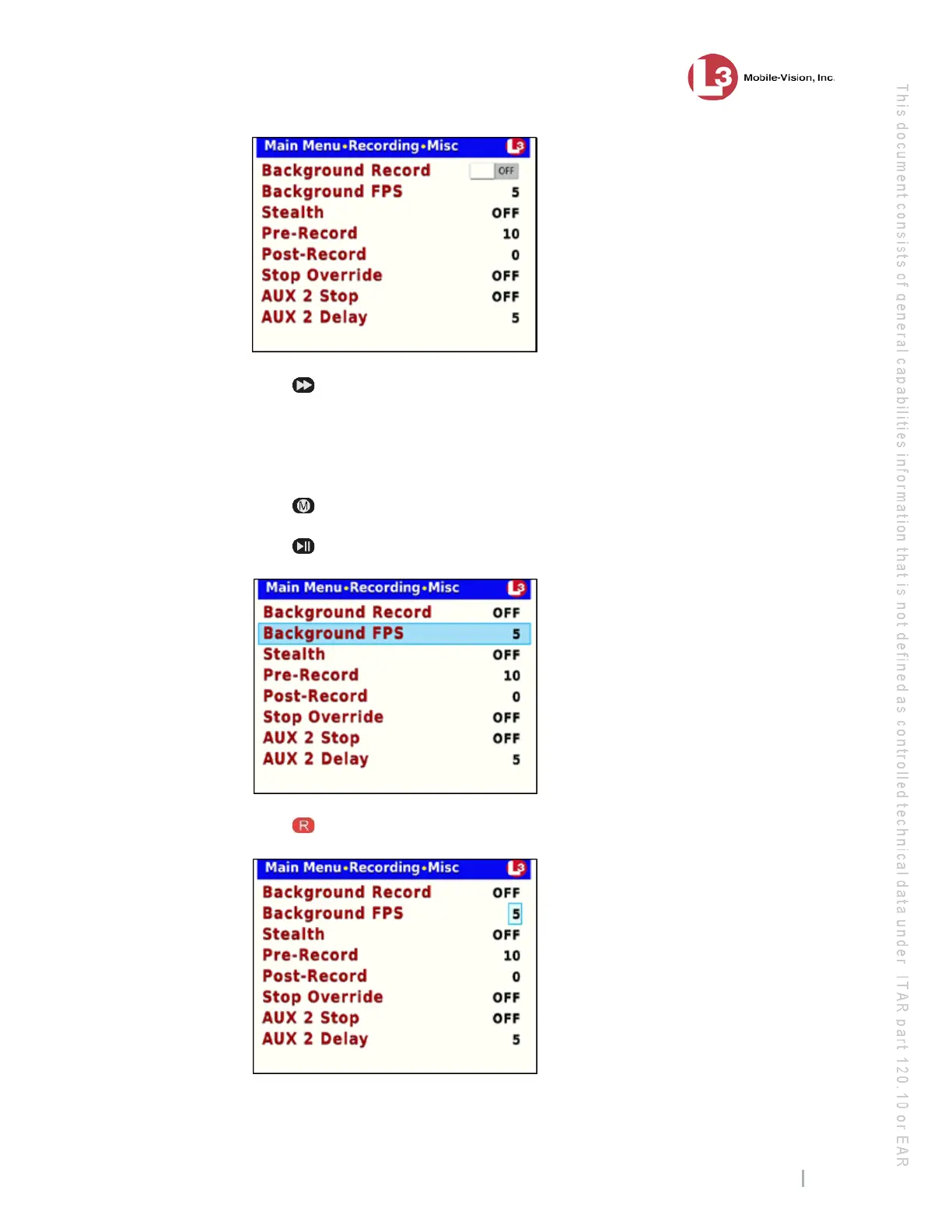
8 Pr
ess to toggle the field value to ON or OFF.
9 To
change the frames-per-second setting for videos captured in Background Record,
proceed to the next step. Otherwise skip to step 14. (System default is 5 frames-per-
second.)
10 Pr
ess .
11 Pr
ess to advance to the Background FPS field.
12 Pr
ess to select the Background FPS field.



 To Next Page