DVR Settings
Changing Display Options
Flashback3 & Flashback HD User’s Guide
Page 138 L3 Mobile-Vision 6.23.2017
9 Press to tog
gle the field value to ON or OFF:
ON ........... Speeds will display in KPH (kilometers-per-hour)
OFF ........ Speeds will display in MPH (miles-per-hour)
10 Press four
times to save your changes and exit this option.
Turning the ‘GPS’ Display On/Off
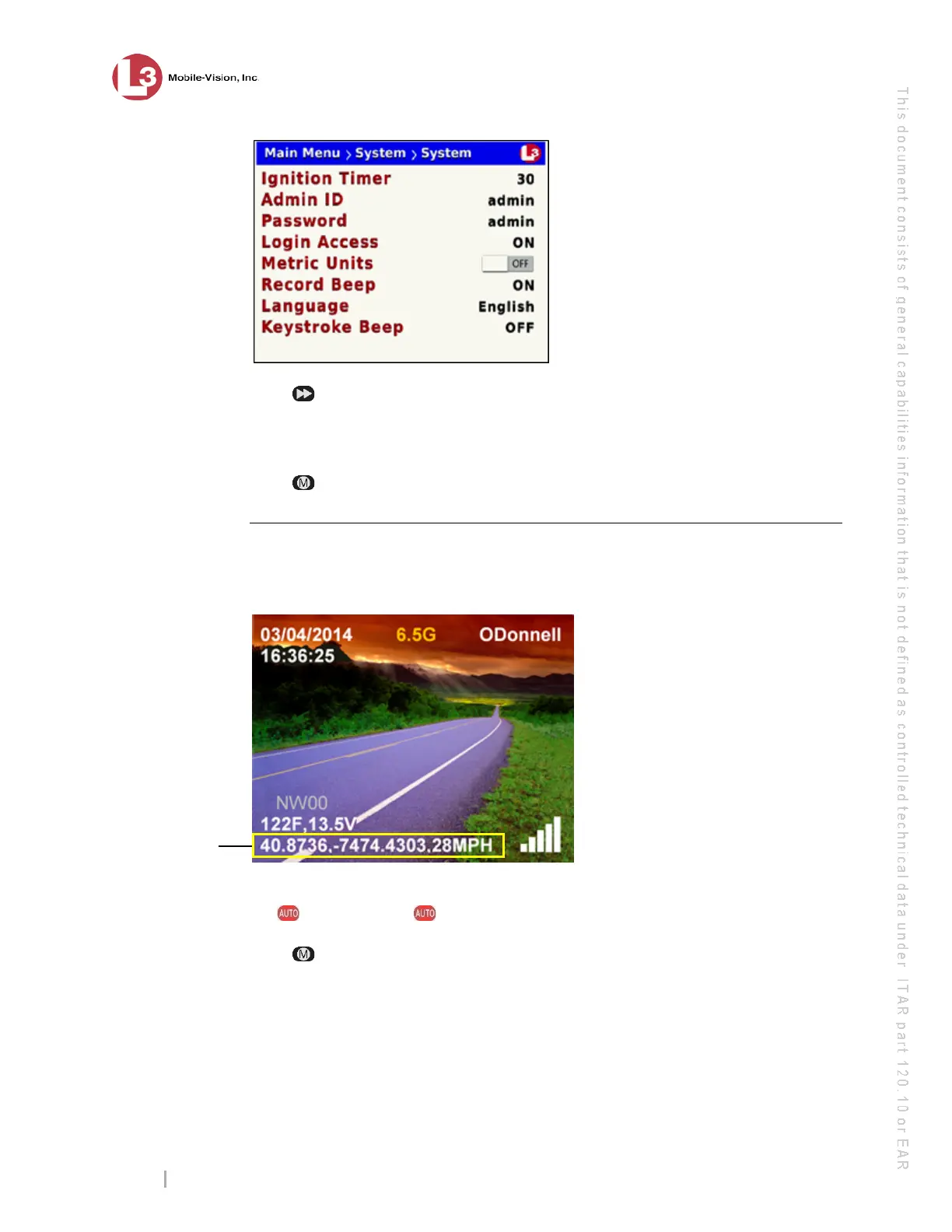
This section describes how to turn the on-screen GPS indicator On/Off, as shown
below. By default, this indicator is on.
1 Make sur
e the door to your DVR is open and Auto mode is off. (If necessary, press
the button until the light turns off.)
2 Press . The
Main Menu displays.



 To Next Page