DVR Settings
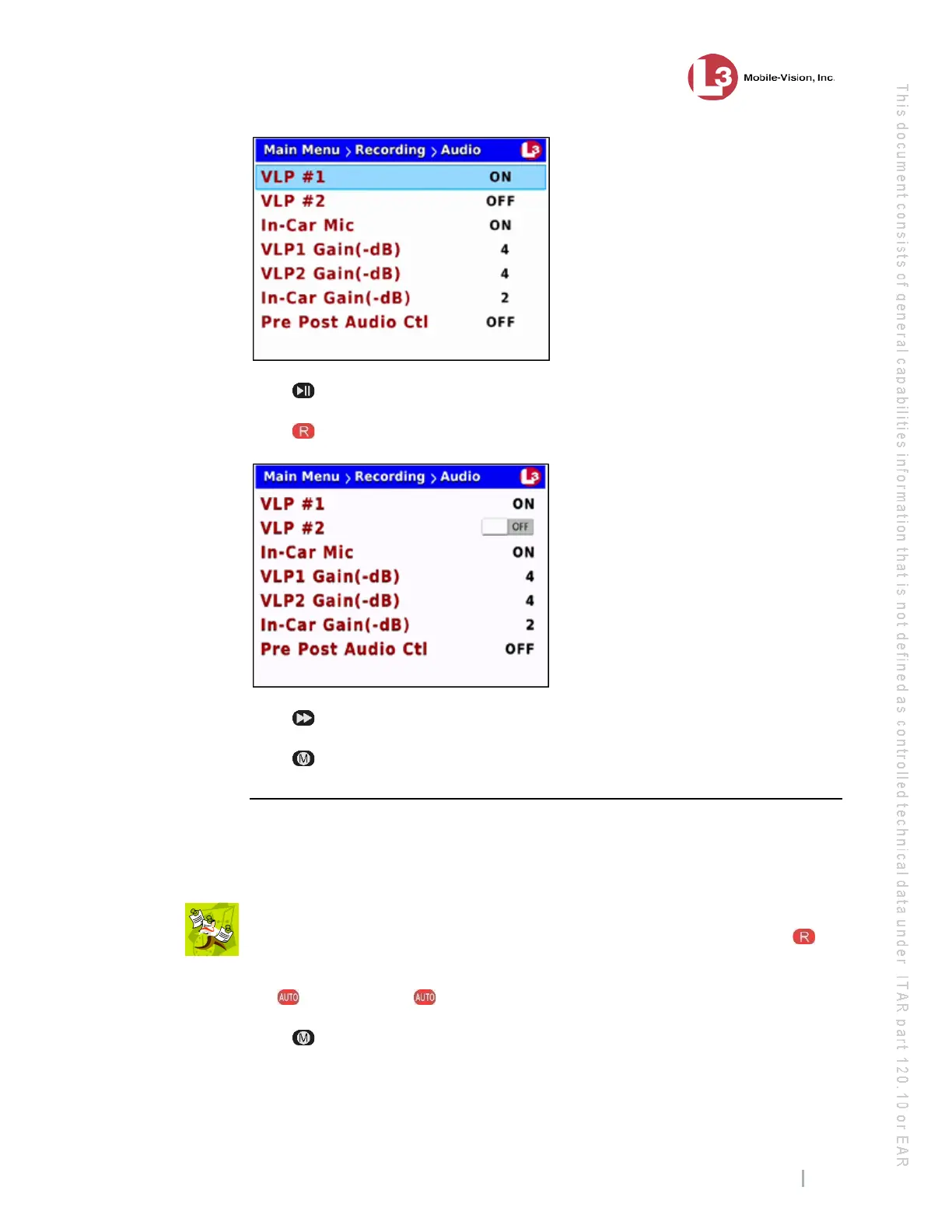
Changing the Audio Settings
Flashback3 & Flashback HD User’s Guide
L3 Mobile-Vision 6.23.2017 Page 71
7 P
ress to advance to the VLP #2 field.
8 P
ress to select the VLP #2 field.
9 P
ress to toggle the field value to ON or OFF.
10 Press four times to save your changes and exit this option.
Turning the In-Car Audio On/Off
This section describes how to turn your in-car microphone’s audio setting on or off. If
this setting is on, audio from the in-car microphone will be recorded. If this setting is
off, audio from the in-car microphone will not be recorded.
N
OTE: If the in-car mic’s audio setting is on, you will still have the option of
temporarily muting that audio while a recording is in progress. To do so, press .
1 M
ake sure the door to your DVR is open and Auto mode is off. (If necessary, press
the button until the light turns off.)
2 Press . The Main Menu displays.



 To Next Page