DVR Settings
Viewing Your Flashback ID
Flashback3 & Flashback HD User’s Guide
L3 Mobile-Vision 6.23.2017 Page 231
9 Pr
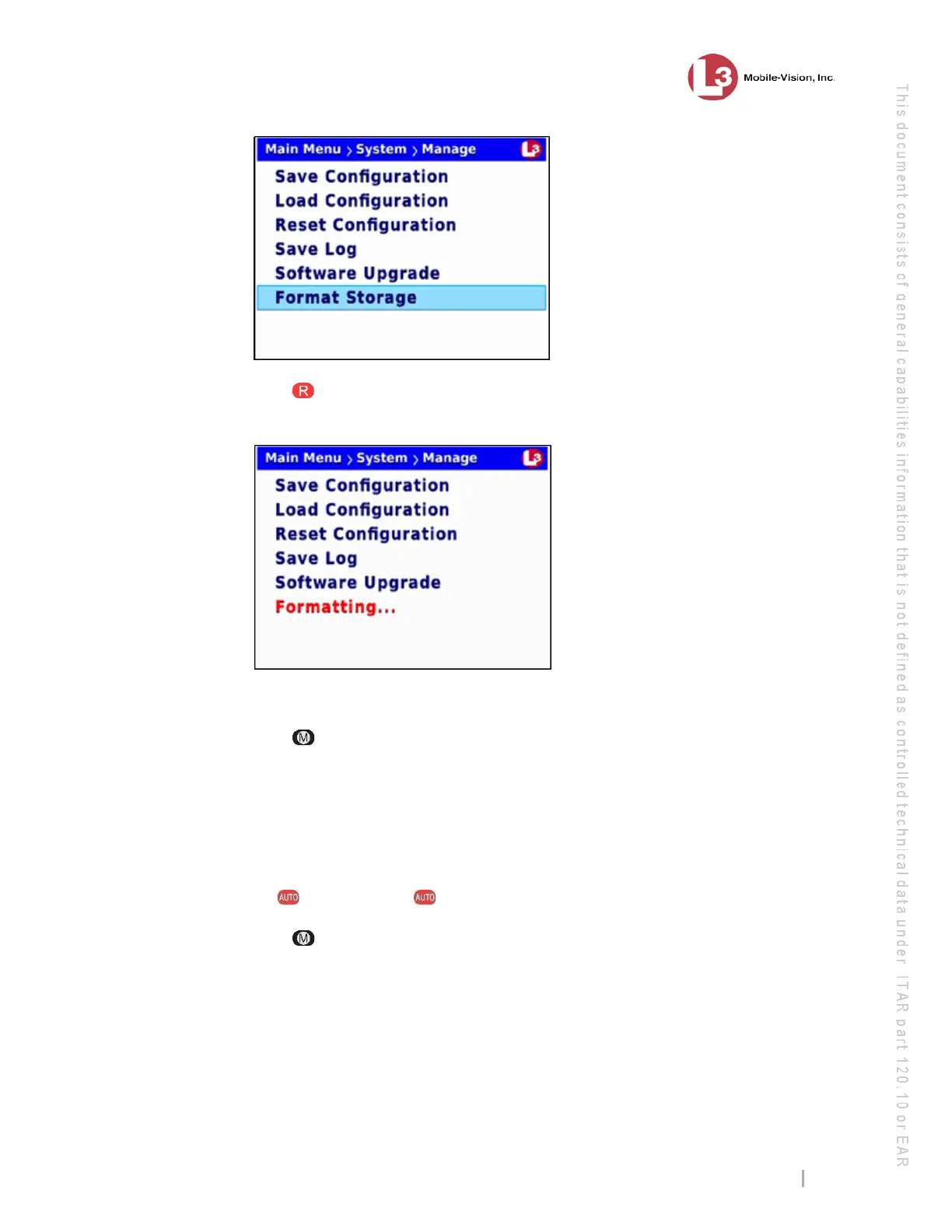
ess to select the Format Storage option. The system begins formatting the SD
card. While this process takes place, a status message will display on-screen.
On
ce the red Formatting… message disappears, the format is complete.
10 Pr
ess three times to exit this option.
Viewing Your Flashback ID
This section describes how to view your Flashback ID. This is a unique identification
code for your DVR, similar to a serial number.
1 Ma
ke sure the door to your DVR is open and Auto mode is off. (If necessary, press
the button until the light turns off.)
2 Pr
ess . The Main Menu displays.



 To Next Page