Upgrading from Flashback2 to Flashback3 or FlashbackHD
Flashback3 & Flashback HD User’s Guide
Page 242 L3 Mobile-Vision 6.23.2017
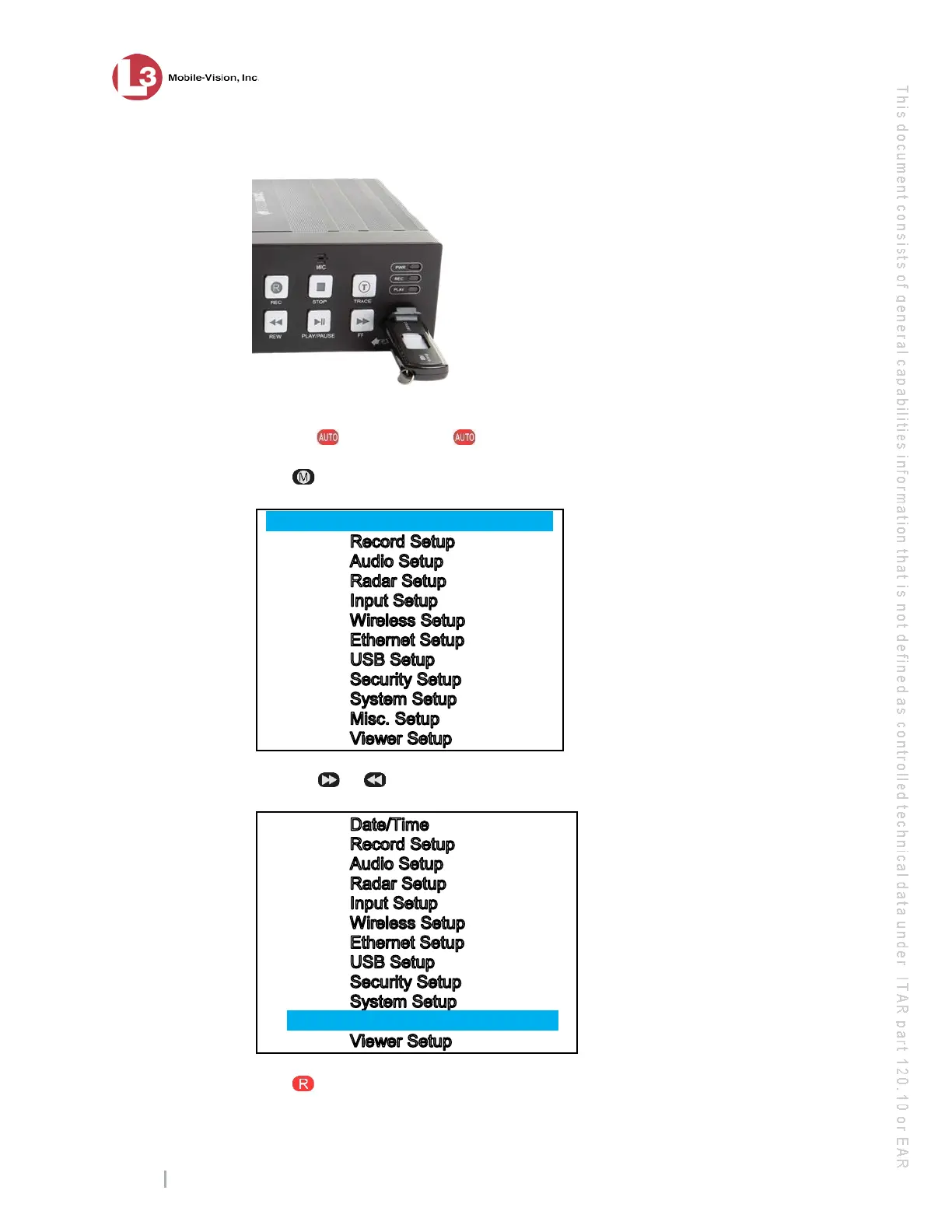
2 Insert a USB memory stick in the Flashback2’s USB port.
3 Mak
e sure the door to the Flashback2 is open and Auto mode is off. (If necessary,
press the button until the light turns off.)
4 P
ress . The Main Menu displays.
Date/Time
5 Press the or button until Misc. Setup is highlighted.
IIIIIIIIIIIIIMisc. SetupIIIIIIIIIIIIIIIIIIIIIIII
6 P
ress . The Misc. Setup menu displays.



 To Next Page