Upgrading from Flashback2 to Flashback3 or FlashbackHD
Flashback3 & Flashback HD User’s Guide
L3 Mobile-Vision 6.23.2017 Page 243
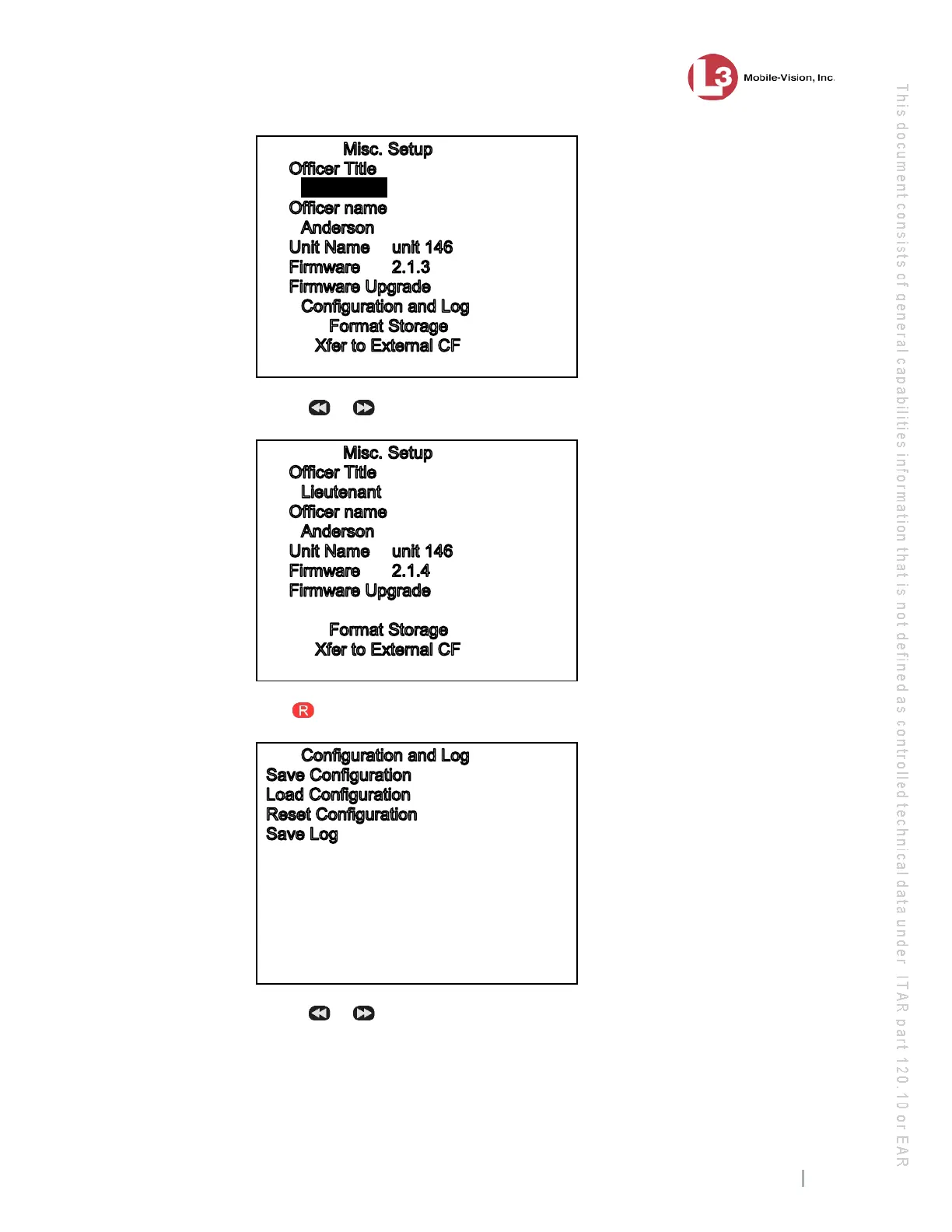
Lieutenant
7 U
se the
or button to advance to the Configuration and Log option.
Configuration and Log
8 Press . The Configuration and Log screen displays.
9 Use the
or button to highlight the Save Configuration option.



 To Next Page