Upgrading from Flashback2 to Flashback3 or FlashbackHD
Flashback3 & Flashback HD User’s Guide
Page 244 L3 Mobile-Vision 6.23.2017
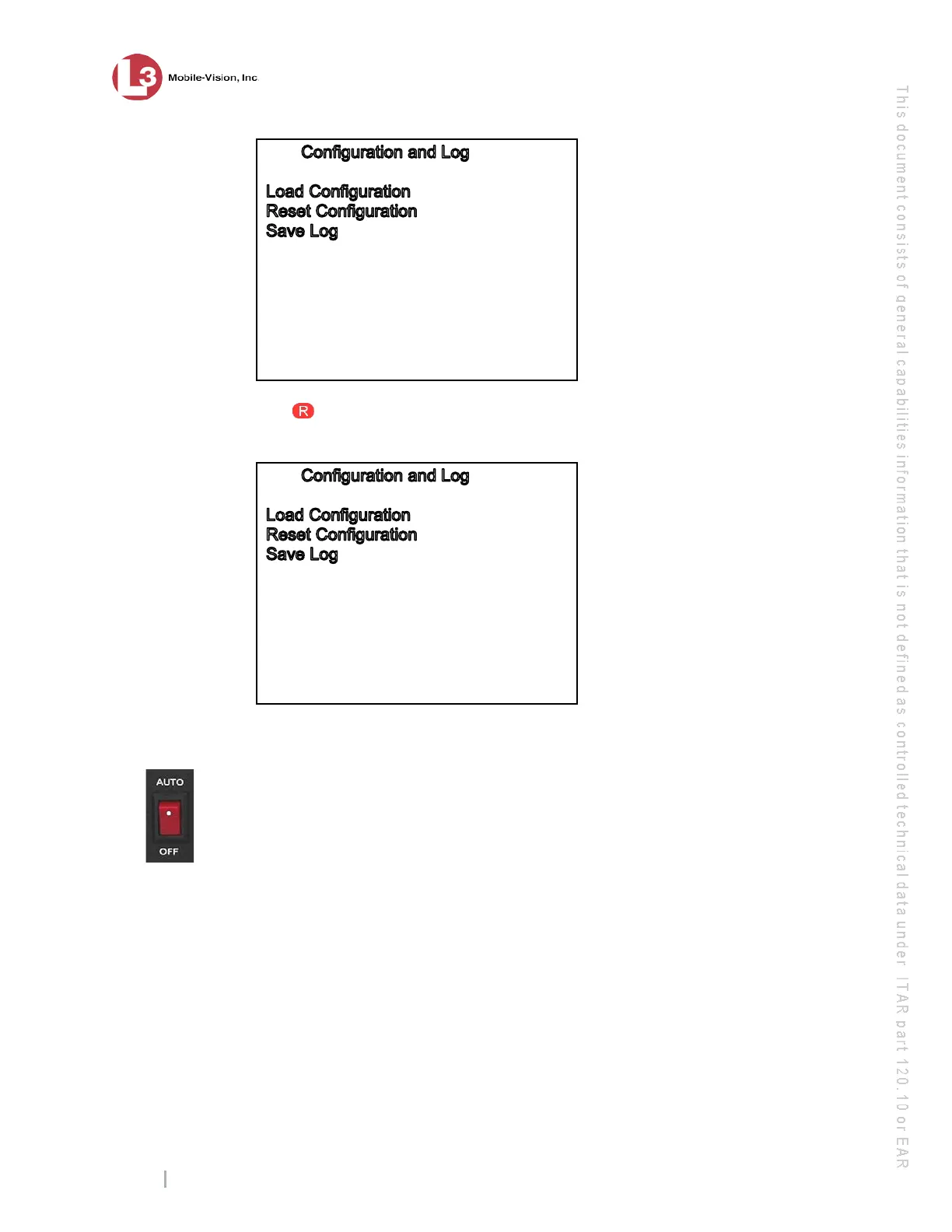
Save Configuration
10 P
ress . The system copies the Flashback2’s configuration file to the USB drive.
While this process takes place, a status message will display on-screen.
…COPYING…
O
nce the COPYING… message disappears, the transfer is complete.
11 R
emove the USB stick from the Flashback2.
12 P
ower down the Flashback2 by moving the red power switch into the down (
OFF)
position.
13 F
ully disconnect all the wires and cables on the back of the Flashback2, then remove
the unit.
14 I
f your
agency’s wireless LAN is configured for DHCP, skip to step 25.
– OR –
If your agency’s wireless LAN is not configured for DHCP, proceed to the next step.



 To Next Page