Upgrading from Flashback2 to Flashback3 or FlashbackHD
Flashback3 & Flashback HD User’s Guide
L3 Mobile-Vision 6.23.2017 Page 245
15 If you are installing the Flashback3 or FlashbackHD in an Interview Room, skip to
step 17.
– OR –
If you are installing the Flashback3 or FlashbackHD in a vehicle, proceed to the next
step.
16 I
f your vehicle is not within transmission distance, move it to within 300 feet of an
access point.
17 L
ogin to the Flashback server application as an administrator who has the Can Reset
DVR permission. If you’re not sure if you have this permission, see “Assigning
Permissions to a User” in chapter 8 of the DEP Administrator’s Guide.
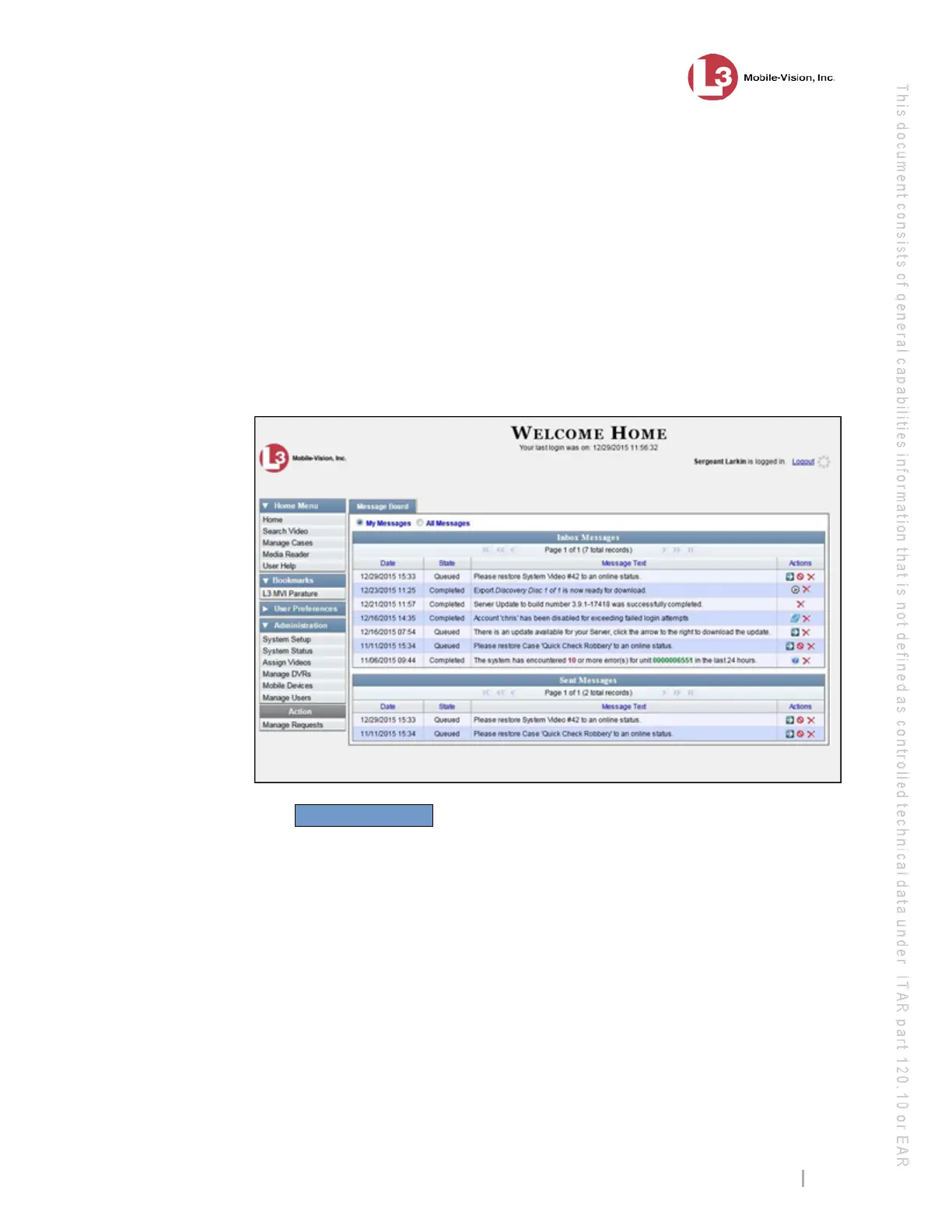
18 Go to Administration and click Manage DVRs. The Manage DVRs page
displays.



 To Next Page