Changing the Flashback Monitor Settings
Adjusting the Text Transparency of the Monitor Controls
Flashback3 & Flashback HD User’s Guide
Page 240 L3 Mobile-Vision 6.23.2017
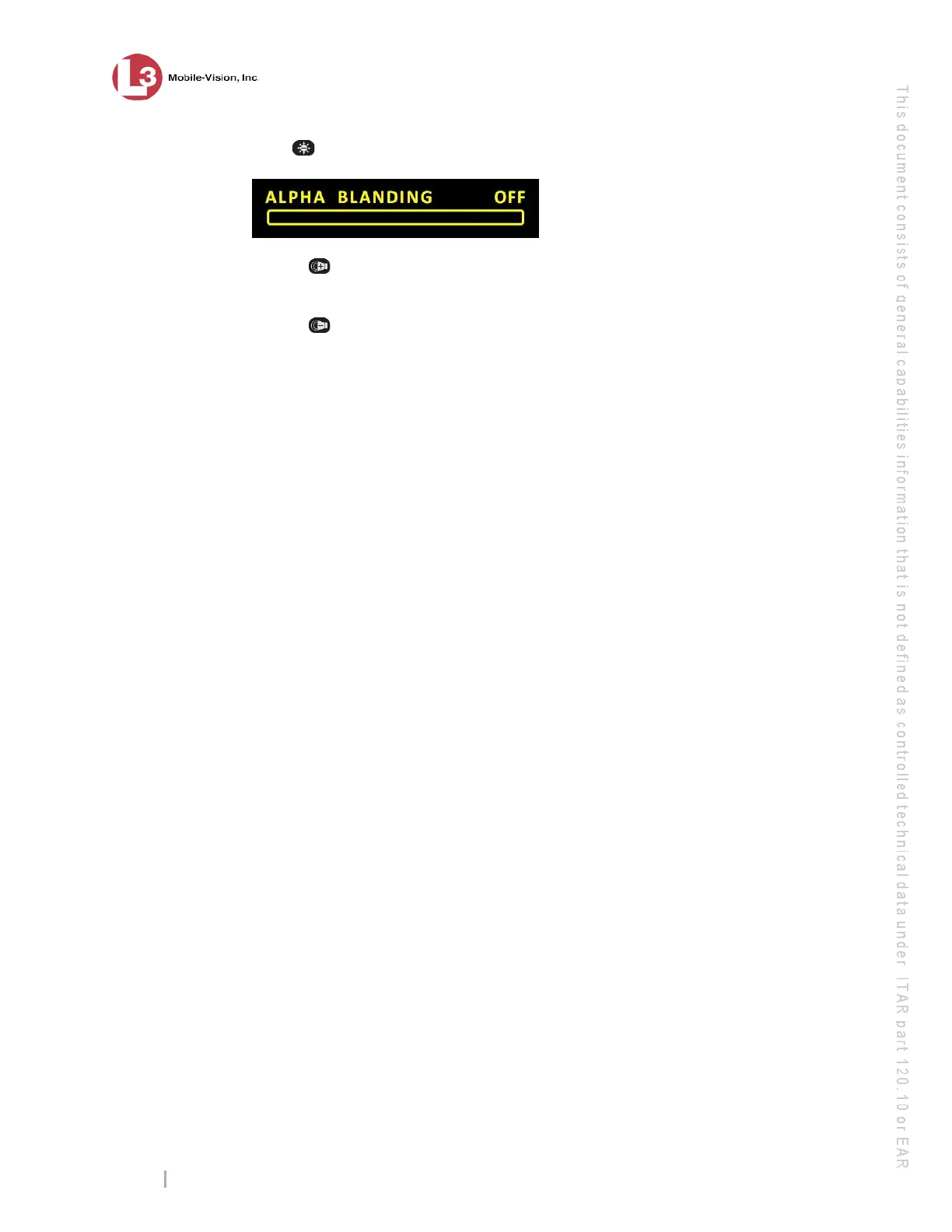
2 Press five times to advance to the Alpha Blanding bar.
3 U
se the button to increase the text transparency.
– OR –
Use the button to decrease the text transparency.
A
fter several seconds of inactivity, the system will automatically exit Monitor
Setup Mode.



 To Next Page