DVR Settings
Changing Display Options
Flashback3 & Flashback HD User’s Guide
Page 118 L3 Mobile-Vision 6.23.2017
6 P
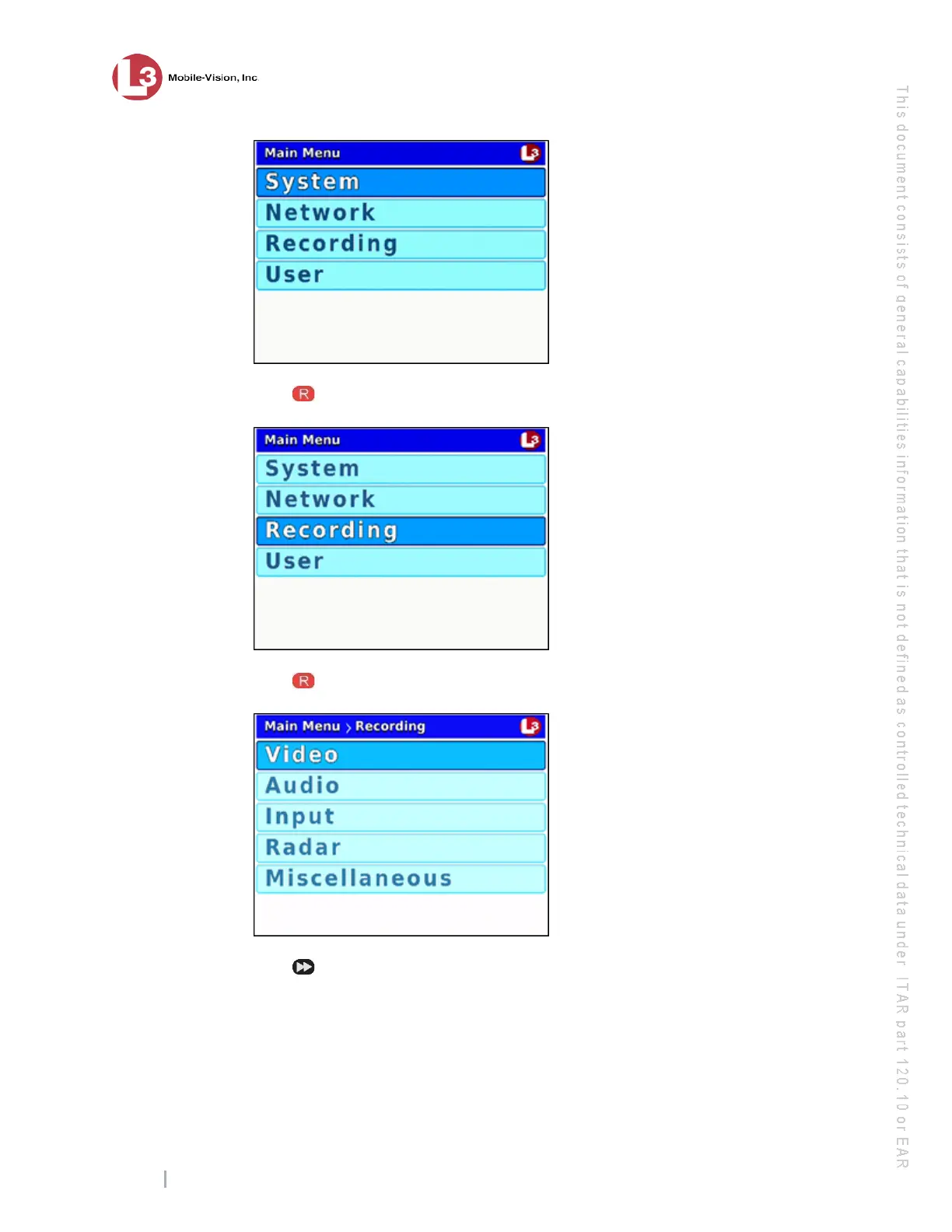
ress to select the Radar option. The Radar screen displays.
7 P
ress to select the Radar field.
8 P
ress to toggle the field value from OFF to ON.
9 E
xamine the current radar settings in the Radar Info field, as described in the
following table.



 To Next Page