DVR Settings
Changing Display Options
Flashback3 & Flashback HD User’s Guide
Page 134 L3 Mobile-Vision 6.23.2017
3 If
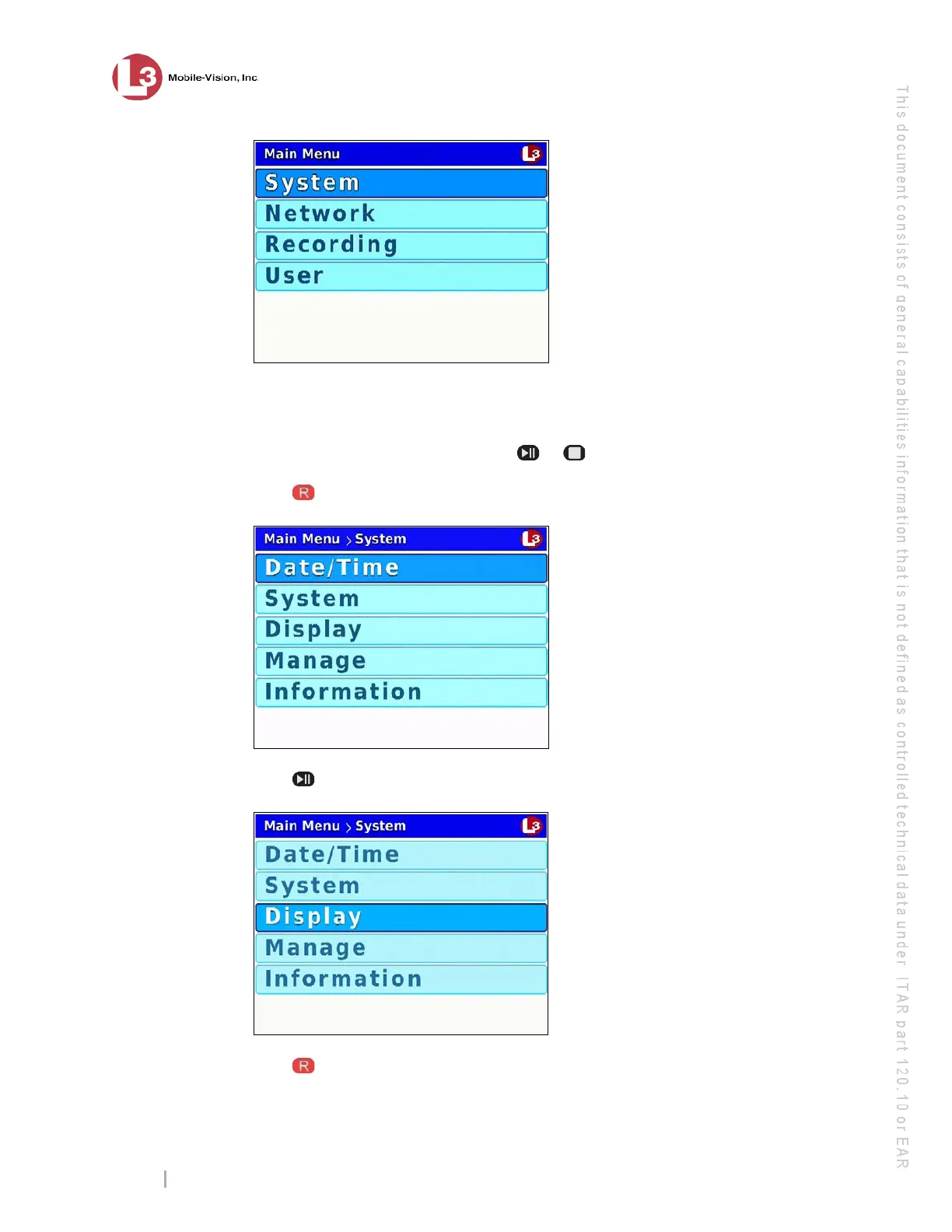
System is highlighted, proceed to the next step.
– OR –
If System is not highlighted, press the or button to advance to that option.
4 P
ress to select the System option. The System menu displays.
5 P
ress twice to highlight the Display option.
6 P
ress to select the Display option. The Display screen displays.



 To Next Page