DVR Settings
Changing the Record Settings
Flashback3 & Flashback HD User’s Guide
Page 46 L3 Mobile-Vision 6.23.2017
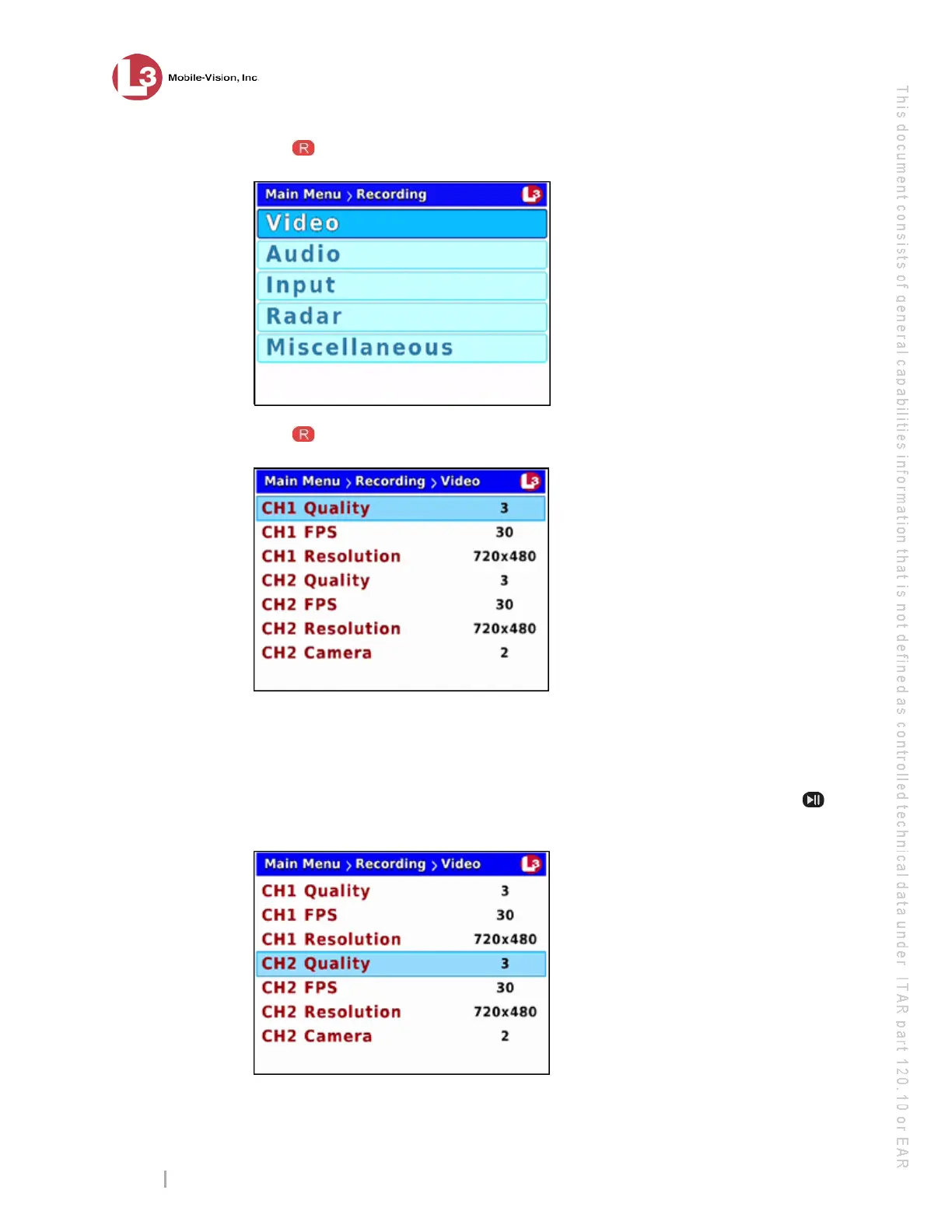
4 Press to select the Recording option. The Recording menu displays.
5 Press to select the Video option. The Video screen displays.
6 To c
hange the video quality for Channel 1 (Forward-facing zoom camera), proceed to
the next step.
– OR –
To change the video quality for Channel 2 (Backseat and Bullet cameras), press
three times to advance to the CH2 Quality field.



 To Next Page