DVR Settings
Changing the Audio Settings
Flashback3 & Flashback HD User’s Guide
L3 Mobile-Vision 6.23.2017 Page 73
6 Pr
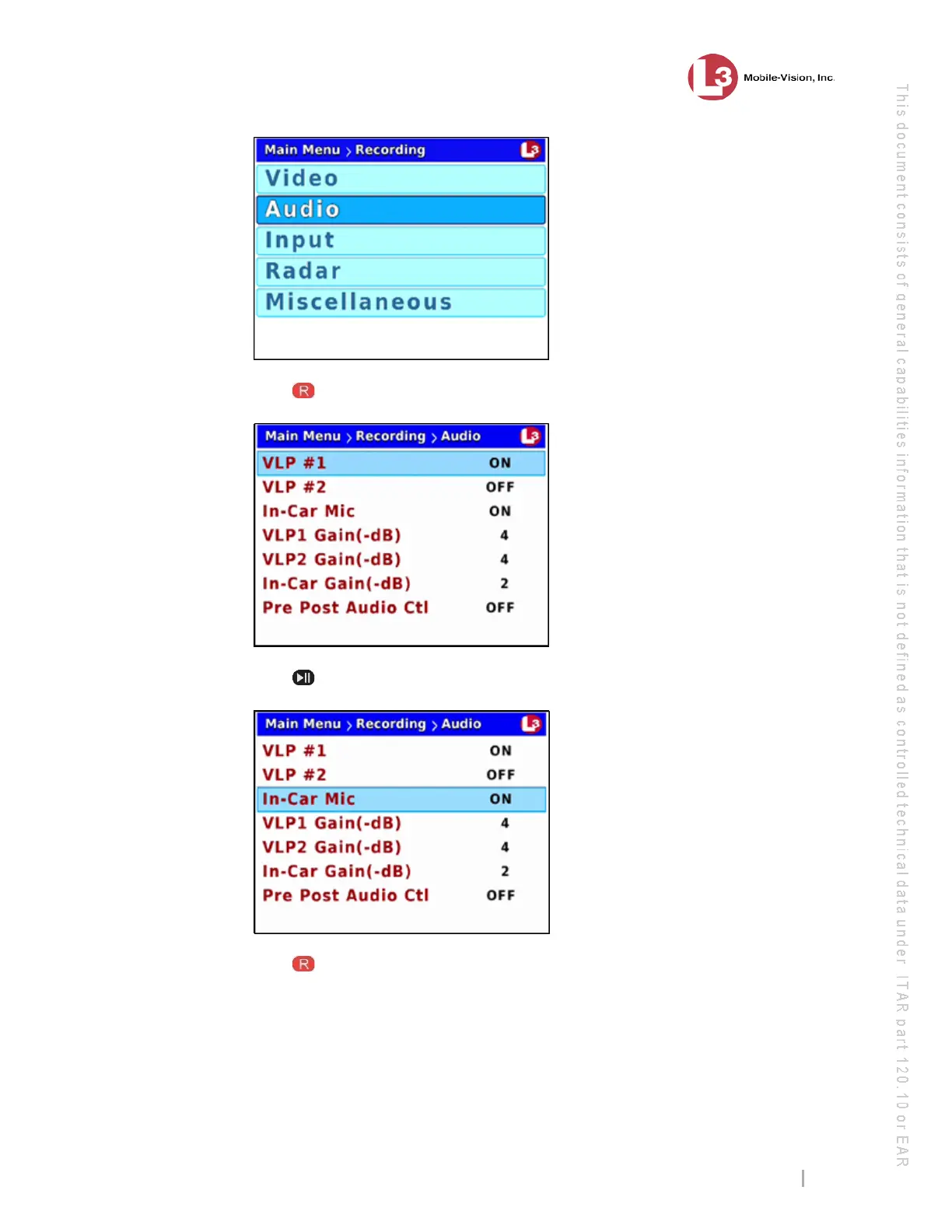
ess to select the Audio option. The Audio screen displays.
7 Pr
ess twice to advance to the In-Car Mic field.
8 Pr
ess to select the In-Car Mic field.



 To Next Page