3-14 Service Manual
5041-030
Diagnostics mode
To run the printer diagnostic tests described in this chapter, put the printer in Diagnostics mode.
Entering Diagnostics mode
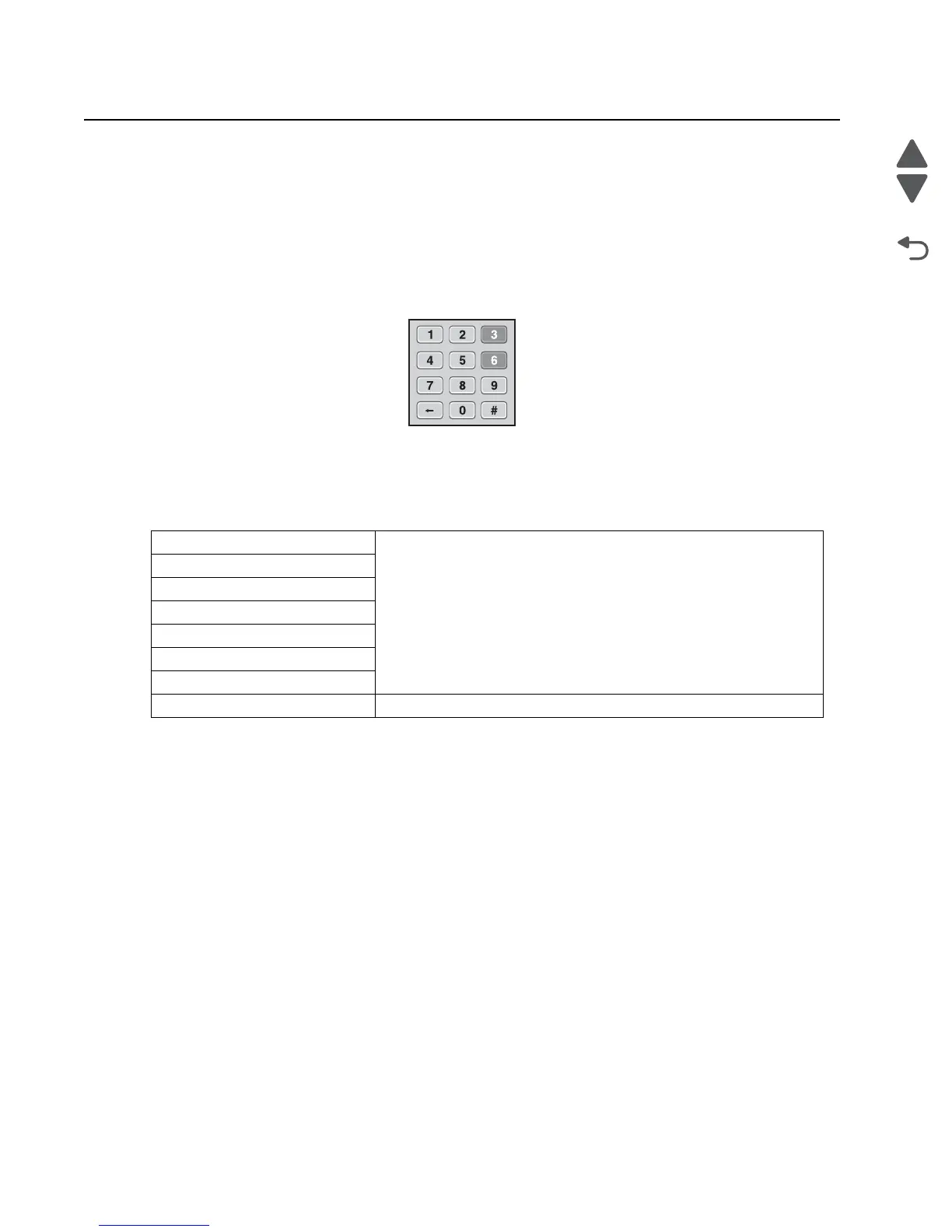
To enter the Diagnostics Mode:
1. Turn off the printer.
2. Press and hold 3 and 6.
3. Turn on the printer.
4. Hold the buttons until the splash screen appears.
Diagnostic mode menus
PRINT TESTS See “PRINT TESTS” on page 3-16
Tray 1
Tray 2 (if installed)
Tray 3 (if installed)
Tray 4 (if installed)
Tray 5 (if installed
Multi-Purpose Feeder
Print Quality Pages See “Print Quality Pages” on page 3-16



 To Next Page