2-12 Service Manual
5041-030
Paper jams
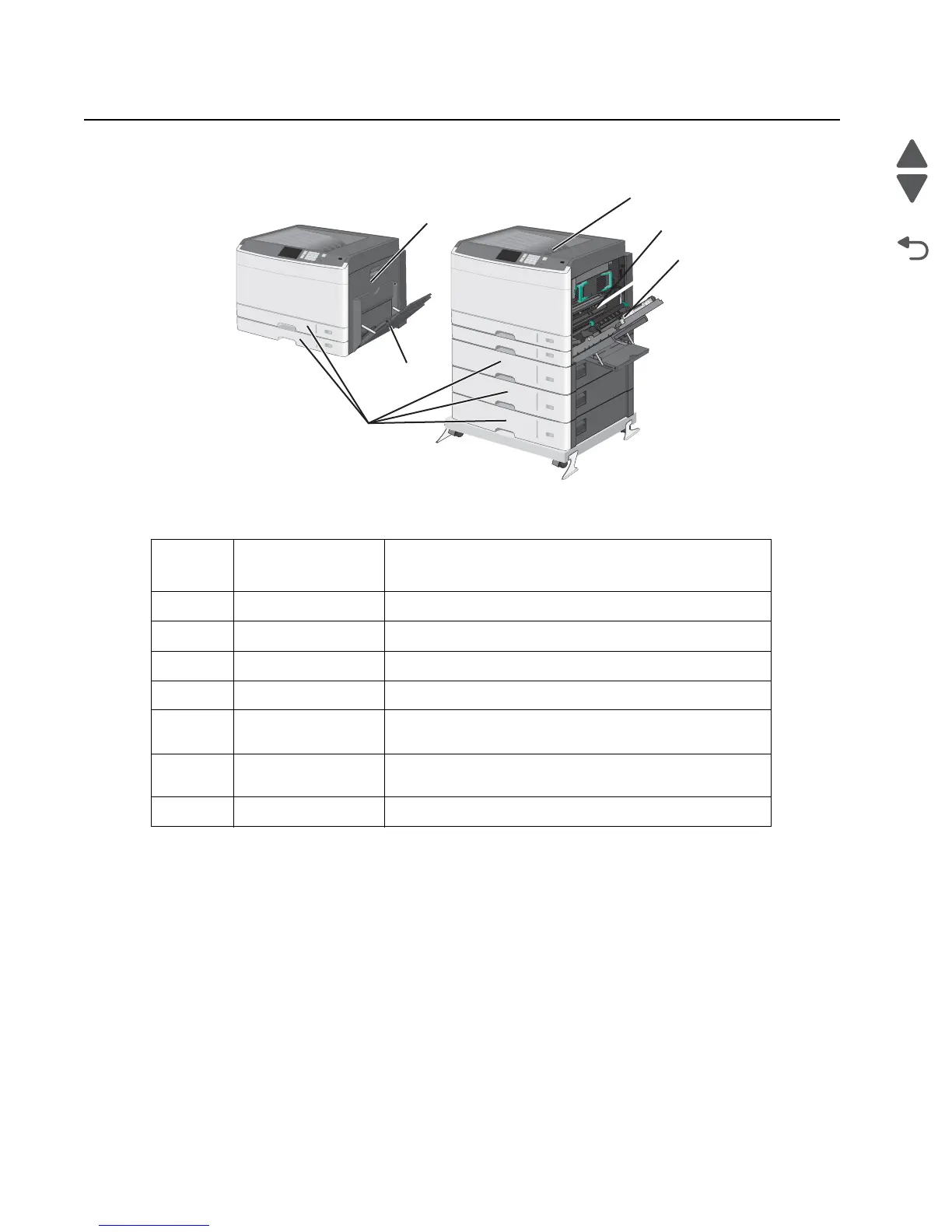
Location
User primary
message
Explanation
1 200.xx Paper jam in the transfer / carry area.
2 201.xx Paper jam in the fuser entry area.
3 203 Paper jam at the paper exit area.
4 230 Paper jam in the duplex.
4 231-39 Paper jam in the duplex. Check the duplex sensor area at
the bottom of the duplex.
5 24x Paper jam in the papertray. <x>indicates which tray the jam
is in.
6 250 Paper jam in the MPF tray



 To Next Page