Repair information 4-63
5041-030
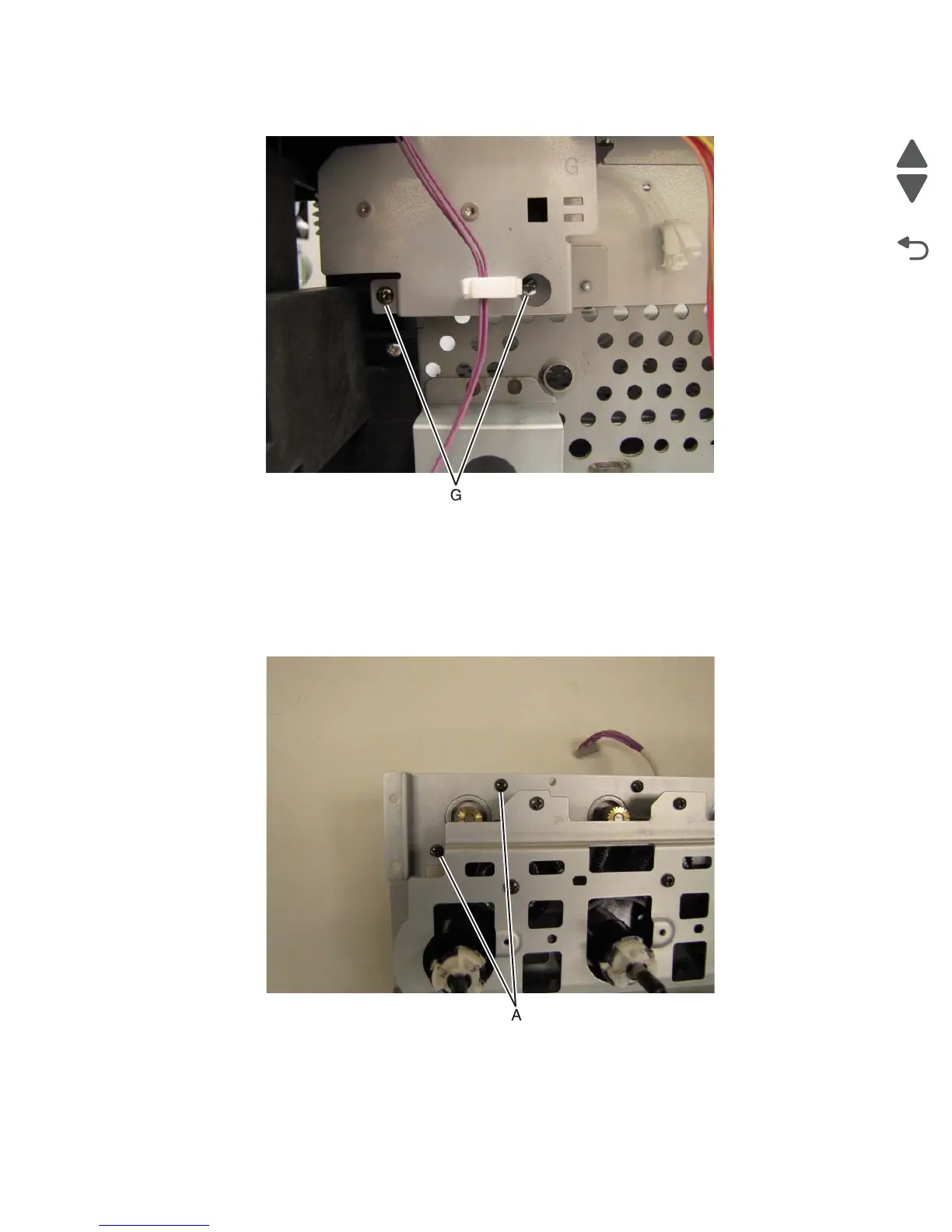
11. Remove the two screws (G) in the lower left corner of the drive unit.
Drive unit motor C/M/Y/K removal
Note: All four motors use this procedure.
1. Remove the drive unit.
2. Place the drive unit with the motors down on a table.
3. Remove the two screws (A) securing the motor to the drive unit.
Note: When replace the drive motor, be careful to not damage the gears in the drive unit with the metal
gear on the motor.



 To Next Page