4-78 Service Manual
5041-030
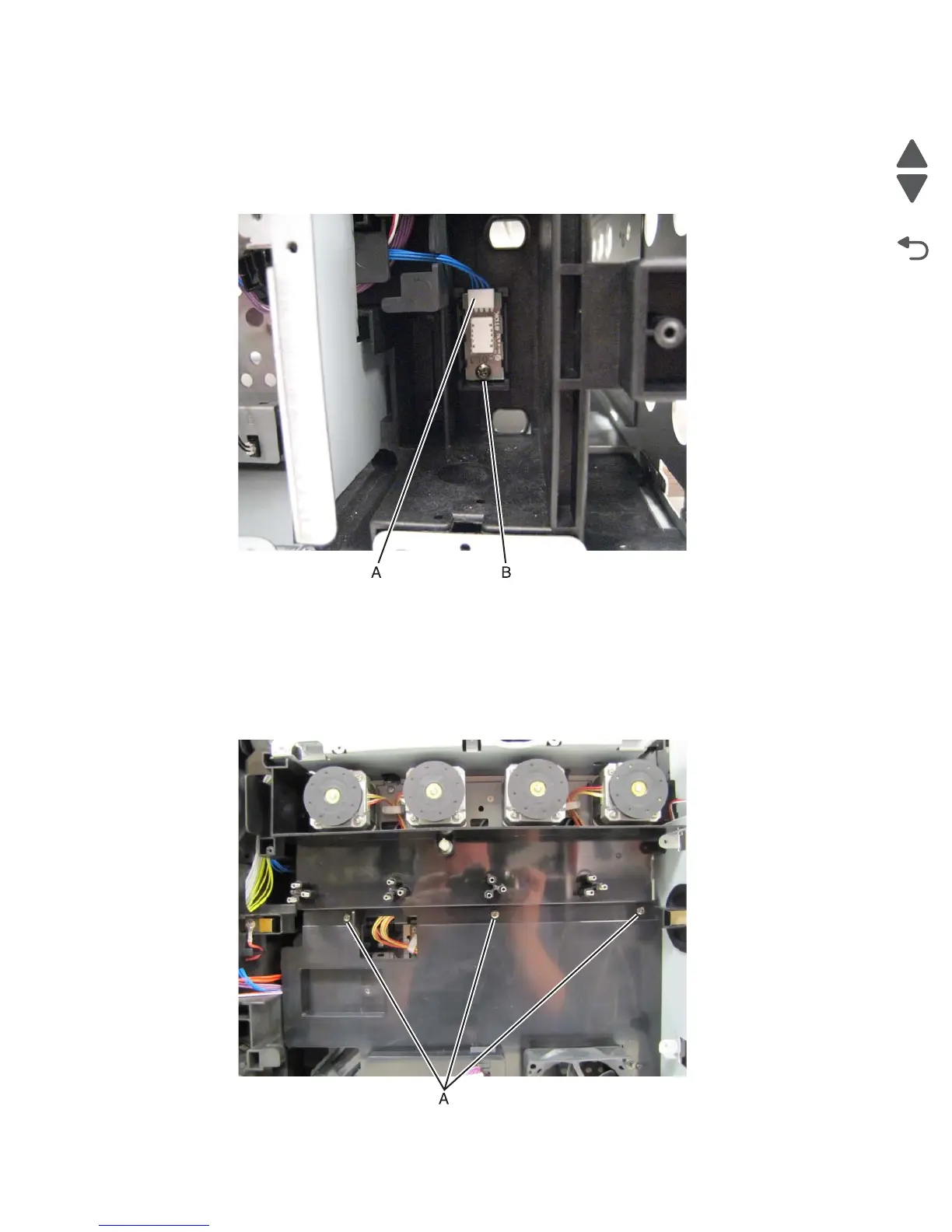
Temperature and humidity sensor removal
1. Remove the rear cover.
2. Disconnect the sensor cable (A) from the sensor.
3. Remove the screw (B) securing the sensor to the printer frame.
Rear fan removal
1. Remove the high volt power supply. See “HVPS removal” on page 4-87.
2. Remove the three screws (A) securing the fan mounting duct to the printer.



 To Next Page