4-88 Service Manual
5041-030
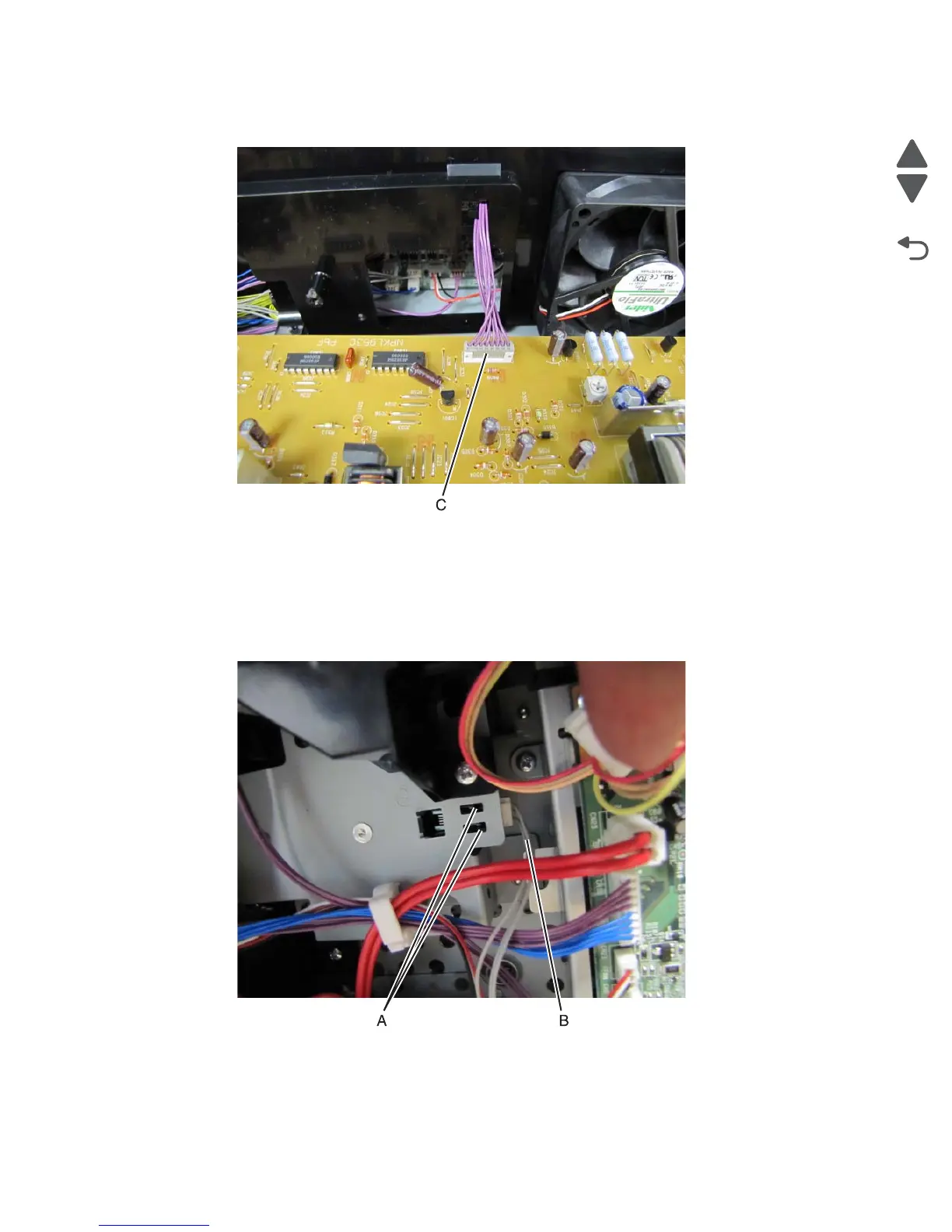
6. Disconnect the power cable (C) from the HVU.
Waste toner sensor removal
1. Remove the rear fan. See “Rear fan removal” on page 4-78.
2. Depress the tabs (A) securing the waste toner sensor to the frame and push the sensor in. After the sensor
is detached, pull it out of the frame.
3. Disconnect the waste toner sensor cable (B) from the sensor.
Installation note: Using a small flatblade screwdriver, gently press the actuator of the waste toner
towards the front of the print engine while reinstalling the waste toner sensor.



 To Next Page