4-112 Service Manual
5041-030
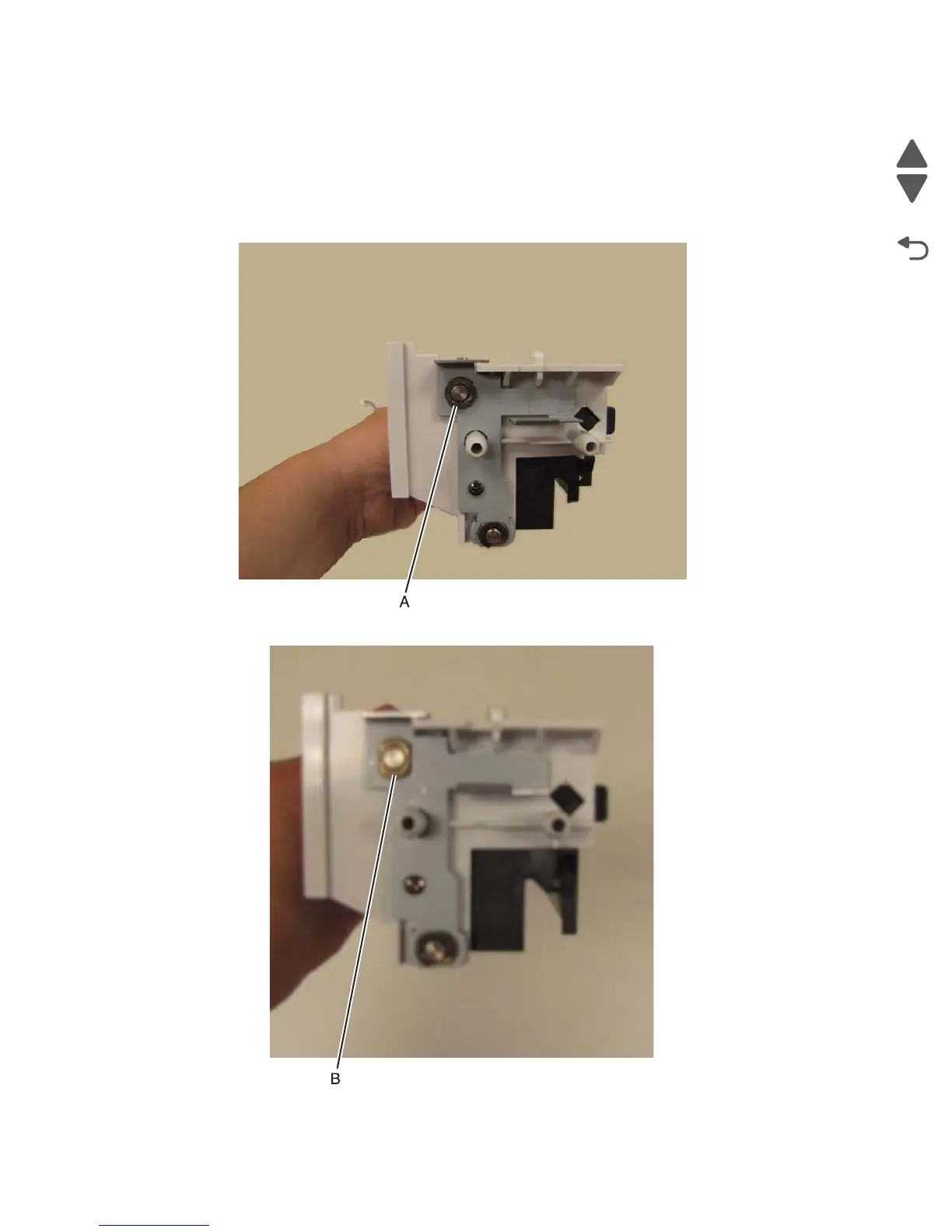
Exit guide (paper exit) roll removal
Note: You will need to remove the drive gear, spring, and washer on the paper exit roll and place it on the
new paper exit roll.
1. Remove the paper exit unit. See “Paper exit guide removal” on page 4-24.
2. Remove the e-clip (A) that fastens the exit unit roll to the paper exit unit.
3. Remove the bushing (B).



 To Next Page