Repair information 4-87
5041-030
HVPS removal
1. Remove the rear cover. See “Rear cover removal” on page 4-5.
2. Remove the top cover. See “Top cover removal” on page 4-11.
3. Remove rear shield. See “Rear EMI shield removal– Not a FRU” on page 4-82.
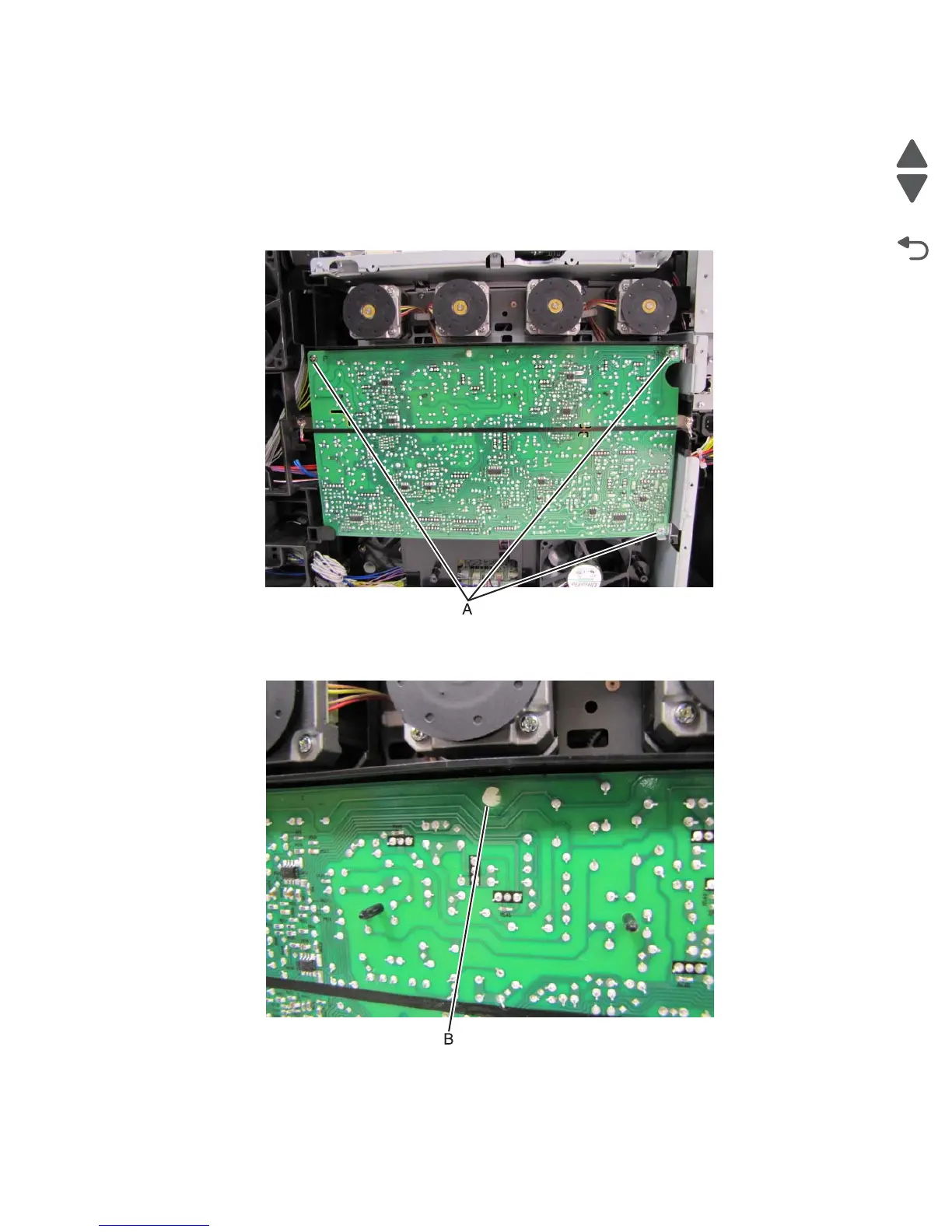
4. Remove three screws (A) attaching the HVU to the frame.
Note: The upper left screw is different than the other two.
5. Pinch the nylon retainer (B) to free the board.



 To Next Page