4-26 Service Manual
5041-030
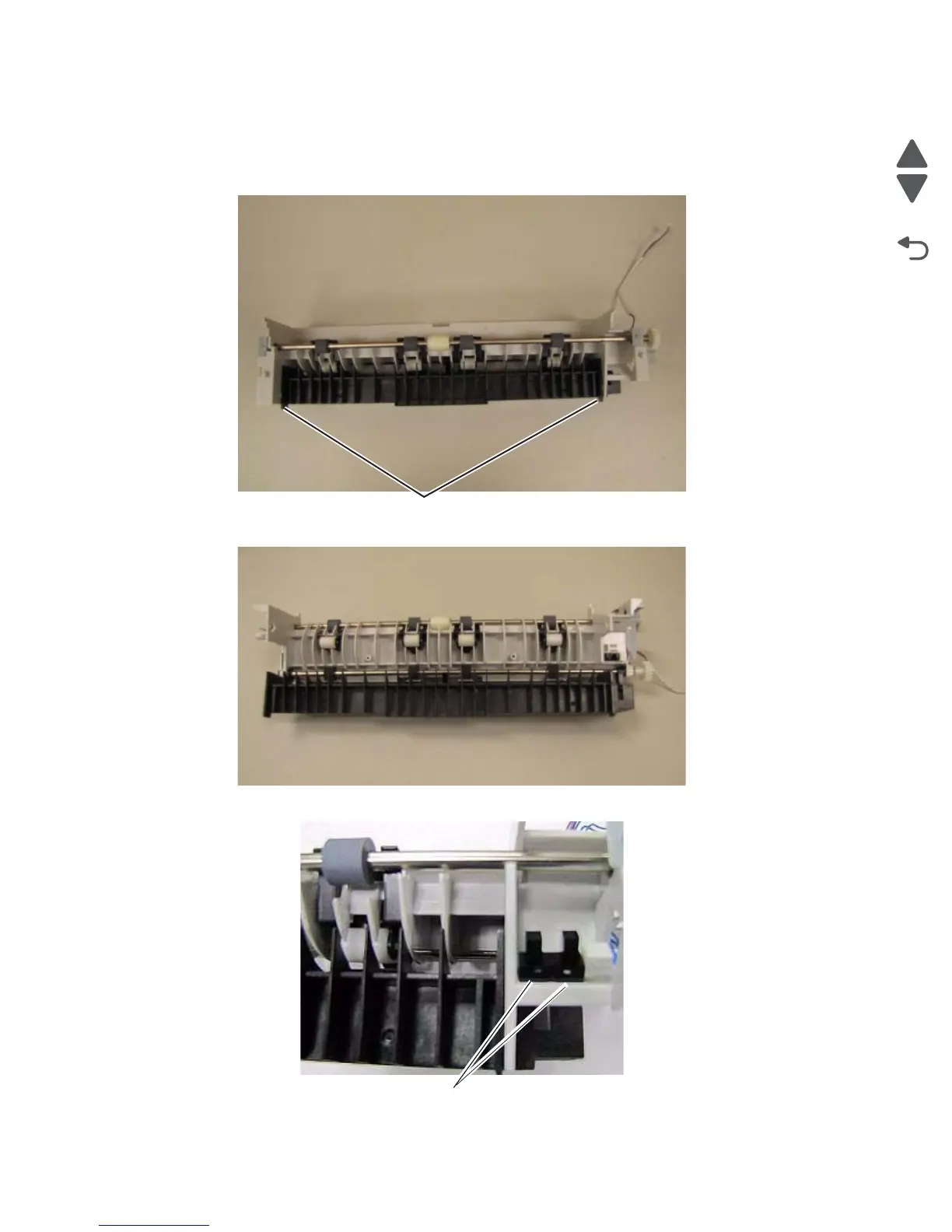
Bin full sensor removal
1. Remove the paper exit guide. See “Paper exit guide removal” on page 4-24.
2. Release the tabs (A) securing the black exit guide.
3. Open the guide, exposing the bin full sensor.
4. Release the tabs (B) securing the bin full sensor to the paper exit guide.
5. Disconnect the blue cable from the sensor.



 To Next Page