Repair information 4-121
5041-030
Paper empty sensor removal
1. Take the main printer unit off of the option paper feed unit.
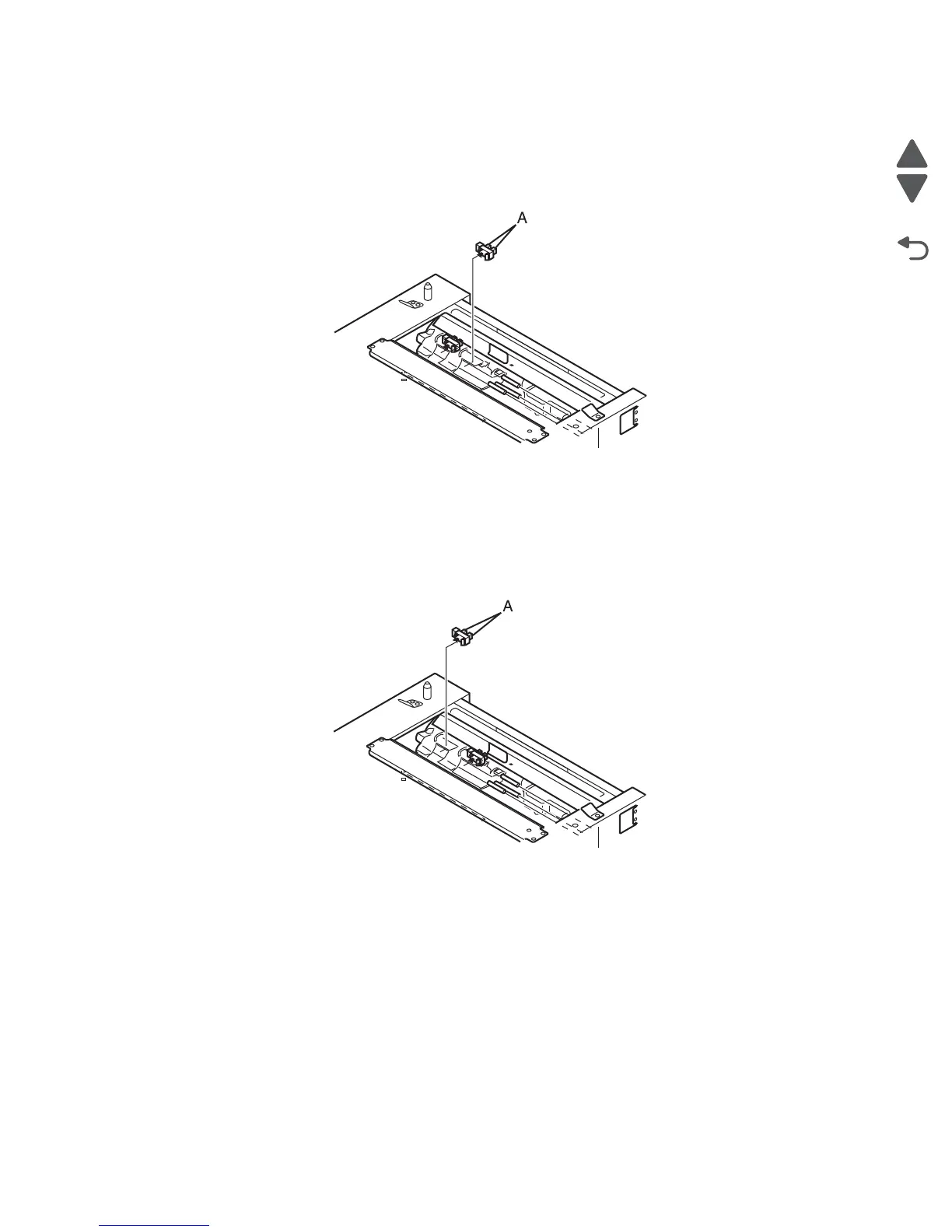
2. Remove the paper empty sensor from the frame by pressing the tabs (A) on the sensor together and
pulling it away from the frame.
3. Disconnect the sensor from the harness.
Paper full sensor removal
1. Take the main printer unit off of the option paper feed unit.
2. Remove the paper empty sensor from the frame by pressing the tabs (A) on the sensor together and
pulling it away from the frame.
3. Disconnect the sensor from the harness.



 To Next Page