2-18 Service Manual
5041-030
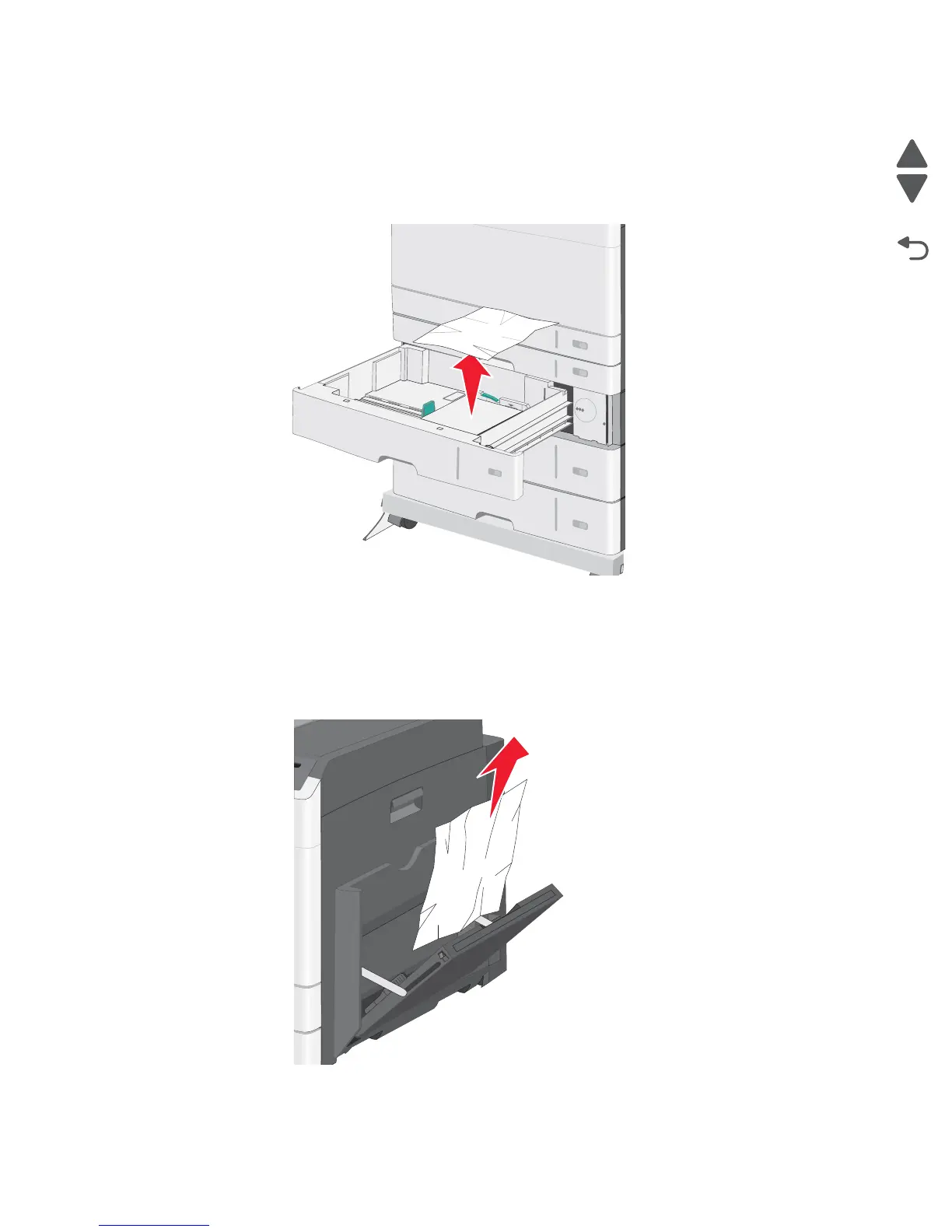
Jam in the optional trays
1. Open the side affected tray’s access door, and remove the jammed pages.
Note: Make sure all paper fragments are removed.
2. Open the affected tray, and remove the jammed pages.
3. Close the tray.
4. Press Continue, jam cleared.
250 paper jam
1.
Remove the jammed pages from the multipurpose feeder.
2. Load paper into the multipurpose feeder.
3. Press Continue, jam cleared.



 To Next Page