Diagnostic information 2-13
5041-030
Clearing and troubleshooting paper jams
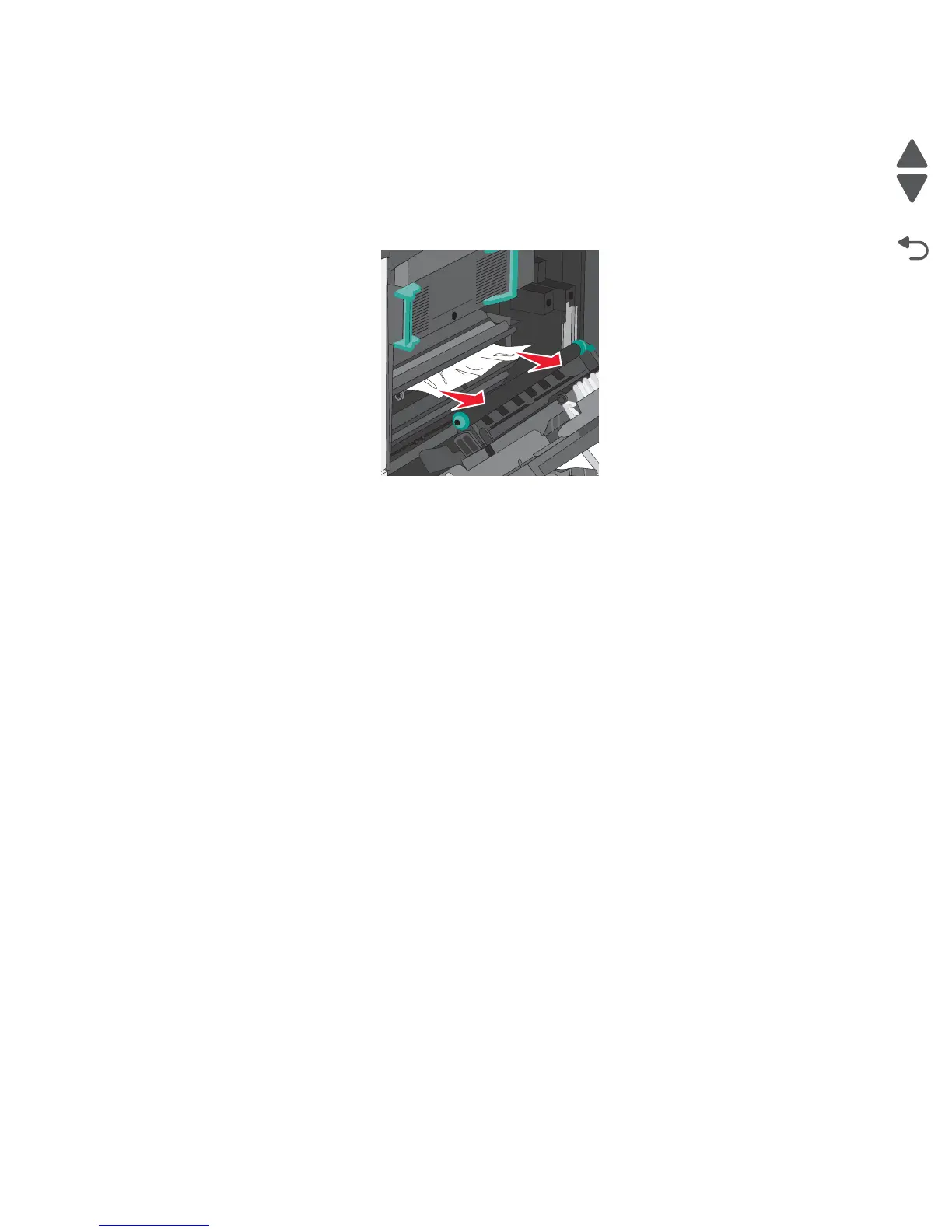
200 paper jam
1.
Open the right side cover.
2. Pull the paper up and out to remove it from the paper path.
Note: Make sure all paper fragments are removed. If the page is in the fuser, the fuser nip release lever
should be lowered. After removing the jammed page, return the lever to the proper position.
3. Close the right side cover.
4. Press Continue, jam cleared.



 To Next Page