Repair information 4-53
4024-XXX
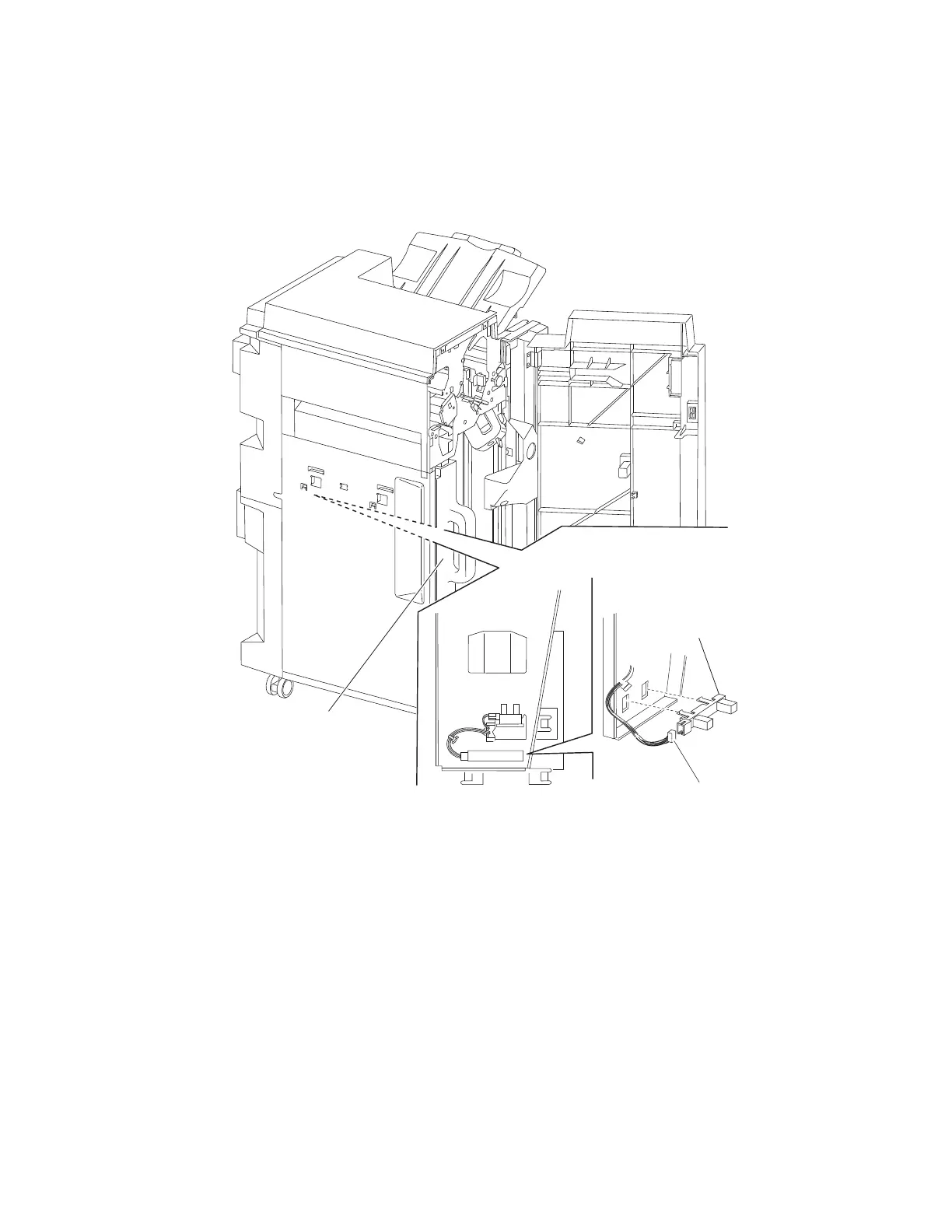
Sensor (punch waste box full) removal
1. Open the finisher front door assembly.
2. Remove the punch waste box (A) from the finisher.
3. Disconnect the connector from the sensor (punch waste box full) (B).
4. Release the hooks securing the sensor (punch waste box full) (B) to the finisher.
5. Remove the sensor (punch waste box full) (B).













 To Next Page