L-Gate User Manual 106 LOYTEC
Version 3.2 LOYTEC electronics GmbH
4. Select the menu Tools Æ Import Connections …
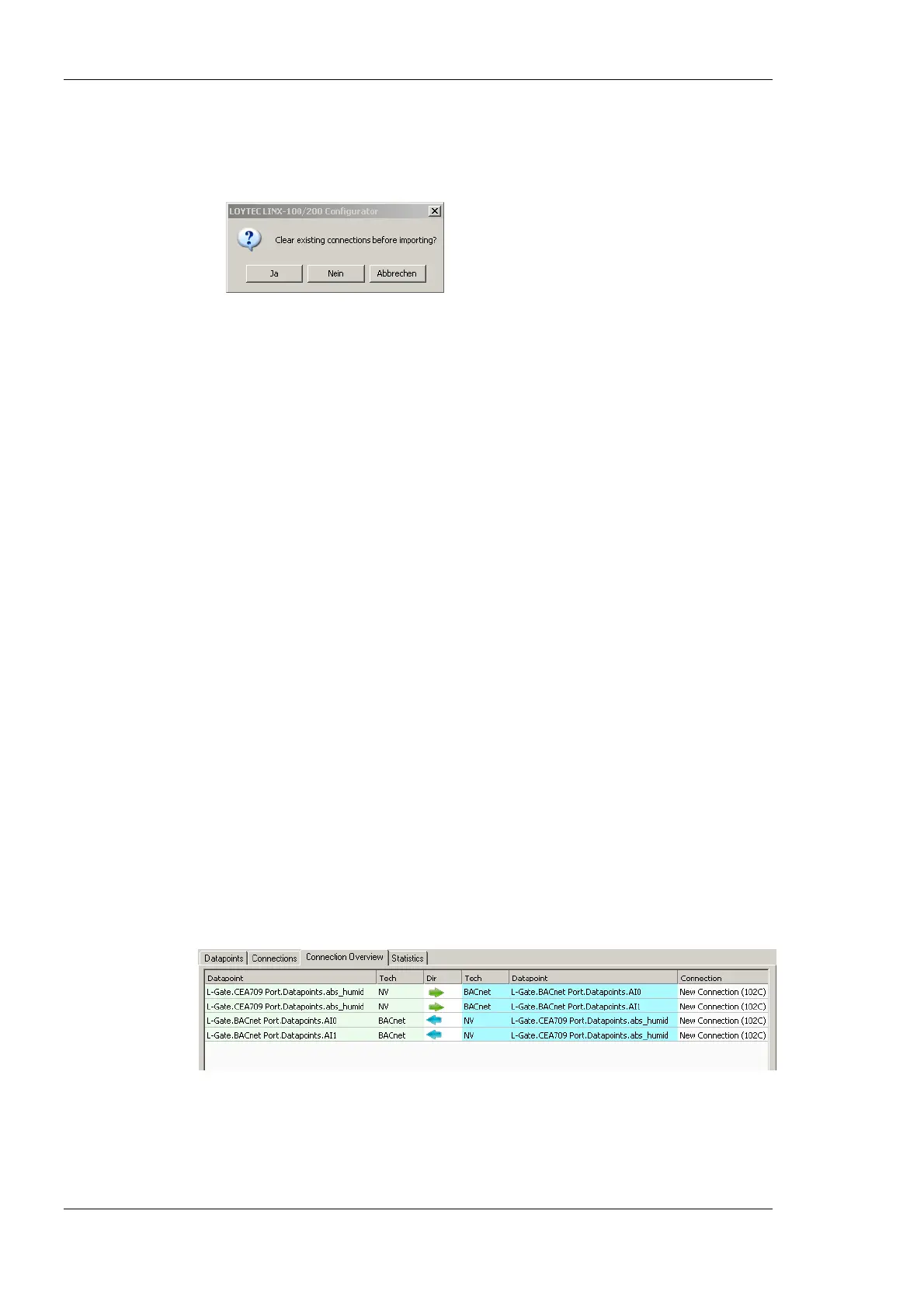
5. If connections that are not part of the connection CSV file shall be deleted, click Yes
when prompted. Click No if the other connections shall be left as is.
6. Choose the file to import and click Ok.
7. When the import has completed, optionally view the log to check, which connections
have been added, modified, and deleted.
6.9.3 Modify Connections
Connections can be edited and deleted. This is also done in the Connections tab of the
main window. Editing connections does not influence the data point configuration. This
means, when deleting a connection or adding/removing data points to/from a connection,
the data points are not deleted.
To Edit a Connection
1. Change to the Connections tab of the main window.
2. Select the connection to edit. Then follow the steps as applied when creating a
connection.
3. To delete a target, select the target and click on Remove Target(s).
To Delete a Connection
1. Change to the Connections tab of the main window.
2. Select the connection for removal. Use multi-select to select more than one connection.
3. Click Remove.
6.9.4 Connection Overview
Select the Connection Summary tab to get a graphical representation of all connections. It
represents the two connected data points, their technology they are based on and the
direction of the connection. An example for the overview is shown in Figure 94.
Figure 94: Connections Summary.



 To Next Page