L-Gate User Manual 97 LOYTEC
Version 3.2 LOYTEC electronics GmbH
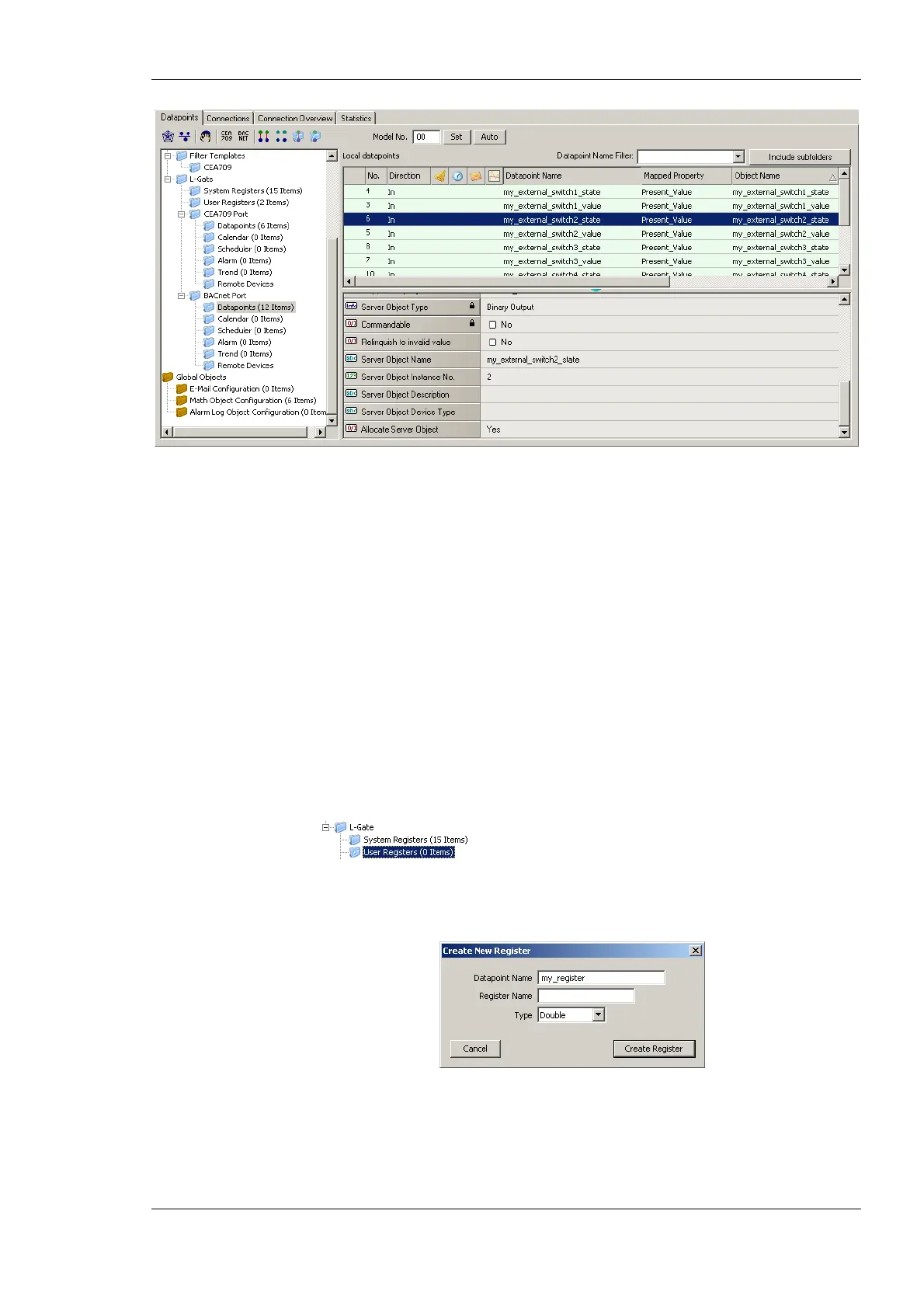
Figure 82: Auto-created BACnet Points in the BACnet Folder
Note, when auto-creating the BACnet objects, the L-Gate Configurator initializes the
BACnet properties with default values derived from the properties of the CEA-709 NVs. In
particular, the object name, description, minimum and maximum present value, and
engineering units are generated. If the default properties do not have the desired values, the
user can edit them in the BACnet folder.
6.7.12 Create User Registers
User registers are data points on the device that do not have a representation on the
network. Thus, they are not accessible over a specific technology. A register merely serves
as a container for intermediate data (e.g., results of math objects). Since a register has no
network direction, it can be written and read. Therefore, two data points are generated for
each register, one for writing the register (output) and one for reading the register (input).
To Create a User Register
1. Select the L-Gate/User Registers folder
2. Right-click in the data point list and select New Datapoint… in the context menu.
This opens the register creation dialog as shown in Figure 83.
Figure 83: Create a user register.
3. Enter a Datapoint Name for the register. You may leave the Register Name blank to
give the underlying register the same name as the data point.
4. Select a Type. Available are “Double”, “Boolean”, or “Signed Integer”.



 To Next Page