L-Gate User Manual 112 LOYTEC
Version 3.2 LOYTEC electronics GmbH
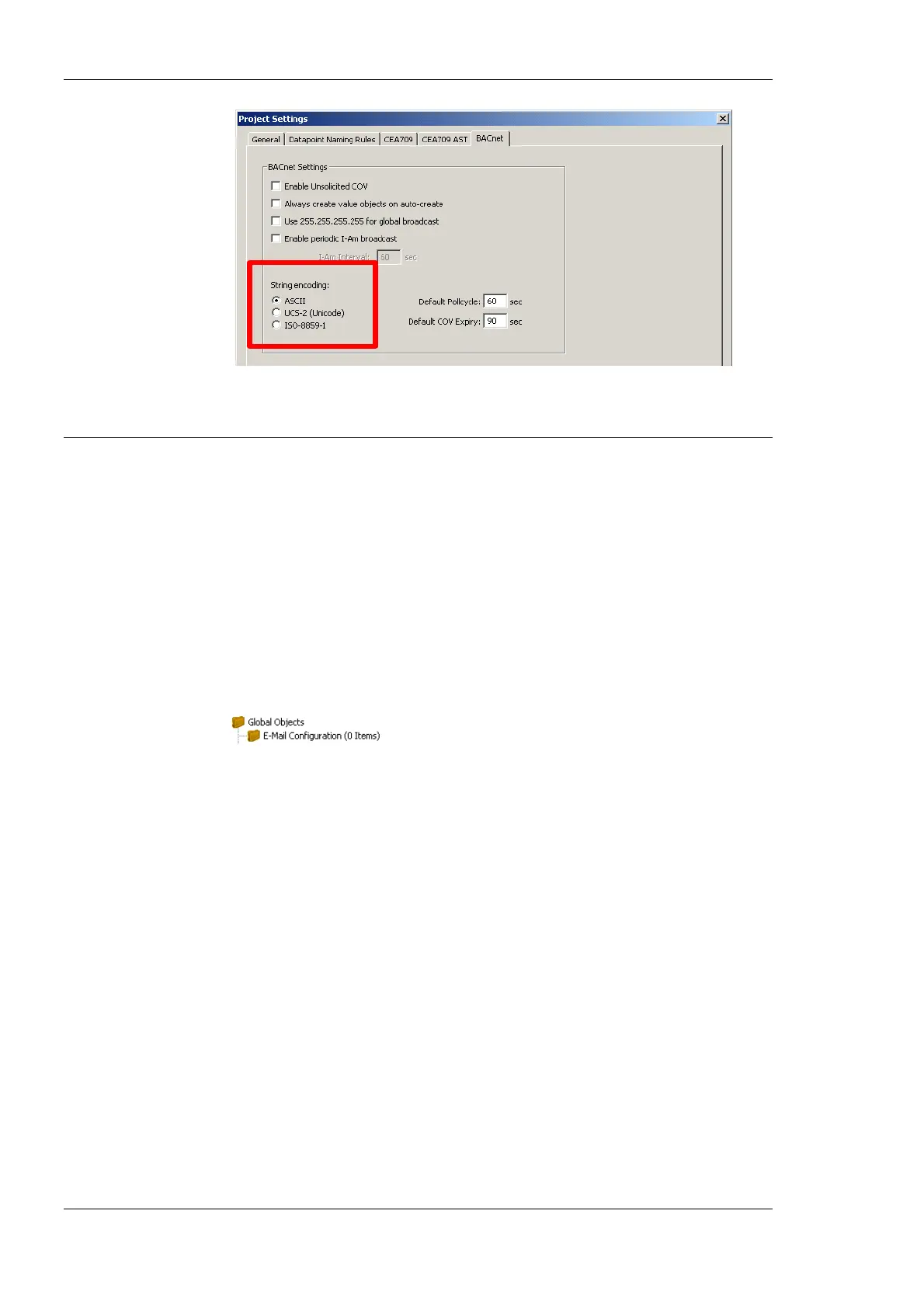
Figure 100: BACnet Project settings dialog.
6.11 E-Mail Templates
6.11.1 Create an E-Mail Template
E-Mail templates are used to assemble and transmit E-Mails when certain trigger
conditions occur. The E-Mail template contains the destination E-Mail address, the subject,
and text. Variable parameters can be added to the text by using data point sources. The
transmission of an E-Mail is triggered by one or more trigger data points. For setting up E-
Mails, the E-Mail account information has to be configured on the device, e.g. on the Web
UI (see Section 4.2.11).
To Create an E-Mail Template
1. Under the Global Objects folder, select the E-Mail Configuration sub-folder.
2. Right-click and select New E-Mail Template … from the context menu.
3. In the Configure E-Mail Template dialog, which is shown in Figure 101 enter the To
address and the Subject. Optionally, Cc and Bcc addresses can be specified.



 To Next Page