L-Gate User Manual 35 LOYTEC
Version 3.2 LOYTEC electronics GmbH
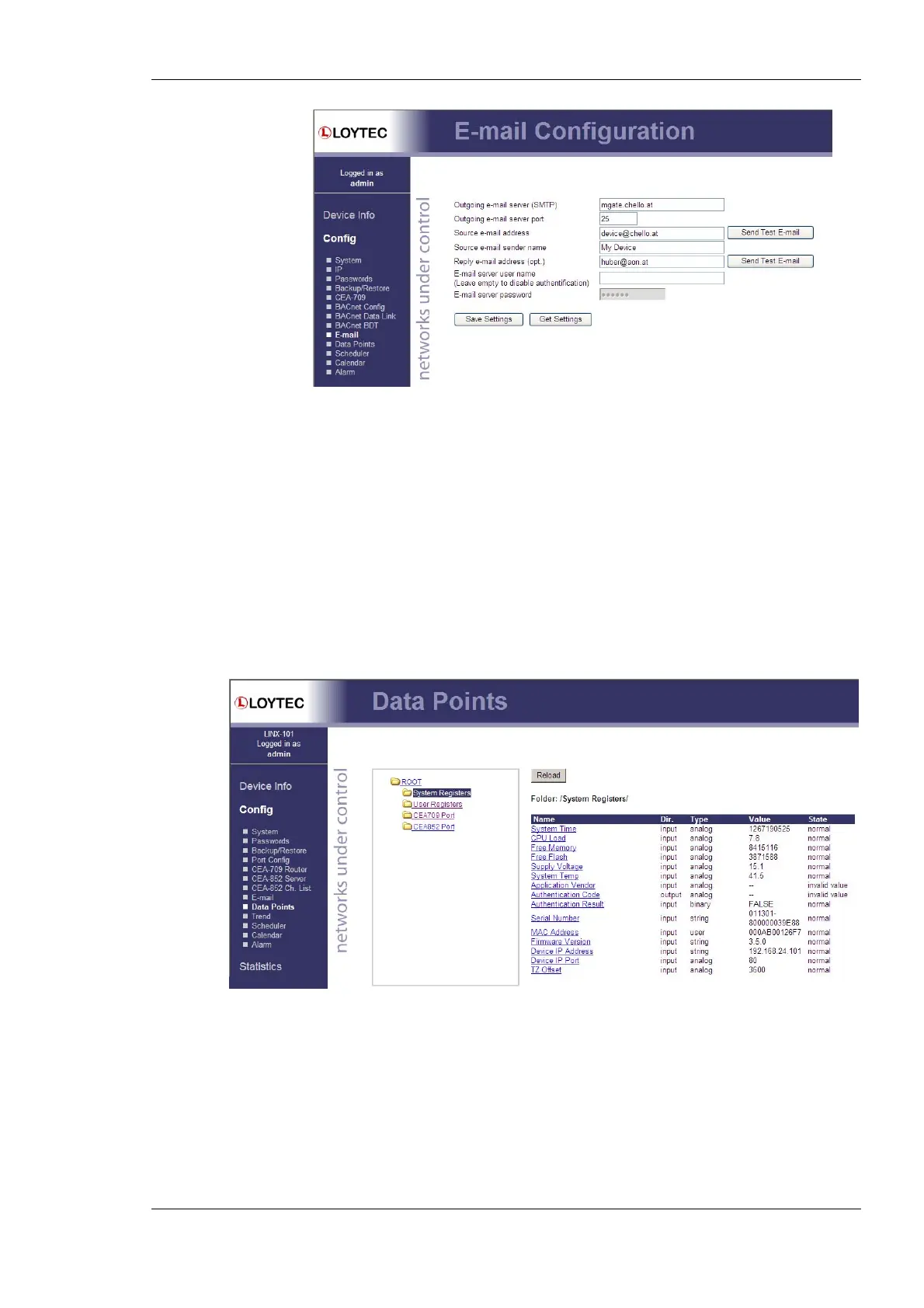
Figure 24: E-Mail Configuration Page
4.2.12 Data Points
The device’s Web interface provides a data point page, which lists all configured data
points on the L-Gate. An example is shown in Figure 25. The data point page contains a
tree view. Clicking on a particular tree item fills the right part of the page with a data point
list of that tree level and all levels below. Thus, one can get an easy overview of all data
points.
The data point list displays the data point name, direction, type, current value, and data
point state. Inactive points are displayed in gray. If the data point list does not fit on one
page, there are page enumerator links at the bottom. Important data point states and their
implications are listed in Table 5.
Figure 25: Data point page



 To Next Page