L-Gate User Manual 30 LOYTEC
Version 3.2 LOYTEC electronics GmbH
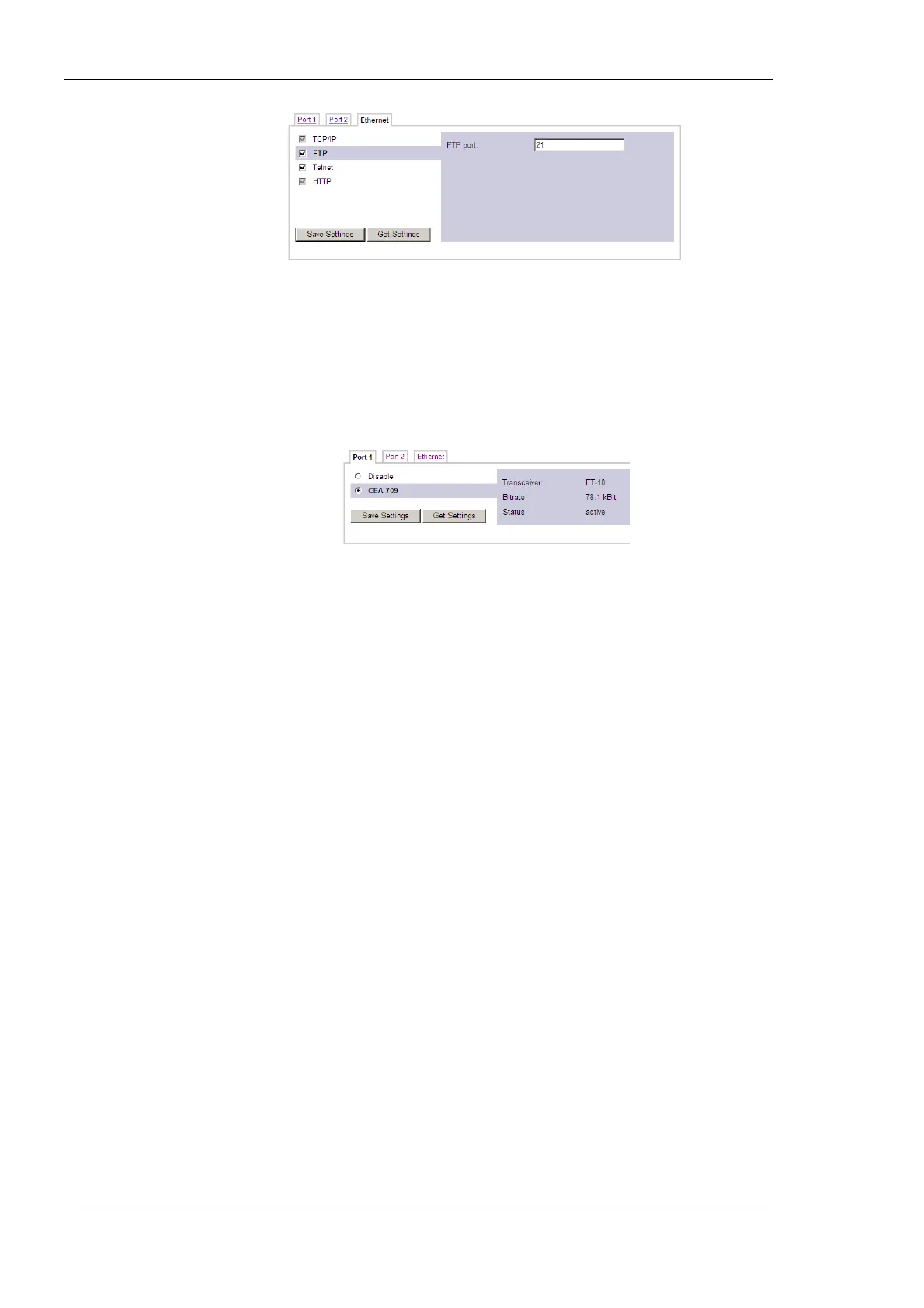
Figure 17: FTP server configuration on the Ethernet port.
4.2.5 CEA-709 Configuration
The CEA-709 protocol can be enabled on the device’s ports Port1, Port2, etc. if available.
To enable it, click the CEA-709 radio button as shown in Figure 18. Note, that depending
on the device model, other protocols on the same port will be disabled in this case. The
protocol settings box on the right-hand side displays the current transceiver settings.
Figure 18: CEA-709 Configuration Page.
4.2.6 CEA-852 Device Configuration
The CEA-852 protocol is only available on the Ethernet port. To enable CEA-852 on the
device, select the CEA-852 (CEA-709 over IP) checkbox on the Ethernet tab of the port
configuration page. Please note that on device models without a router or a proxy, the
CEA-709 protocol on other ports will be disabled (e.g., LINX-100, L-Gate).
The CEA-852 protocol settings are displayed in the settings box on the right-hand side as
shown in Figure 19. Typically, the device is added to an IP channel by entering the relevant
information on a configuration server. The configuration server then contacts the CEA-852
device of the L-Gate and sends its configuration.



 To Next Page