L-Gate User Manual 26 LOYTEC
Version 3.2 LOYTEC electronics GmbH
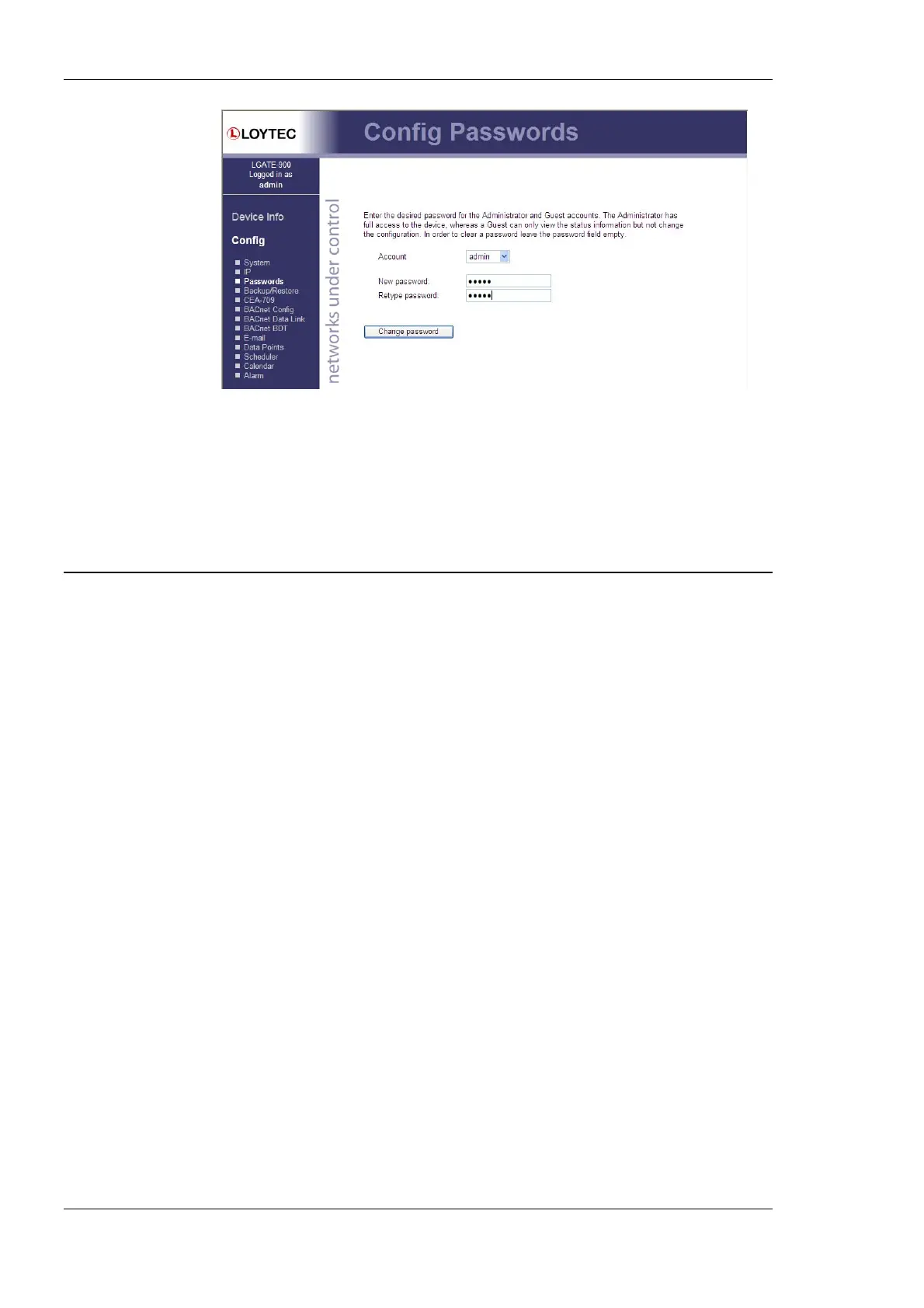
Figure 12: Password Configuration Screen
Please change the administrator password in order to protect yourself from unwanted
configuration changes by anyone else. To do so, select the admin account in the drop-
down box and enter the new password. If the administrator password is left empty,
password protection is turned off and everyone can access the L-Gate without entering a
password. Click on Change password to activate the change.
4.2 Device Configuration
The device configuration pages allow viewing and changing the device settings of the
L-Gate. Here are some general rules for setting IP addresses, port numbers, and time
values:
• An empty IP address field disables the entry.
• An empty port number field sets the default port number.
• An empty time value field disables the time setting.
4.2.1 System Configuration
The system configuration page is shown in Figure 13. This page allows configuring the
device’s system time and other system settings. The TCP/IP Configuration link is a
shortcut to the Ethernet port configuration. Follow that link to change the IP settings of the
device
The time sync source can be set to auto, manual, NTP, BACnet, or LonMark. In the
auto mode, the device switches to the first external time source that is discovered. Possible
external time sources are NTP, BACnet. The option manual allows setting the time
manually in the fields Local Time and Local Date. In manual mode, the device does not
switch to an external time source. Note, that if NTP is selected, the NTP servers have to be
configured on the IP Configuration page (see Section 4.2.4).
The time zone offset must be defined independently of the time source. It is specified as the
offset to GMT in hours and minutes (e.g., Vienna/Austria is +01:00, New York/U.S.A. is
-06:00). For setting the daylight saving time (DST) pre-defined choices are offered for
Europe and U.S.A./Canada. DST can be switched off completely by choosing none or set
manually for other regions. In that case, start and end date of DST must be entered in the
fields below.



 To Next Page