L-Gate User Manual 130 LOYTEC
Version 3.2 LOYTEC electronics GmbH
To Configure Trigger Data Points for Trending
1. Select the trend object in the Trend sub-folder.
2. Right-click and select Configure Trend from the context menu.
3. Change to the Triggers tab.
Note: Of course, you can also change directly to the Triggers tab when creating a trend object.
4. Click the Add… button. A data point selection dialog opens.
5. Select one or more data points and click OK.
6. The triggers appear now in the Trend Triggers list.
7. In the Manage Trigger Conditions you can refine the trigger condition depending on
the trigger data point class.
When done with the data point setup, click Save Changes to leave the dialog
6.14.4 Download Trend Data in CSV Format
Trend logs can be downloaded from the device via FTP in CSV format (see Section 7.1.2).
The CSV contents are generated on-the-fly from the internal binary storage when accessing
the file. Each trend log point has one CSV file. The files are located in
/data/trend/TrendLogName_UID.csv
Where TrendLogName is the data point name of the trend (Trend Name). The UID is the
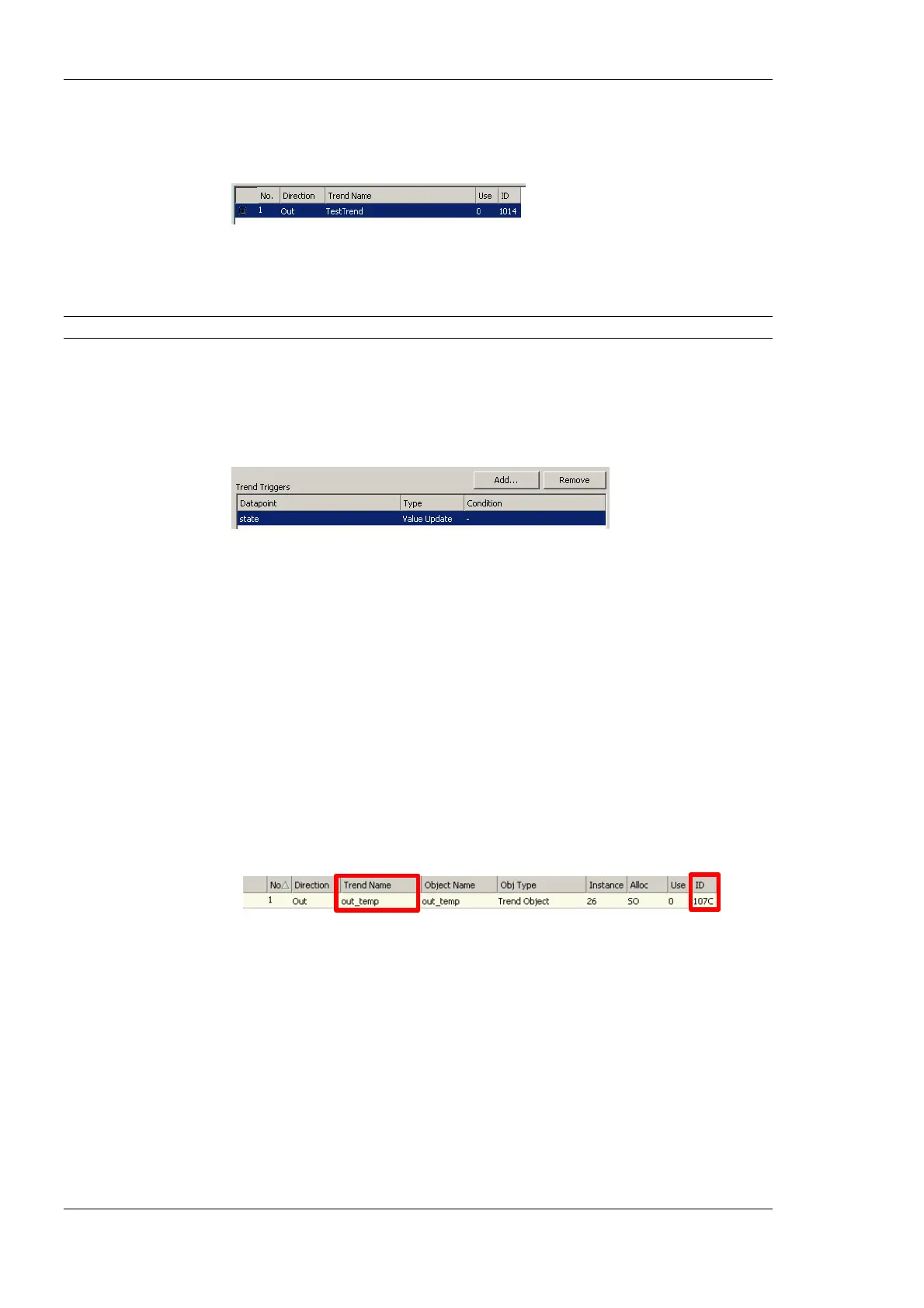
unique ID of the trend log object. The UID can be obtained from the ID column in the data
point list of trend log data points as shown in Figure 109. This would result in the trend
CSV file ‘/data/trend/out_temp_107C.csv’.
Figure 109: UID of data points.
Because the contents are generated on-the-fly, the file size in the FTP client will appear as
0 Bytes. The decimal point and CSV column separator can be configured over in the
system configuration of the Web UI (see Section 4.2.1) of the L-Gate. Note, that for a
comma “,” as the separator, the decimal point is a point. This is useful for English/U.S.
applications. For countries that use the comma as the decimal point, select the semicolon as
the CSV separator.
6.14.5 Deliver Trend Data via E-Mail
Trend logs can be downloaded from the device via FTP. This requires an active action by
the user. Alternatively, trend data can be sent as an e-mail attachment. For doing that, an
e-mail template has to be setup for the trend log to be transmitted. The fill-level condition



 To Next Page